Turn your Demio recordings into content
Upload your Demio recording and repurpose it into blog posts, video clips, social posts, audiograms, and more. Everything you need from one recording, in minutes.

How to export your Demio recording
- 1
Sign in to your Demio account at my.demio.com.
- 2
Go to Past Events and click on the webinar you want to repurpose.
- 3
Click the Download Recording button to export the video file to your computer.
Once you have the file, upload it to RepurposeYourContent to start generating content.
3 steps. 72 hours.
A month of content.
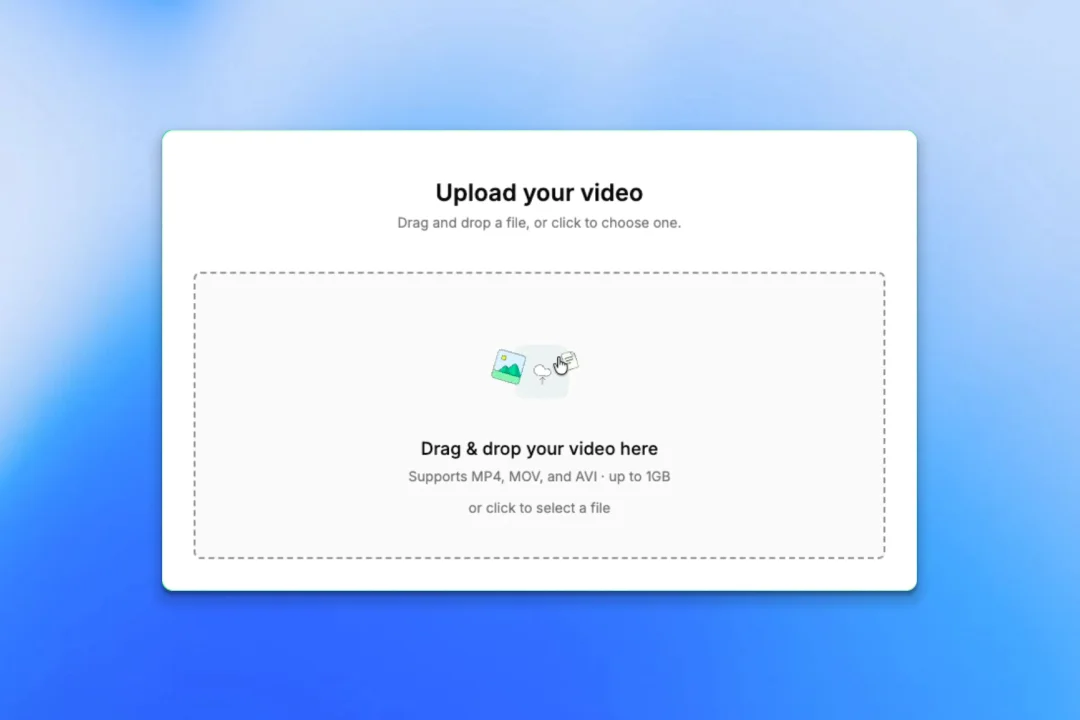
Upload your recording
- Any platform: Zoom, YouTube, Vimeo, or a file
- No editing or prep required
- About 5 minutes of your time
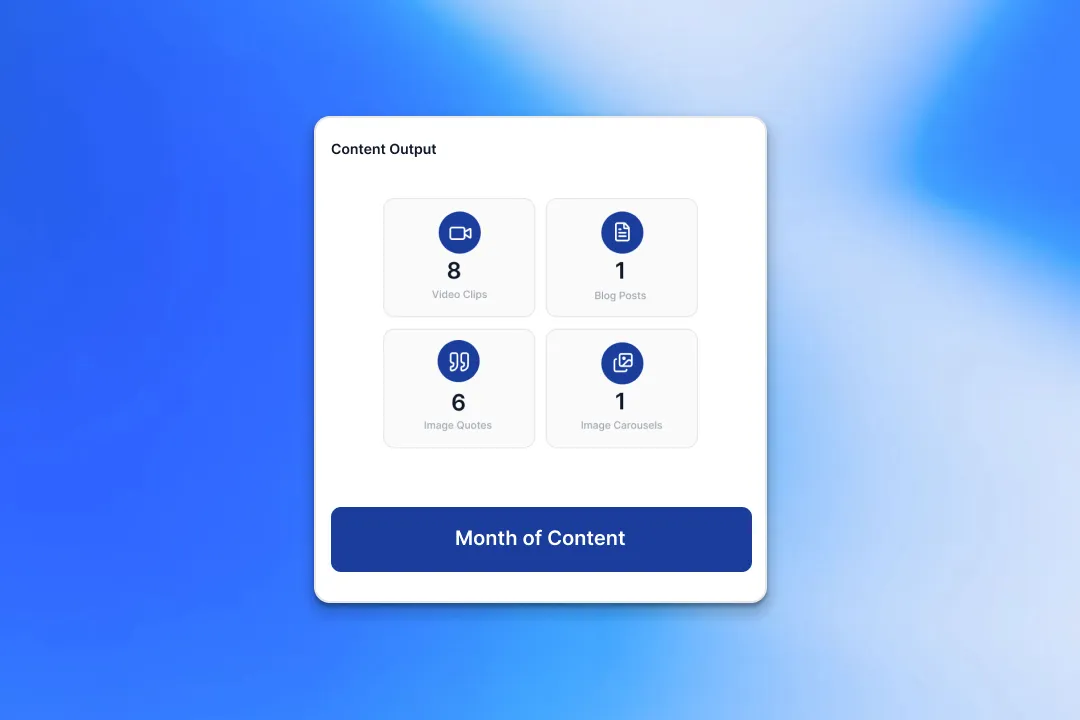
We create your content
- A month of ready-to-post content from every recording
- On-brand voice, colours, and style
- Delivered within 72 hours
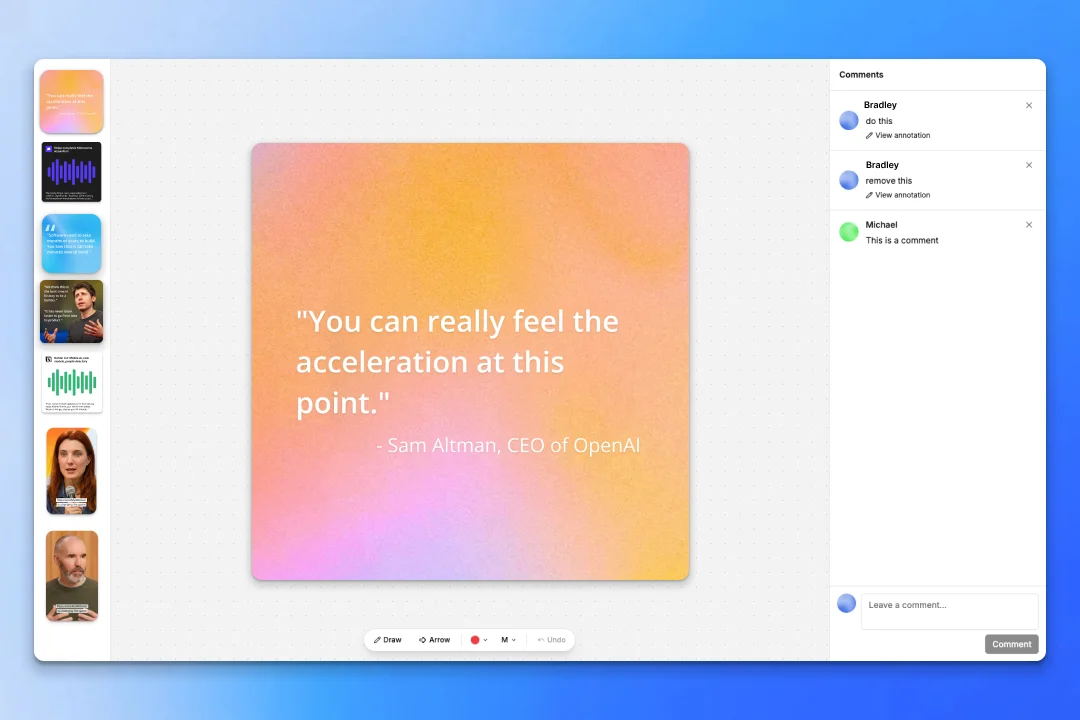
Review and approve
- Revision rounds on every delivery
- One-click approve
- Download from the dashboard
Two guarantees behind it:
- A month of content delivered to you within 72 hours.
- A revision round on every delivery until it's ready to post.
8 Ways to Repurpose Your Demio Recordings
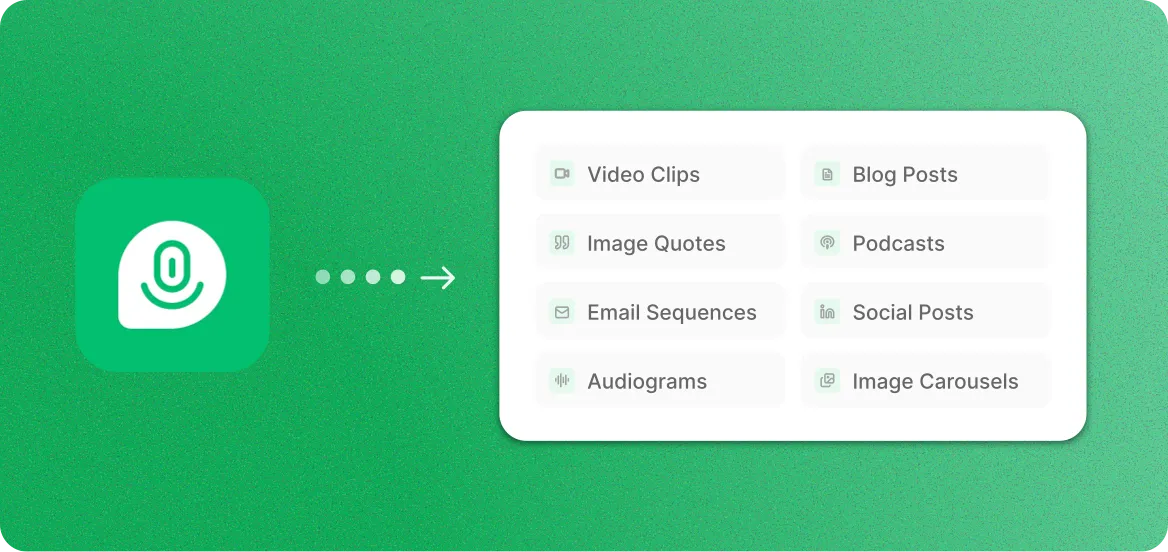
One upload, eight content formats. Pick the ones your team needs, or generate them all at once.
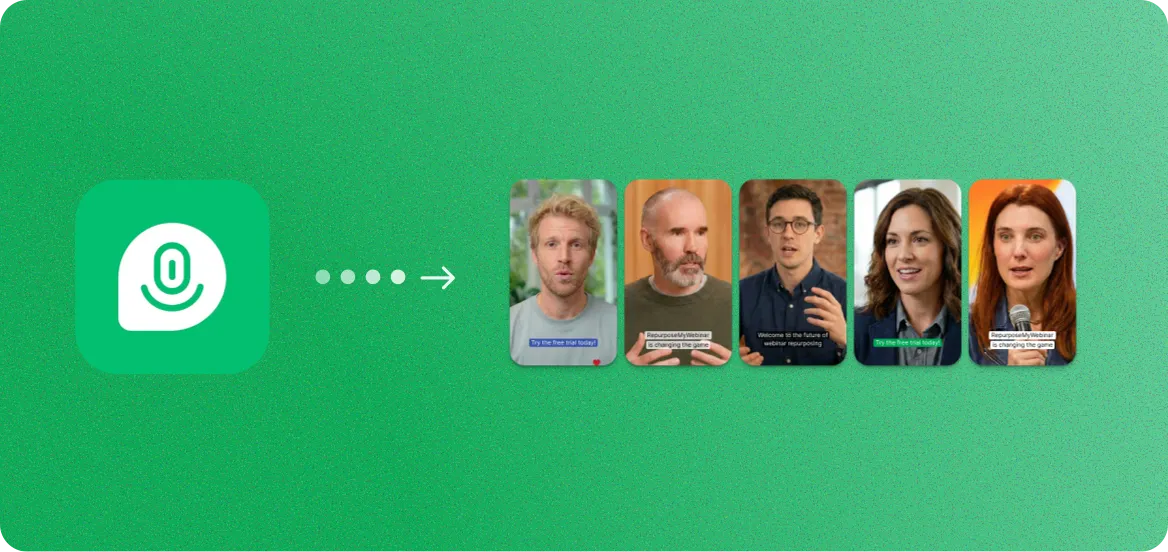
Demio Recordings to Video Clips
Short-form clips for LinkedIn, YouTube Shorts, and social ads
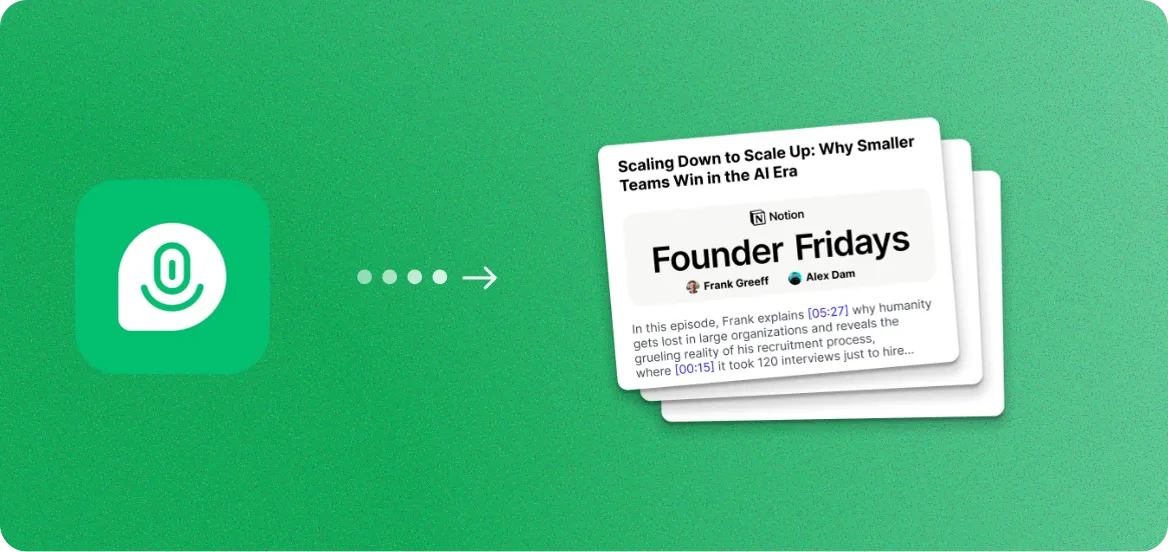
Demio Recordings to Blog Posts
SEO-optimized articles from spoken expertise
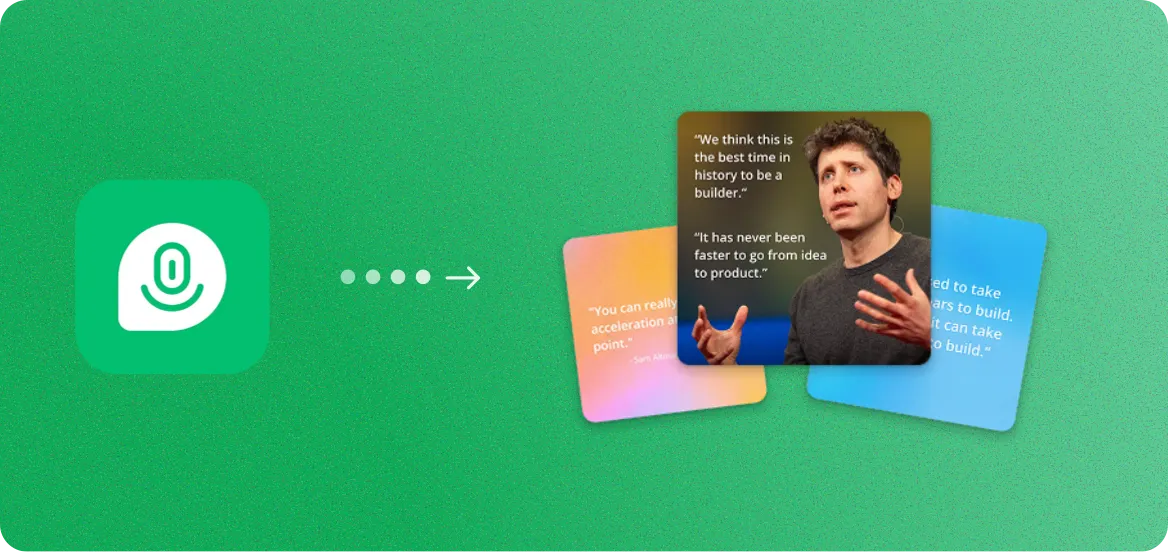
Demio Recordings to Image Quotes
Branded speaker quote cards for social media
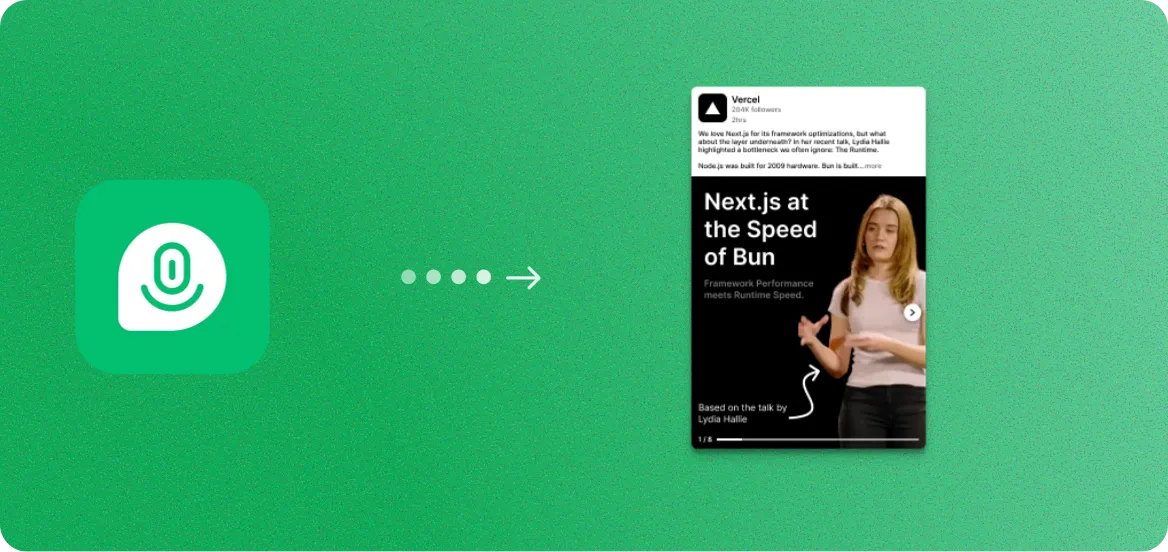
Demio Recordings to Image Carousels
Branded slide decks for LinkedIn and Instagram
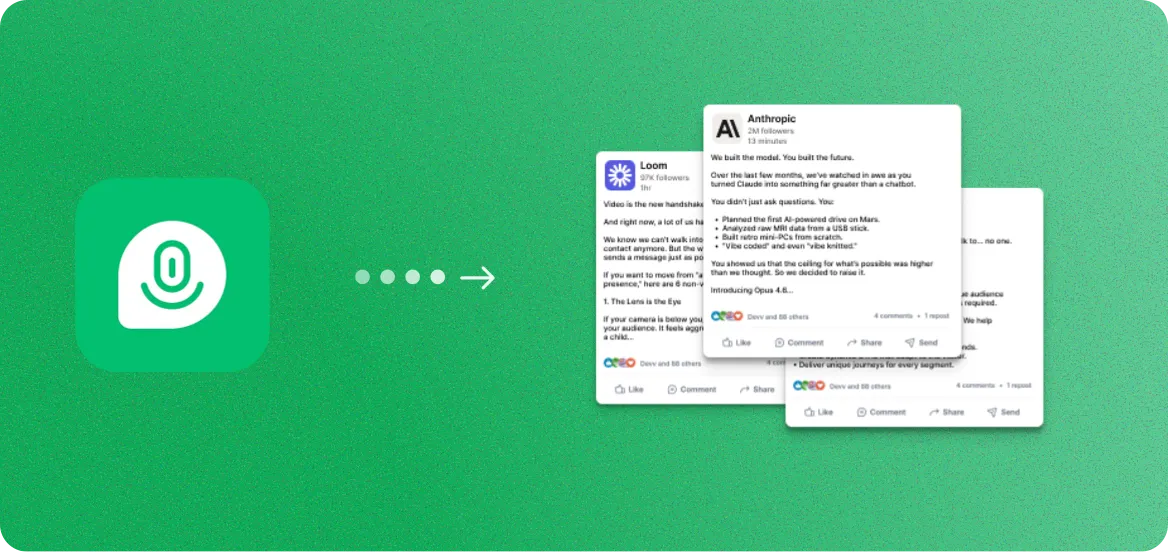
Demio Recordings to Social Posts
Ready-to-publish captions and threads
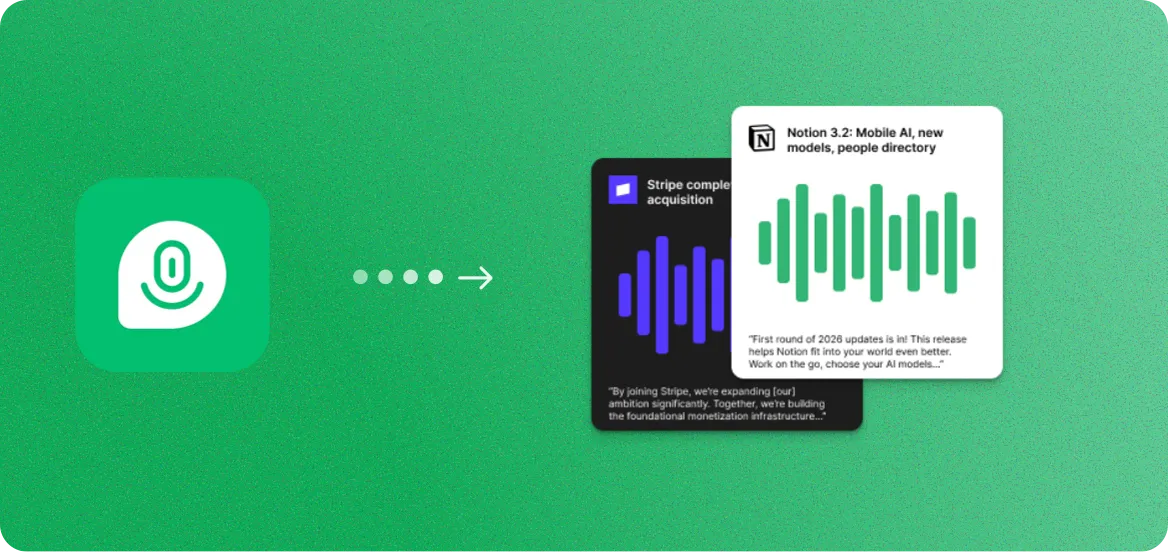
Demio Recordings to Audiograms
Audio snippets with animated waveforms and captions
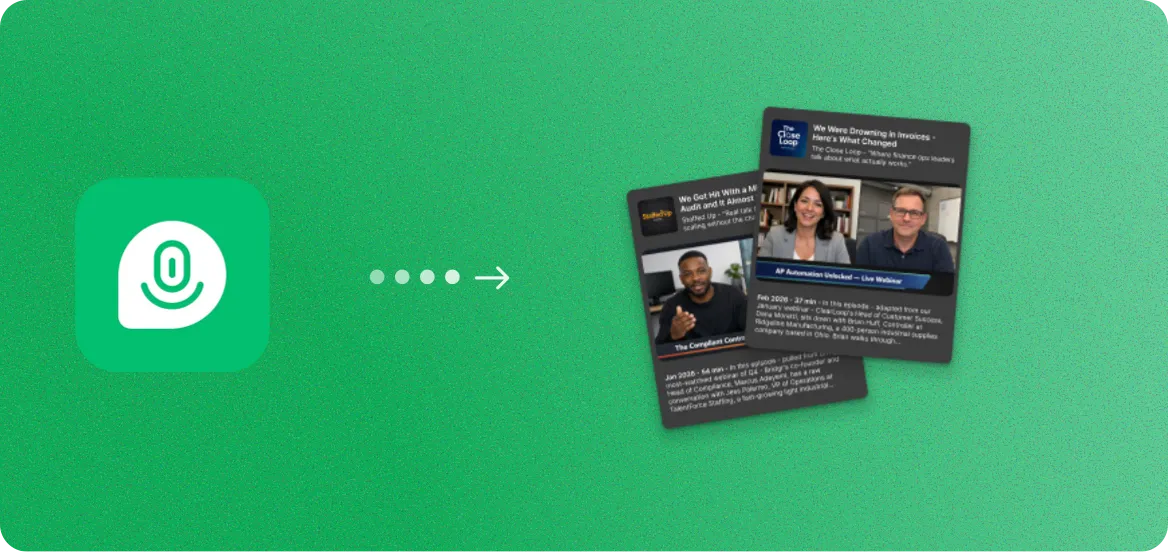
Demio Recordings to Podcasts
Clean audio episodes with show notes
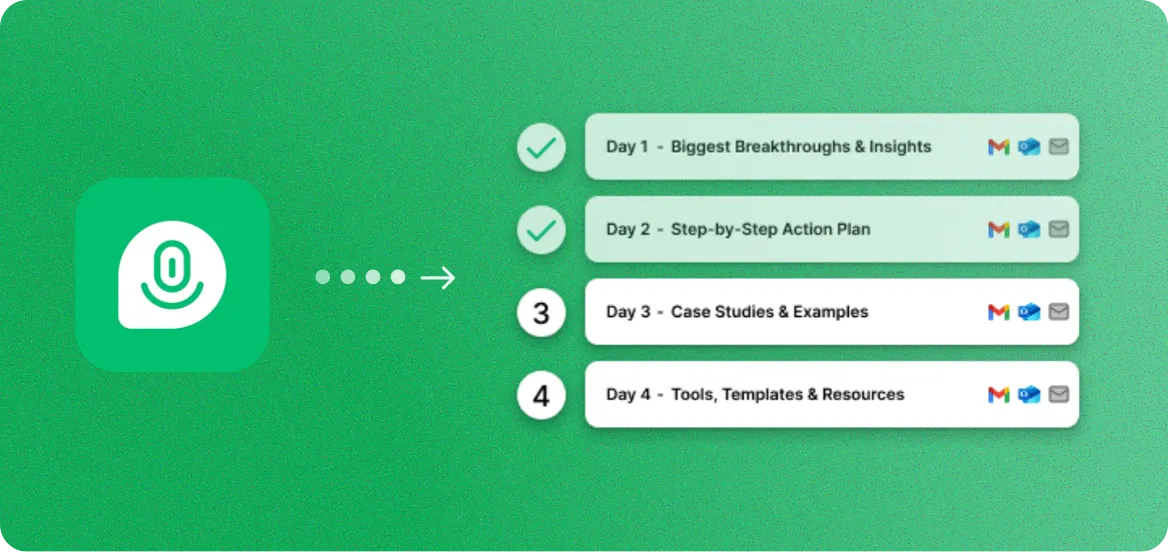
Demio Recordings to Email Sequences
Nurture campaigns from key webinar insights
Demio + RepurposeYourContent FAQ
Common questions about turning Demio recordings into content.
Yes. Upload your Demio recording file (MP4, MOV, or WebM) directly, or paste a recording link. RepurposeYourContent supports all standard video formats that Demio exports.
You can create 8+ content formats: video clips, blog posts, image quotes, image carousels, social posts, audiograms, podcast episodes, and email sequences. All from a single Demio recording.
We deliver your full content set within 72 hours. A 60-minute Demio recording is typically turned around within 72 hours from upload to downloadable content.
No. You just need the recording file from your Demio session. As long as you can download or access the recording, you can upload it and generate content.
Yes. Our AI detects individual speakers and can create content featuring specific speakers or moments. Panel discussions, interviews, and multi-presenter webinars all work perfectly.

Get more value from every recording
You already spent the money. You already did the work.
Now get a
month of ready-to-post content from it.