Turn your Crowdcast recordings into Audiograms
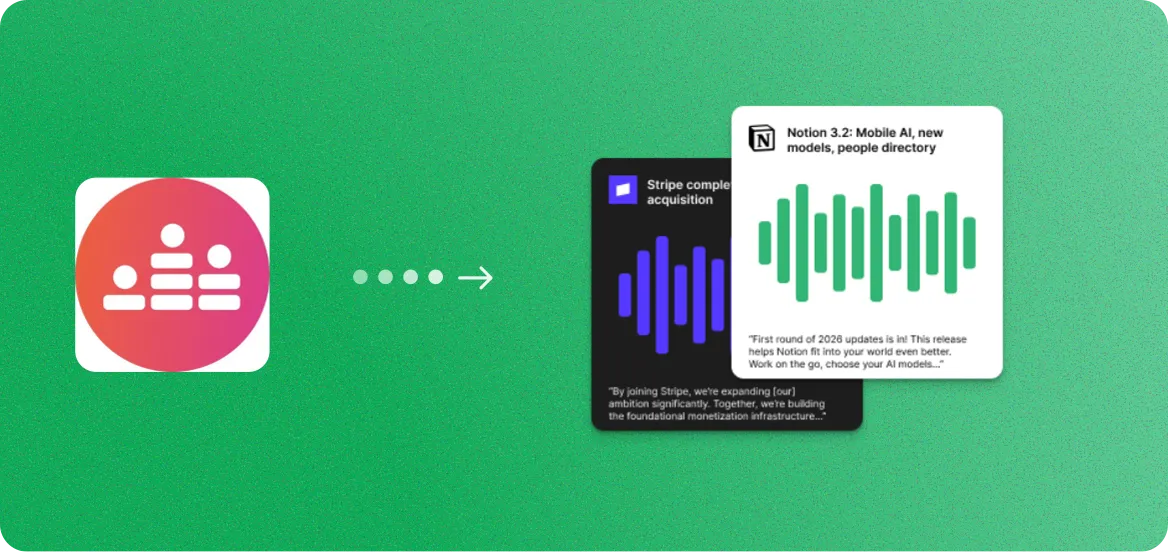
Upload your Crowdcast recording and get eye-catching audiograms with animated waveforms and synced captions. Each audiogram turns a key moment into a visual audio snippet perfect for social media.

How to export your Crowdcast recording
- 1
Log in to Crowdcast at crowdcast.io and go to your past events.
- 2
Find the event you want to repurpose and click into the event page.
- 3
Click the Download button under the recording to save the video file.
Once you have the file, upload it to RepurposeYourContent to start generating content.
3 steps. 72 hours.
A month of content.
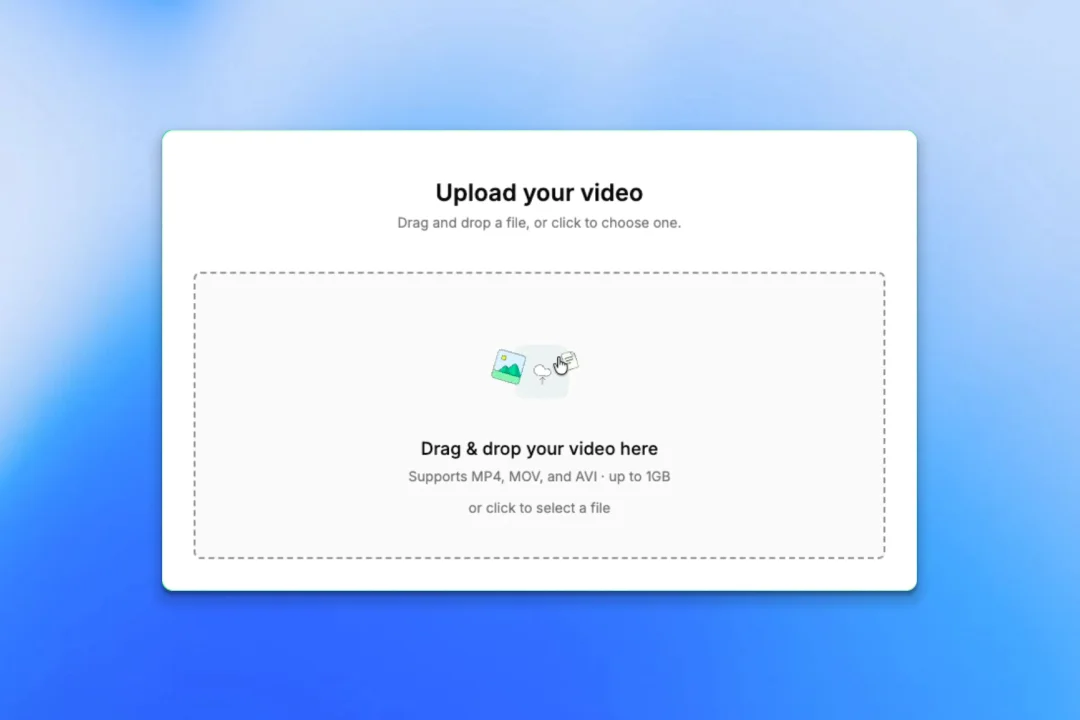
Upload your recording
- Any platform: Zoom, YouTube, Vimeo, or a file
- No editing or prep required
- About 5 minutes of your time
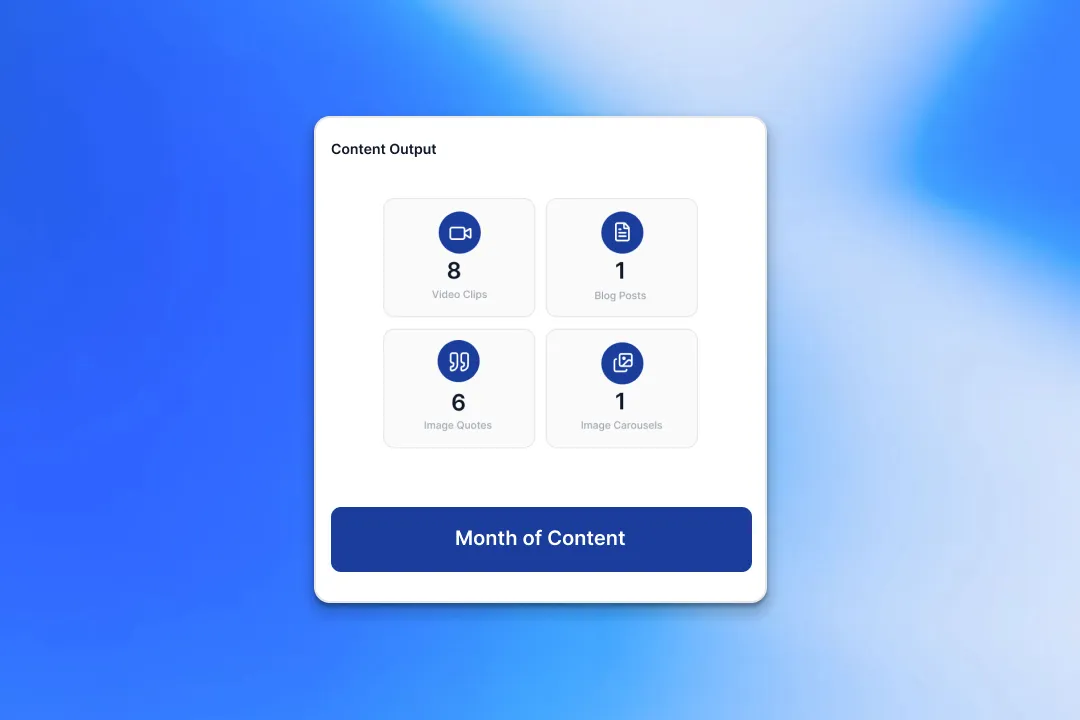
We create your content
- A month of ready-to-post content from every recording
- On-brand voice, colours, and style
- Delivered within 72 hours
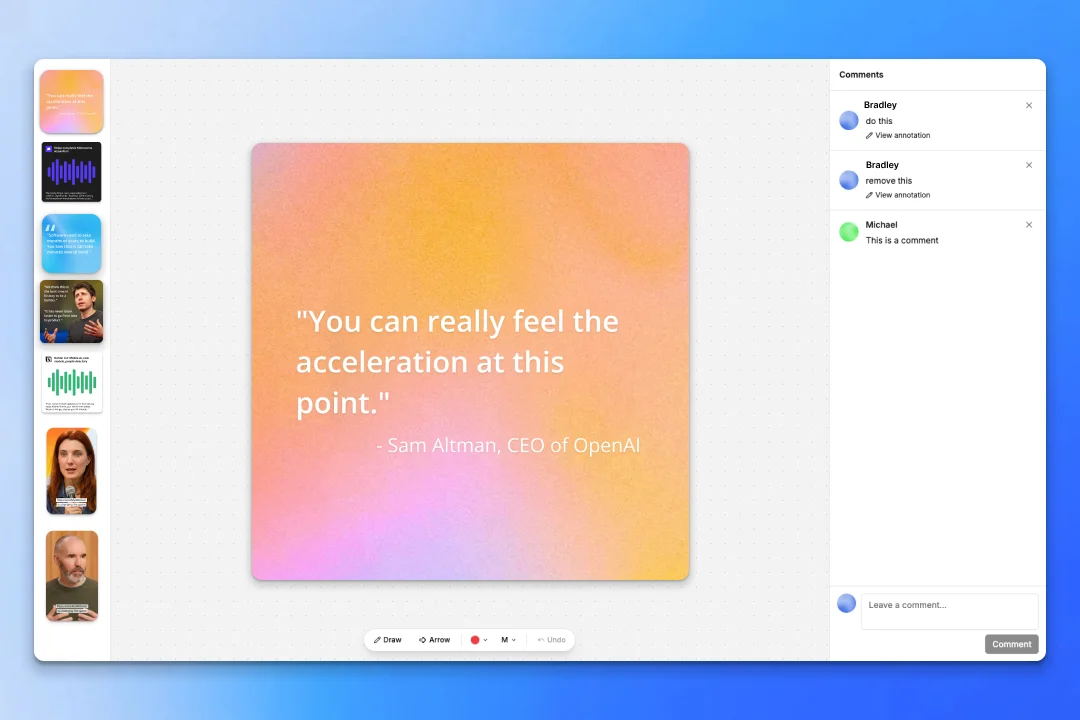
Review and approve
- Revision rounds on every delivery
- One-click approve
- Download from the dashboard
Two guarantees behind it:
- A month of content delivered to you within 72 hours.
- A revision round on every delivery until it's ready to post.
Why turn Crowdcast recordings into audiograms
Your Crowdcast recordings sound great. We turn the best audio moments into visual content that performs on social media.
Visual Audio for Social Feeds
Audiograms combine audio clips with animated waveforms and captions, creating a visual format that catches attention in crowded social feeds where most content is silent.
Animated Captions Synced to Audio
Every audiogram features word-by-word animated captions that follow the speaker. This makes content accessible and engaging even when played without sound.
Square, Vertical, and Landscape Formats
Export audiograms in 1:1 (feeds), 9:16 (Stories, Reels), or 16:9 (YouTube, LinkedIn). Each format is optimized for its target platform.
Not Just Audiograms - 8+ Content Types
While creating audiograms, also generate video clips, blog posts, image quotes, carousels, social posts, email sequences, and podcasts from the same Crowdcast recording.
What your audiograms look like
Audio snippets with animated waveforms, synced captions, and your branding.
The Future of B2B Events
Why Content Repurposing Matters
Scaling Marketing with Less Budget
More ways to repurpose your Crowdcast recordings
Audiograms are just the start. Turn your Crowdcast recordings into 8 different content formats.
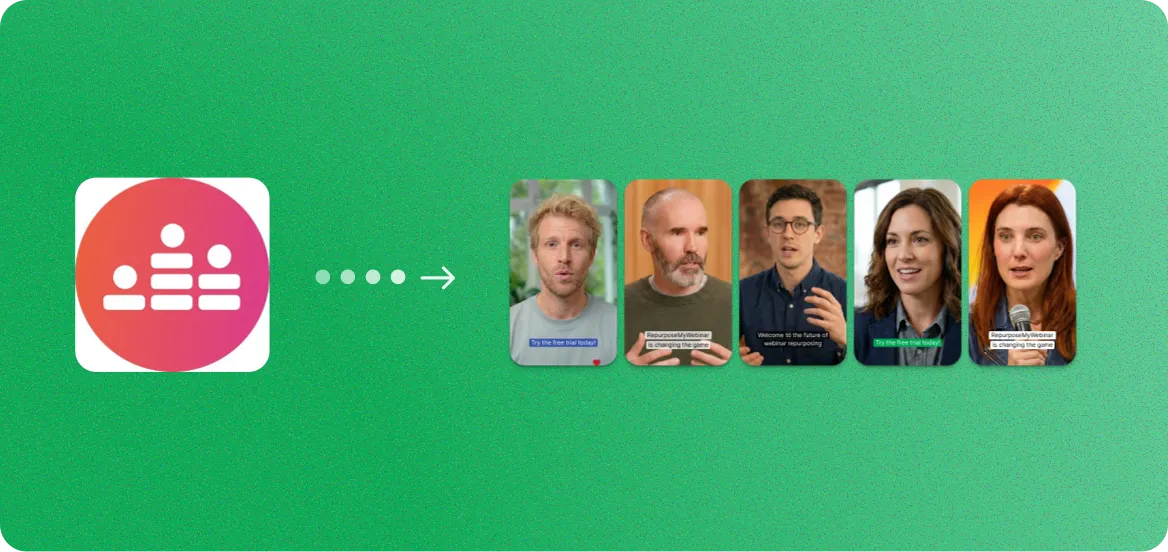
Crowdcast to Video Clips
Short-form clips for LinkedIn, YouTube, and social ads.
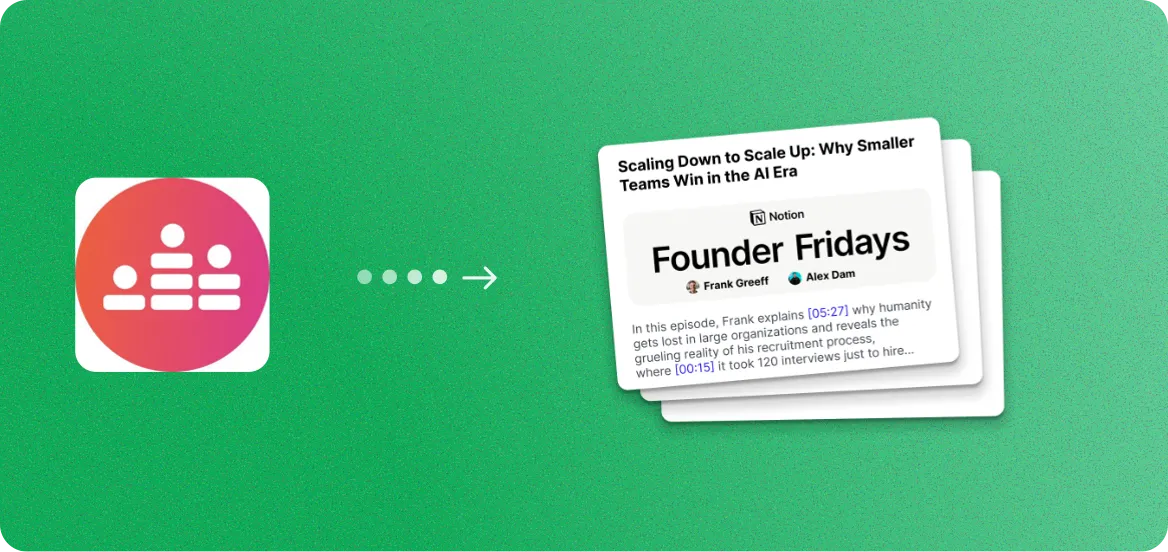
Crowdcast to Blog Posts
SEO-optimized articles from your spoken expertise.
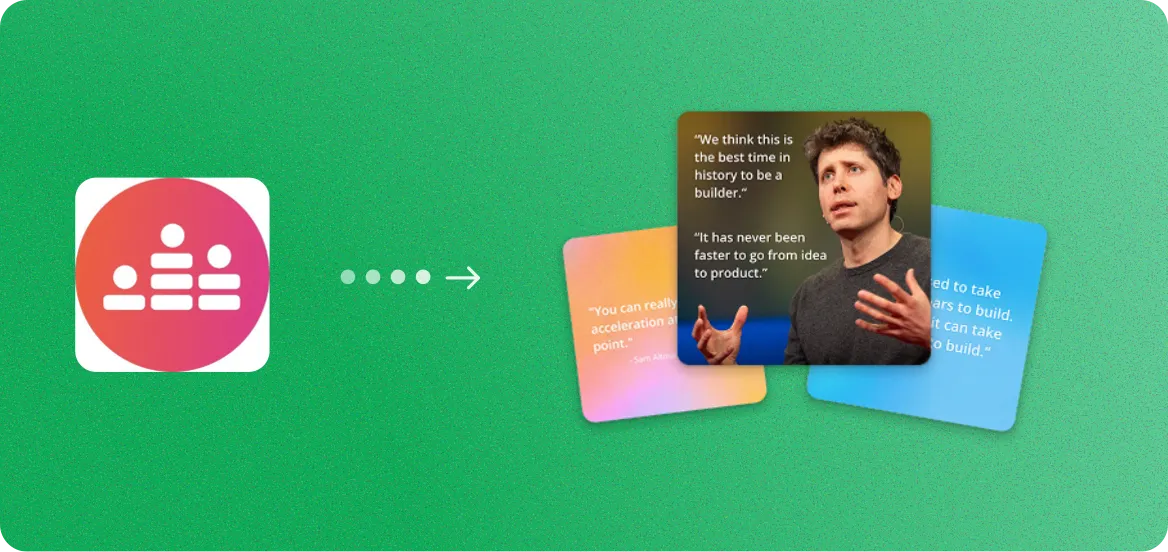
Crowdcast to Image Quotes
Branded quote cards from your speakers.
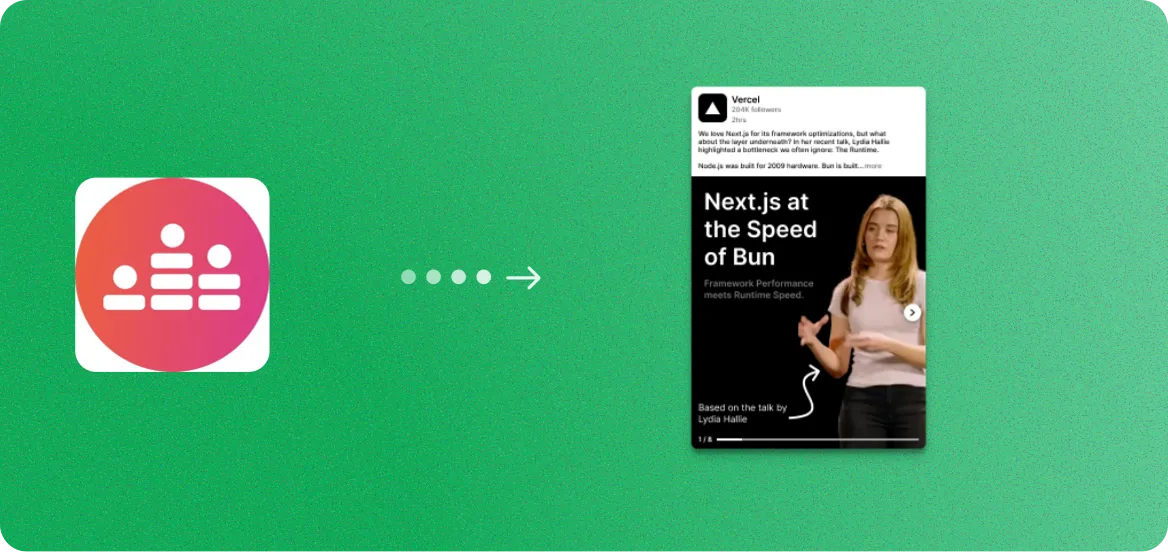
Crowdcast to Image Carousels
Branded slide decks for LinkedIn and Instagram.
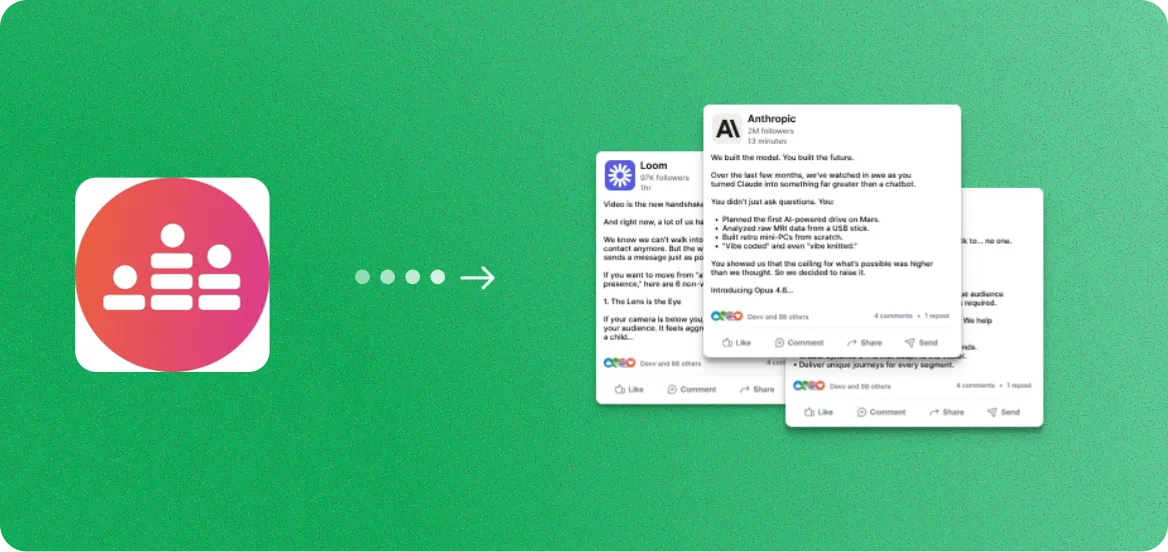
Crowdcast to Social Posts
Ready-to-publish captions and threads.
Crowdcast to Audiograms
Audio snippets with animated captions.
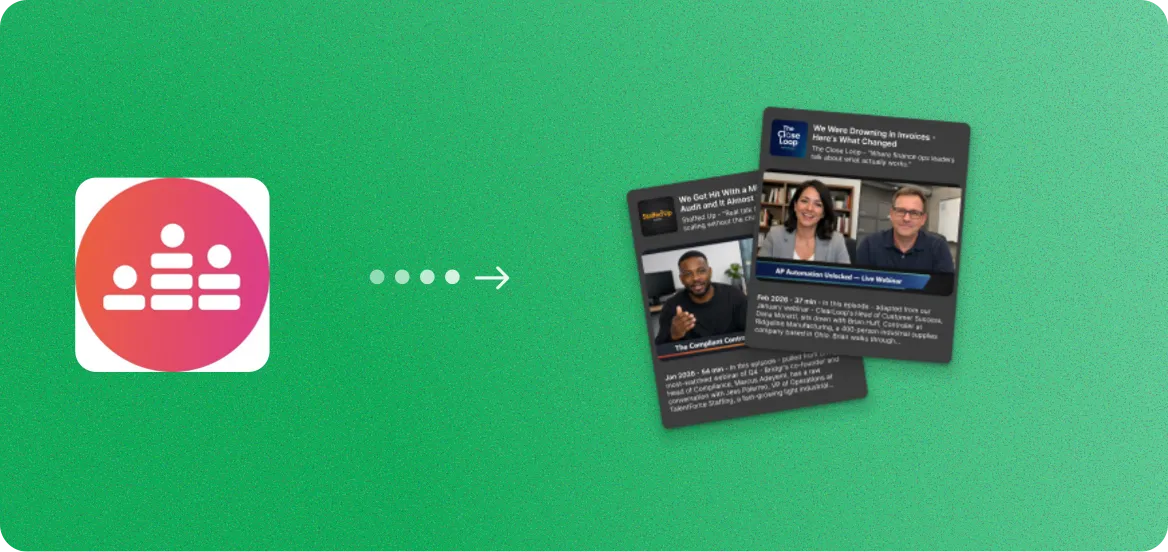
Crowdcast to Podcasts
Clean audio episodes with show notes.
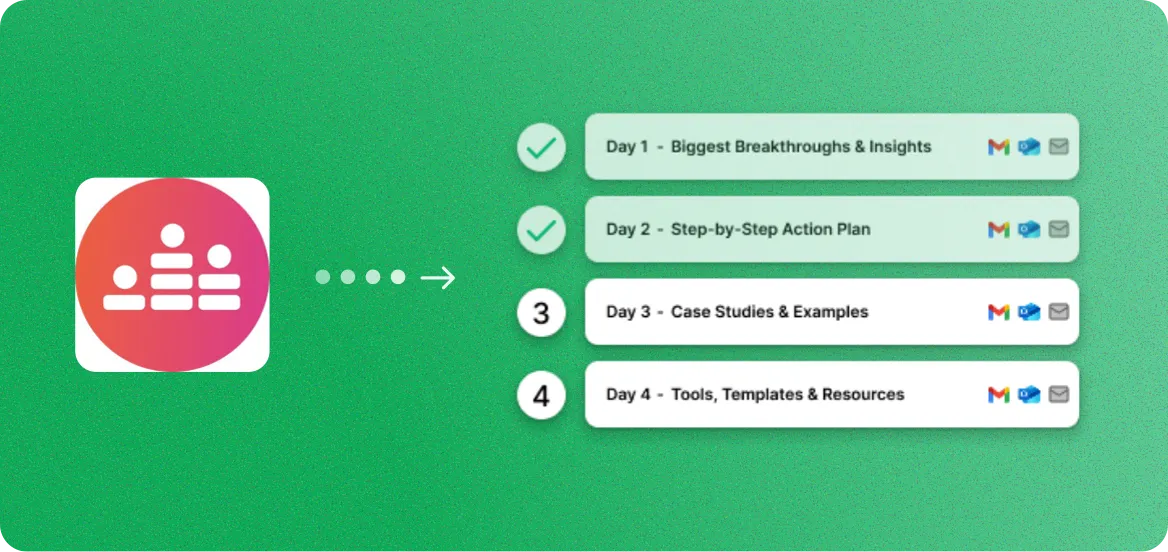
Crowdcast to Email Sequences
Nurture campaigns from key insights.
Crowdcast to Audiograms FAQ
Common questions about creating audiograms from Crowdcast recordings.
Yes. Upload your Crowdcast recording file (MP4 or audio) directly, or paste a recording link. RepurposeYourContent extracts the audio automatically from video files.
You can generate between 1 and 15 audiograms per recording. A typical 45-60 minute webinar yields 6-10 compelling audio moments perfect for audiograms.
Each audiogram is a short video file featuring an animated waveform, word-by-word synced captions, speaker info, and your brand colors and logo. They look like polished social media videos.
No. RepurposeYourContent creates 8+ content formats from a single recording, including video clips, blog posts, image quotes, carousels, social posts, podcast episodes, and email sequences.
Audiograms typically range from 15 seconds to 90 seconds. Most fall in the 30-60 second range, which is ideal for social media engagement.
Yes. You can adjust brand colors, waveform style, caption fonts, background images, and layout. You can also choose speaker attribution and logo placement.
Audiograms are exported as MP4 video files that play on all social platforms. They include the animated waveform and synced captions baked into the video.
Most recordings are processed in under five minutes. Our AI identifies the best audio moments, generates captions, and creates the animated waveform videos automatically.
No. You just need the recording file. As long as you can download the recording, you can upload it and generate audiograms.
Yes. Our AI transcription is highly accurate and captions are synced word-by-word to the audio. You can also edit captions before exporting to fix any errors.

Get more value from every recording
You already spent the money. You already did the work.
Now get a
month of ready-to-post content from it.