Turn your Zuddl recordings into Blog Posts
Upload your Zuddl recording and get polished, SEO-optimized blog posts ready to publish. Each article is structured with headers, keywords, and meta descriptions that rank.
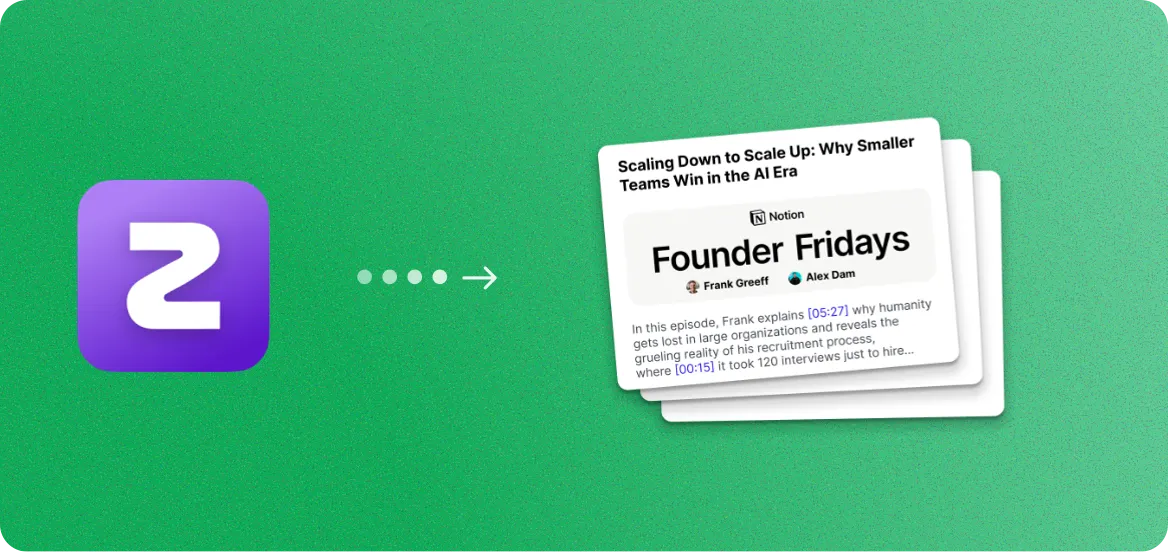
How to export your Zuddl recording
- 1
Sign in to your Zuddl dashboard at app.zuddl.com.
- 2
Navigate to Past Events and select the event you want to download.
- 3
Go to the Recordings section and click the Download button to export the video.
Once you have the file, upload it to RepurposeYourContent to start generating content.
3 steps. 72 hours.
A month of content.
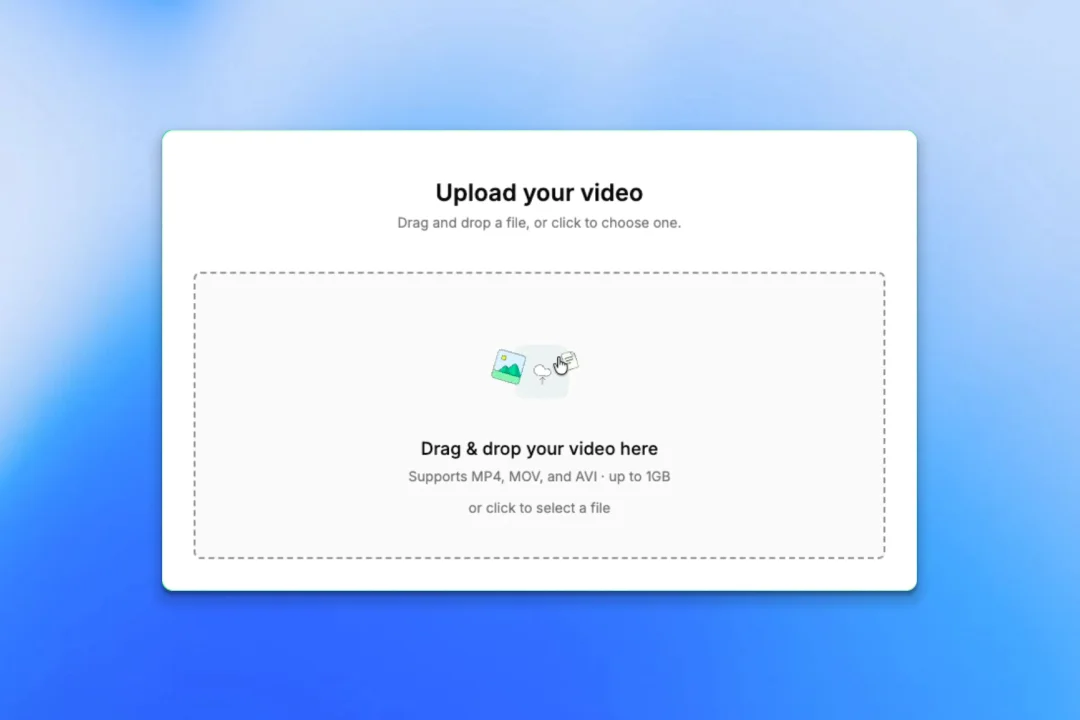
Upload your recording
- Any platform: Zoom, YouTube, Vimeo, or a file
- No editing or prep required
- About 5 minutes of your time
We create your content
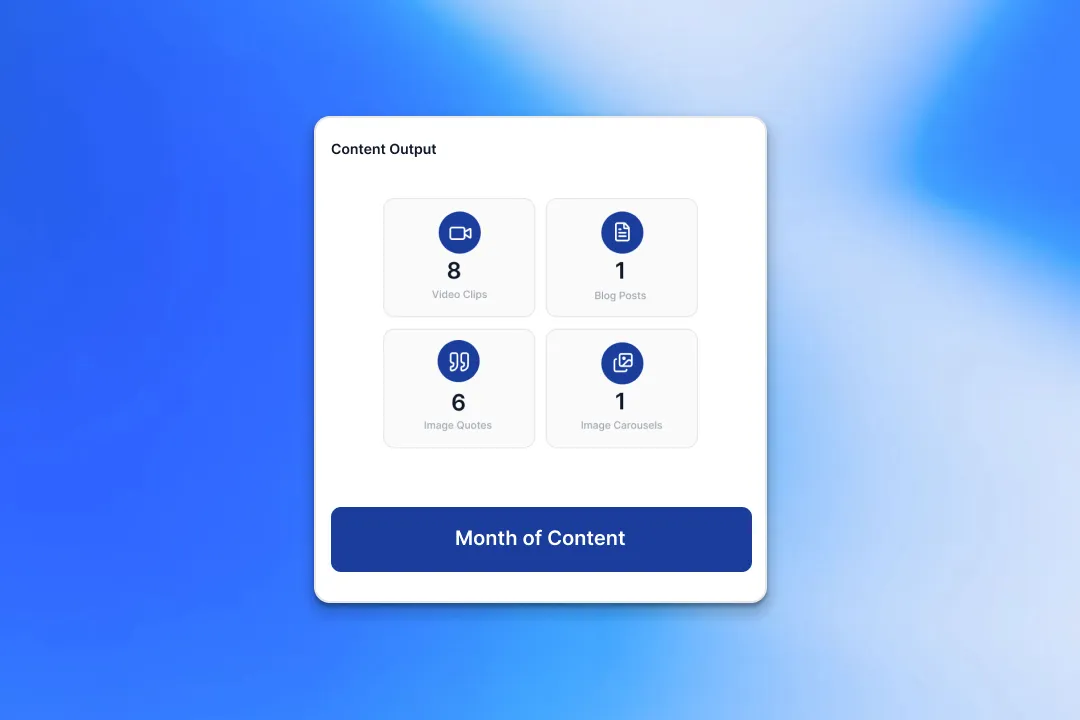
- A month of ready-to-post content from every recording
- On-brand voice, colours, and style
- Delivered within 72 hours
Review and approve
- Revision rounds on every delivery
- One-click approve
- Download from the dashboard
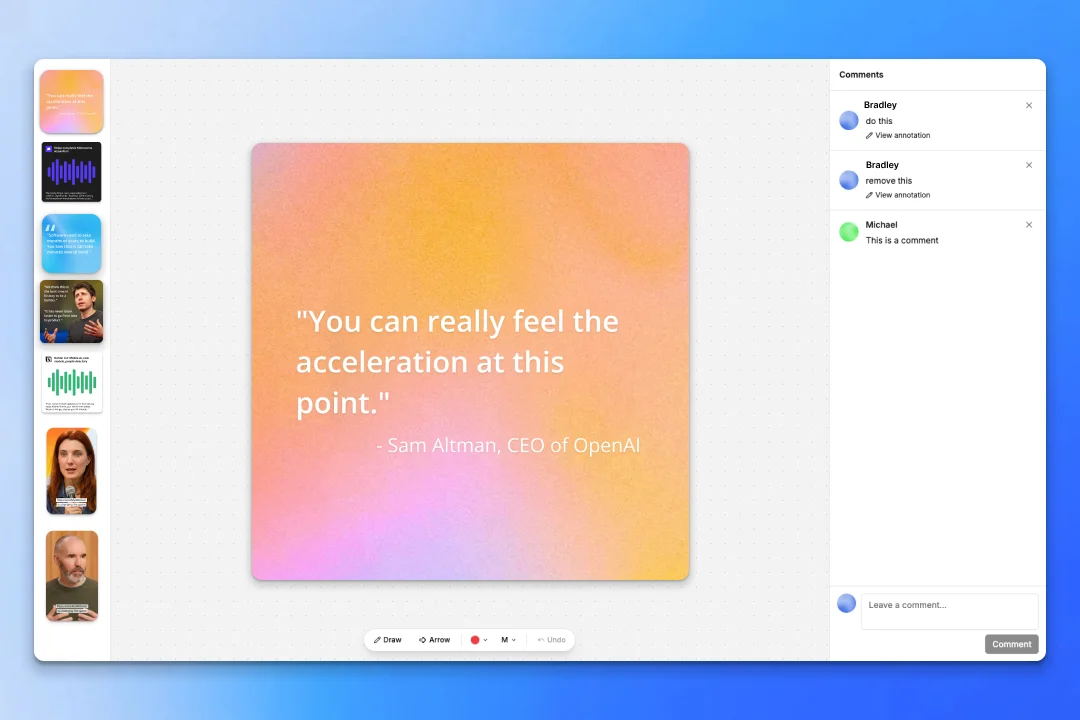
Two guarantees behind it:
- A month of content delivered to you within 72 hours.
- A revision round on every delivery until it's ready to post.
Why turn Zuddl recordings into blog posts
Your Zuddl recordings are packed with expertise. We turn spoken insights into written content that drives organic traffic.
SEO-Optimized from the Start
Every blog post includes target keywords, meta descriptions, header tags, and internal linking suggestions. Our AI structures content for both readers and search engines.
Multiple Articles per Recording
A single 60-minute Zuddl recording can produce 2-5 unique blog posts, each covering a different topic or angle discussed during the session.
Thought Leadership Ready
Articles maintain the speaker's voice and expertise while cleaning up filler words and conversational tangents. The result reads like it was written by a professional content strategist.
Not Just Blog Posts - 8+ Content Types
While you are generating articles, also create video clips, image quotes, social posts, carousels, audiograms, email sequences, and podcasts from the same Zuddl recording.
What your blog posts look like
Structured, keyword-rich articles ready to publish on your blog or CMS.
5 Strategies for Scaling B2B Webinar Programs
Why Webinar Content Is Your Best Lead Magnet
The Complete Guide to Repurposing Event Content
More ways to repurpose your Zuddl recordings
Blog Posts are just the start. Turn your Zuddl recordings into 8 different content formats.
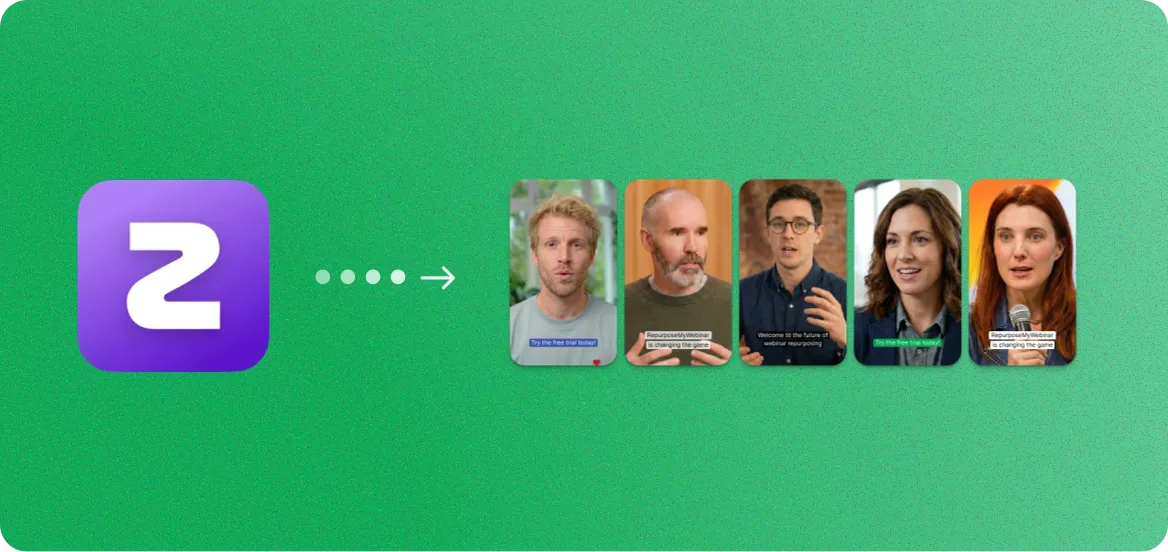
Zuddl to Video Clips
Short-form clips for LinkedIn, YouTube, and social ads.
Zuddl to Blog Posts
SEO-optimized articles from your spoken expertise.
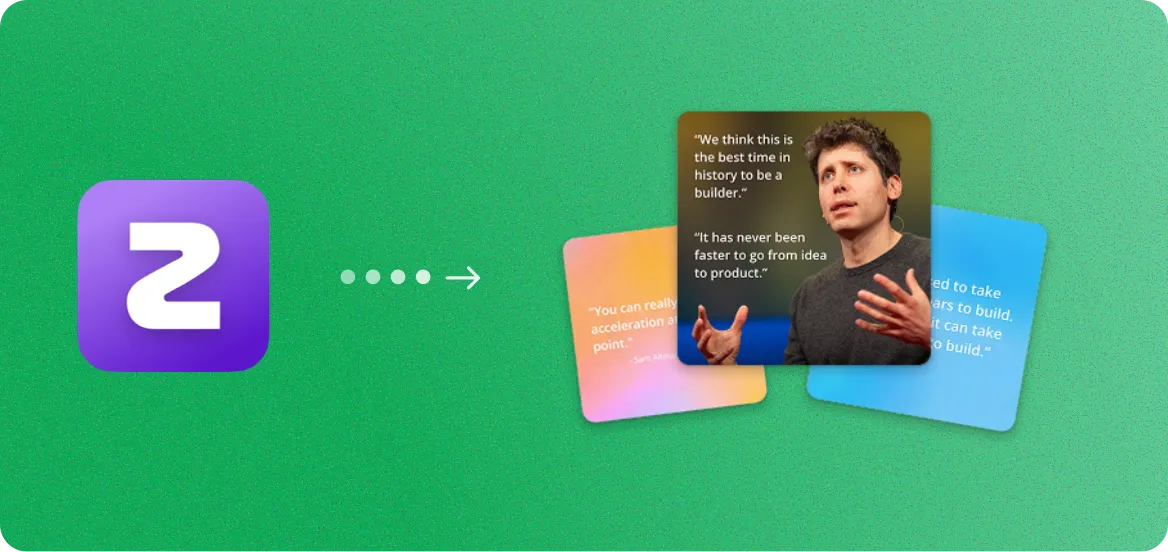
Zuddl to Image Quotes
Branded quote cards from your speakers.
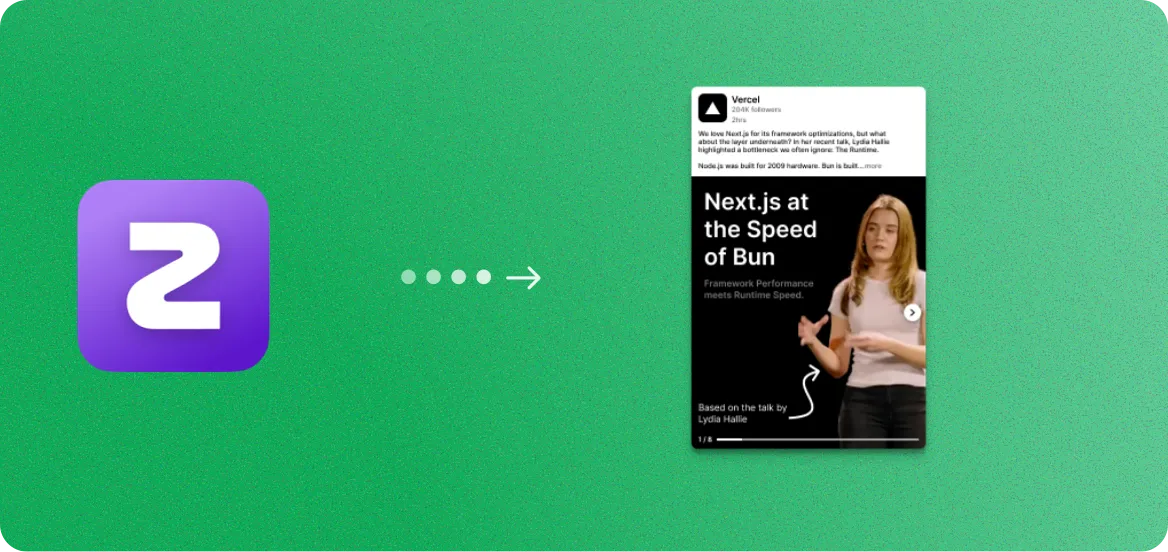
Zuddl to Image Carousels
Branded slide decks for LinkedIn and Instagram.
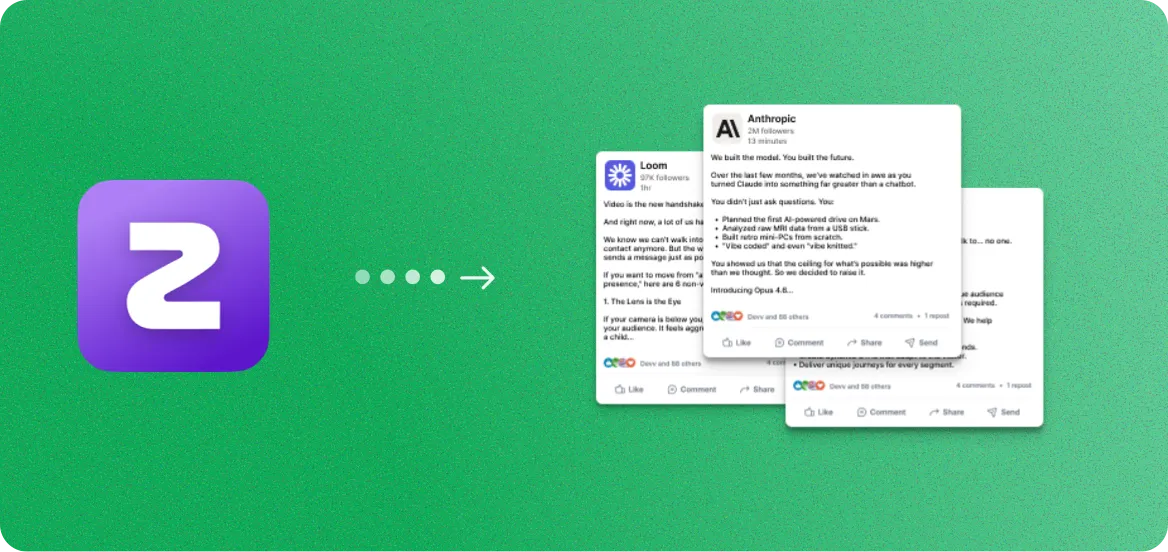
Zuddl to Social Posts
Ready-to-publish captions and threads.
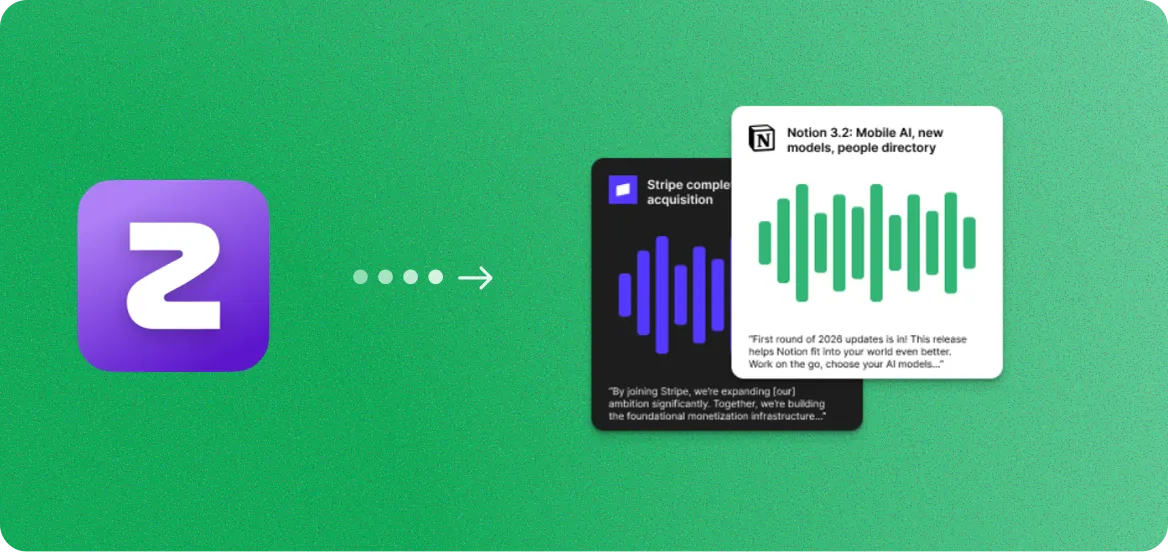
Zuddl to Audiograms
Audio snippets with animated captions.
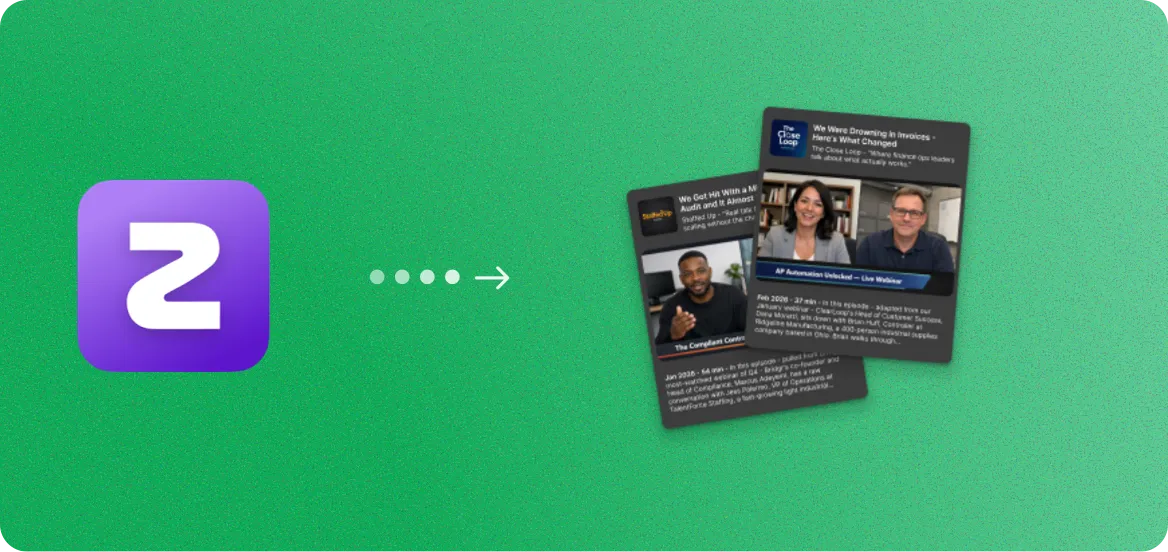
Zuddl to Podcasts
Clean audio episodes with show notes.
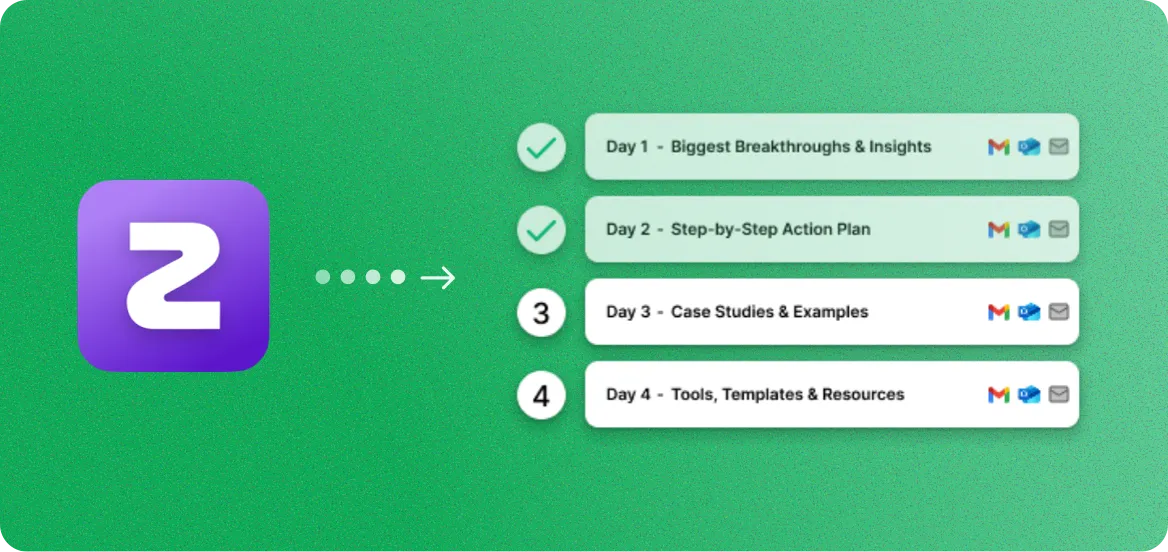
Zuddl to Email Sequences
Nurture campaigns from key insights.
Zuddl to Blog Posts FAQ
Common questions about creating blog posts from Zuddl recordings.
Yes. You can upload your Zuddl recording file (MP4) directly, or paste a recording link. RepurposeYourContent supports all standard video formats that Zuddl exports, making it easy to turn any recording into blog content.
You can generate between 1 and 5 blog posts per recording. A typical 45-60 minute Zuddl webinar covering multiple topics yields 2-4 distinct articles, each focusing on a different theme or takeaway.
Articles typically range from 1,200 to 2,500 words, depending on the depth of the topic. Each post is long enough to rank in search engines while remaining engaging and readable.
No. RepurposeYourContent creates 8+ content formats from a single Zuddl recording, including video clips, image quotes, image carousels, audiograms, social posts, podcast episodes, and email sequences.
Yes. Each blog post includes target keywords, a meta description, structured header tags (H2, H3), internal linking suggestions, and is formatted for featured snippets. Our AI researches relevant keywords based on your webinar topic.
Most recordings are processed in under five minutes. Our AI transcribes the audio, identifies key topics, and generates structured blog posts automatically. A 60-minute recording typically takes 3-4 minutes.
Yes. You can edit every aspect of the blog post including the title, headings, body text, meta description, and keywords. You can also adjust the tone and length before exporting.
Blog posts are exported as clean HTML, Markdown, or plain text. You can copy and paste directly into WordPress, HubSpot, Ghost, or any CMS. Formatting, headers, and links are preserved.
Yes. You can set a tone preference (professional, conversational, authoritative, friendly) and the AI adapts the writing style accordingly. It also maintains the original speaker's voice and expertise.
Absolutely. Multi-speaker recordings work well because they naturally cover more topics and perspectives. The AI can attribute insights to specific speakers and create articles that feature multiple viewpoints.

Get more value from every recording
You already spent the money. You already did the work.
Now get a
month of ready-to-post content from it.