Turn your Goldcast recordings into Podcasts
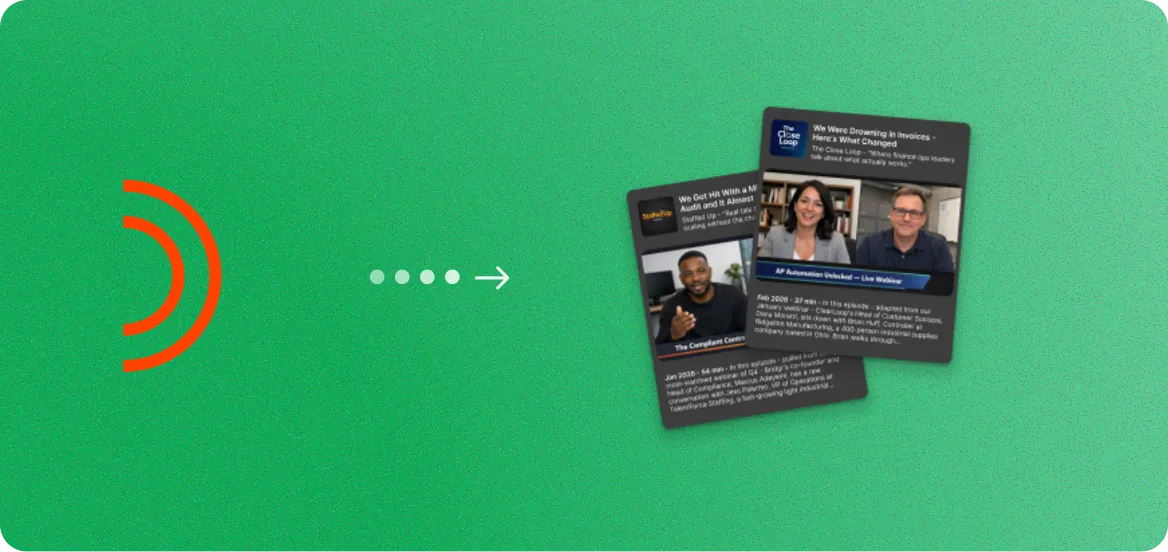
Upload your Goldcast recording and get clean, podcast-ready audio episodes with show notes, timestamps, and episode descriptions. Ready to publish to Spotify, Apple Podcasts, or your RSS feed.

How to export your Goldcast recording
- 1
Log in to your Goldcast dashboard at app.goldcast.io.
- 2
Navigate to Events, find your completed event, and click into the event details.
- 3
Go to the Recordings tab and click Download to save the video file.
Once you have the file, upload it to RepurposeYourContent to start generating content.
3 steps. 72 hours.
A month of content.
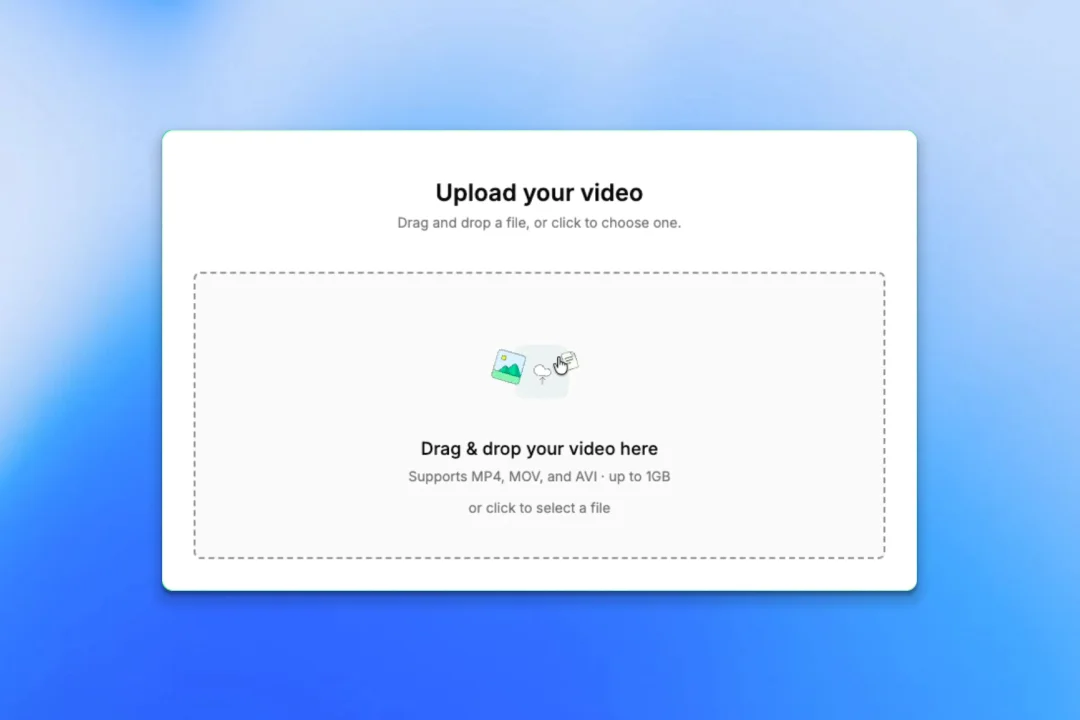
Upload your recording
- Any platform: Zoom, YouTube, Vimeo, or a file
- No editing or prep required
- About 5 minutes of your time
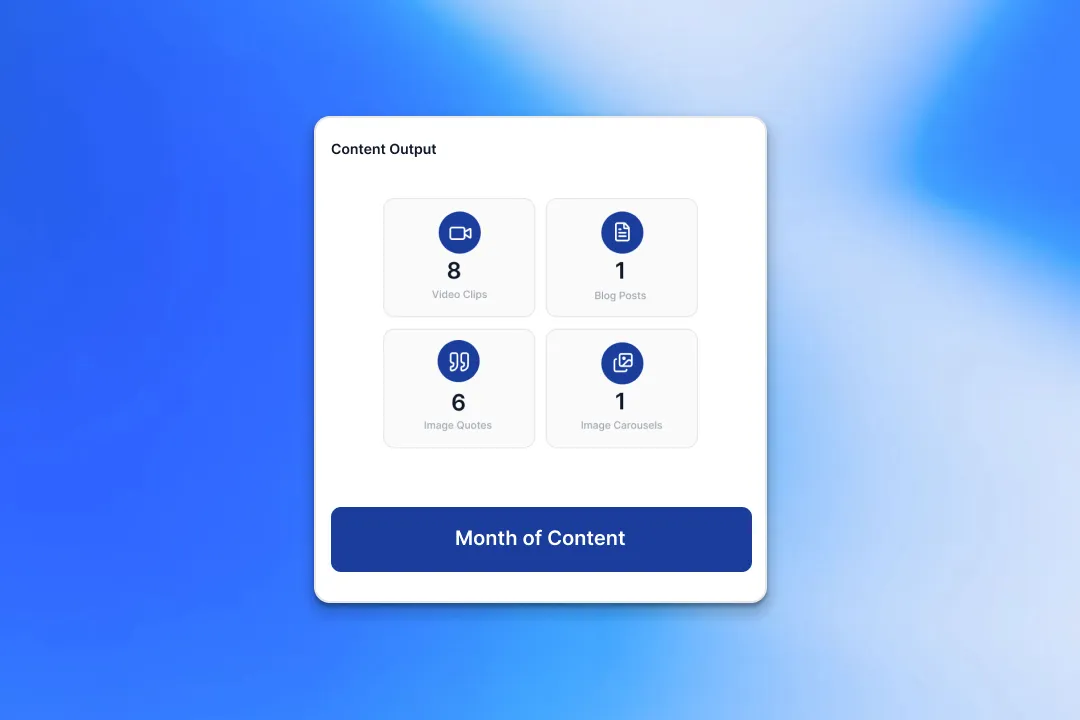
We create your content
- A month of ready-to-post content from every recording
- On-brand voice, colours, and style
- Delivered within 72 hours
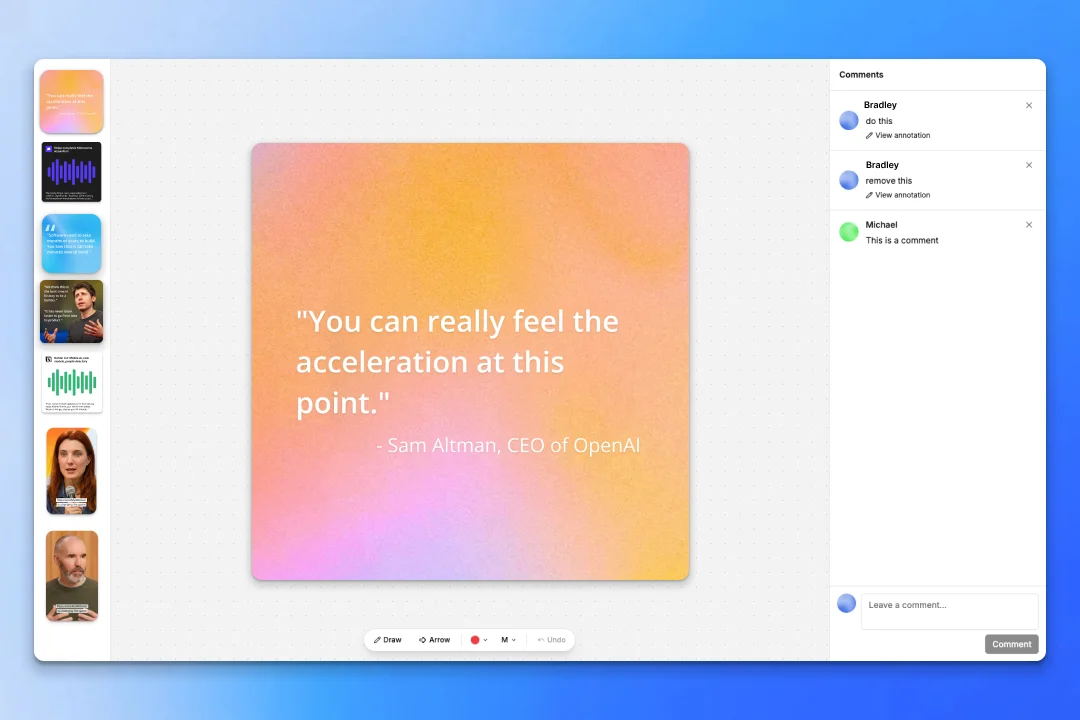
Review and approve
- Revision rounds on every delivery
- One-click approve
- Download from the dashboard
Two guarantees behind it:
- A month of content delivered to you within 72 hours.
- A revision round on every delivery until it's ready to post.
Why turn Goldcast recordings into podcasts
Your Goldcast recordings already sound like a podcast. We clean the audio, write the show notes, and format everything for distribution.
Clean Audio Extraction
Our AI removes background noise, normalizes volume levels, and extracts crisp audio from your Goldcast video recording. The result sounds professionally produced.
Auto-Generated Show Notes
Every episode comes with structured show notes including timestamps, key topics, speaker bios, and links. Perfect for your podcast hosting platform.
Multiple Episodes per Recording
A long Goldcast webinar can be split into multiple focused episodes. A 90-minute panel discussion might become 3 episodes of 25-30 minutes each.
Not Just Podcasts - 8+ Content Types
While creating podcast episodes, also generate video clips, blog posts, image quotes, carousels, social posts, audiograms, and email sequences from the same recording.
What your podcast episodes look like
Clean audio episodes with show notes, timestamps, and episode descriptions.
Ep. 14: Scaling B2B Events in 2025
Ep. 15: The Content Repurposing Playbook
Ep. 16: Panel - Future of Virtual Events
More ways to repurpose your Goldcast recordings
Podcasts are just the start. Turn your Goldcast recordings into 8 different content formats.
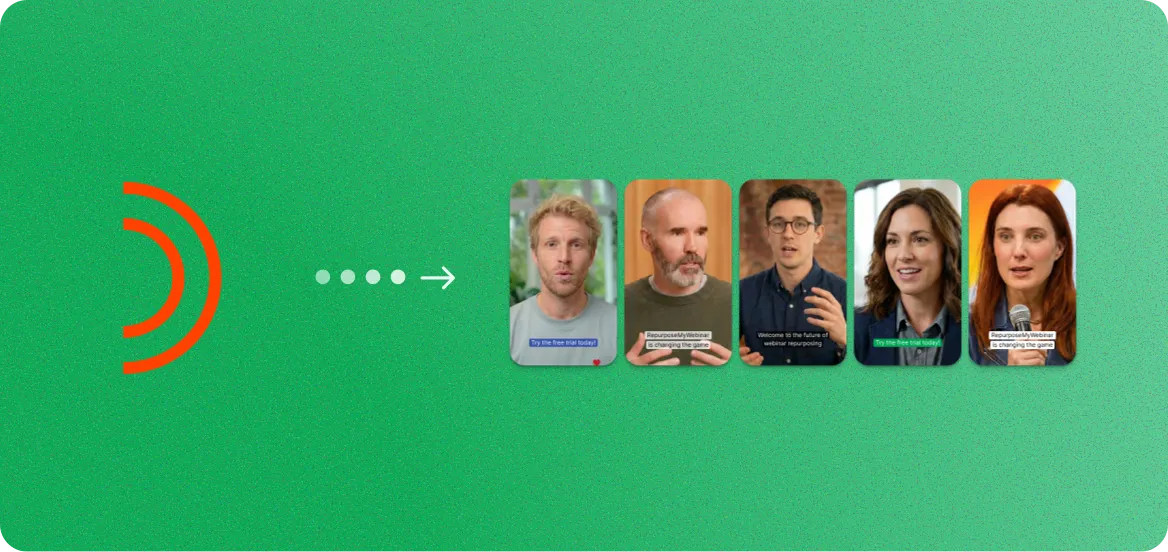
Goldcast to Video Clips
Short-form clips for LinkedIn, YouTube, and social ads.
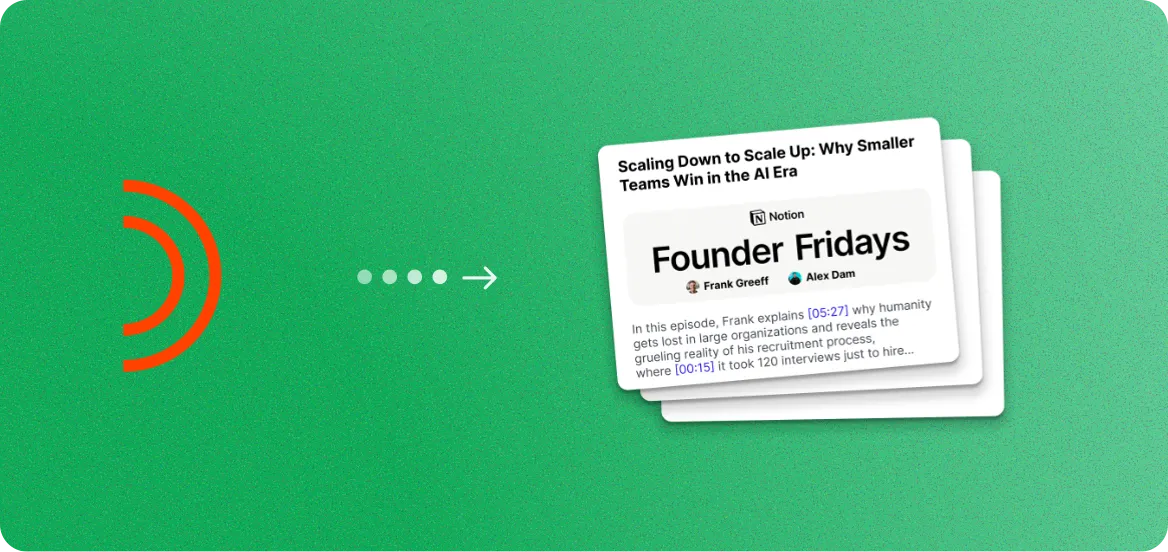
Goldcast to Blog Posts
SEO-optimized articles from your spoken expertise.
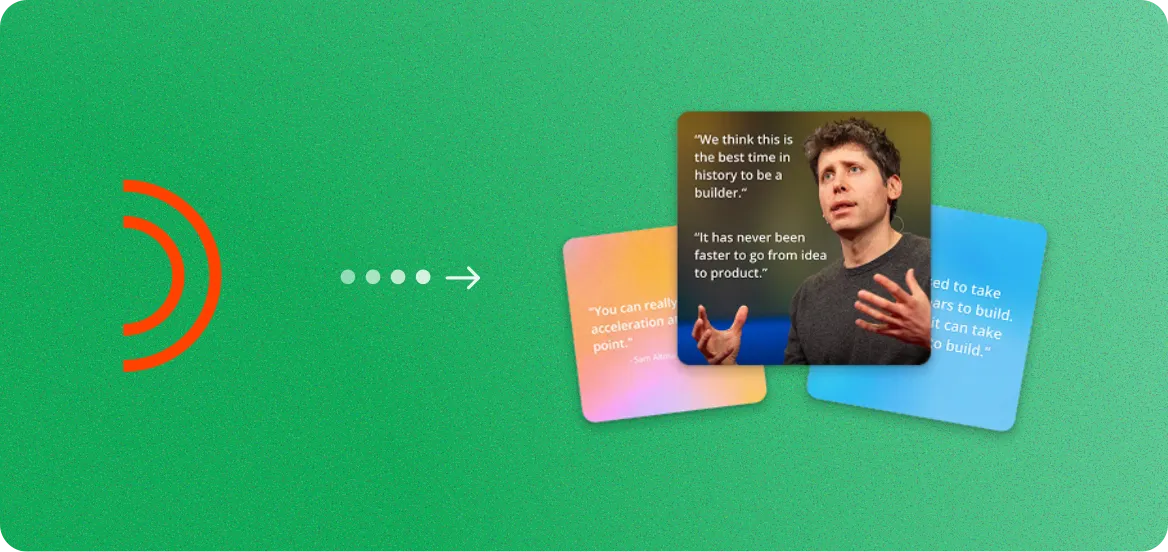
Goldcast to Image Quotes
Branded quote cards from your speakers.
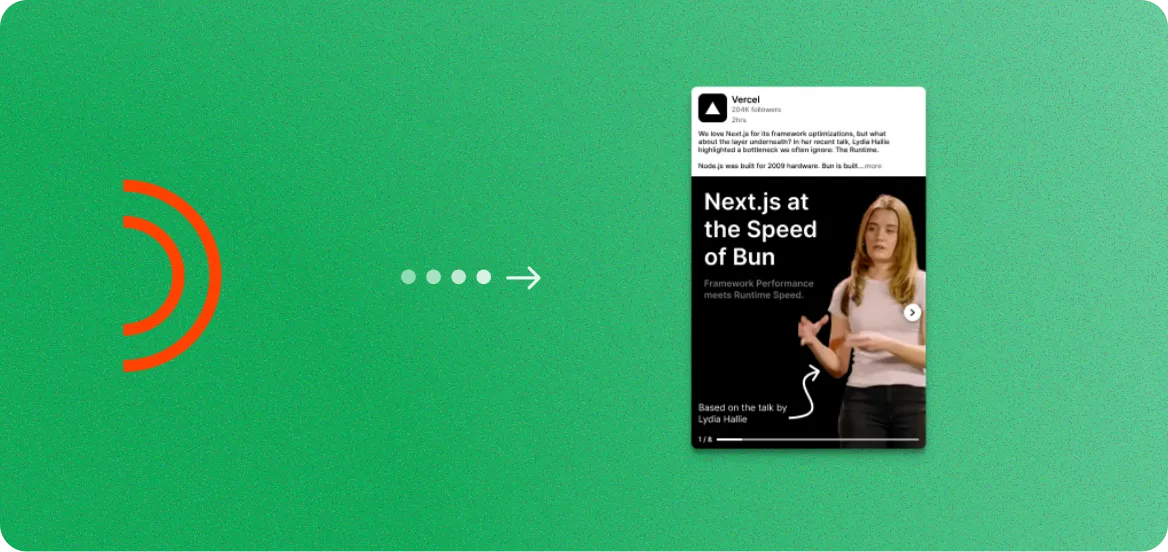
Goldcast to Image Carousels
Branded slide decks for LinkedIn and Instagram.
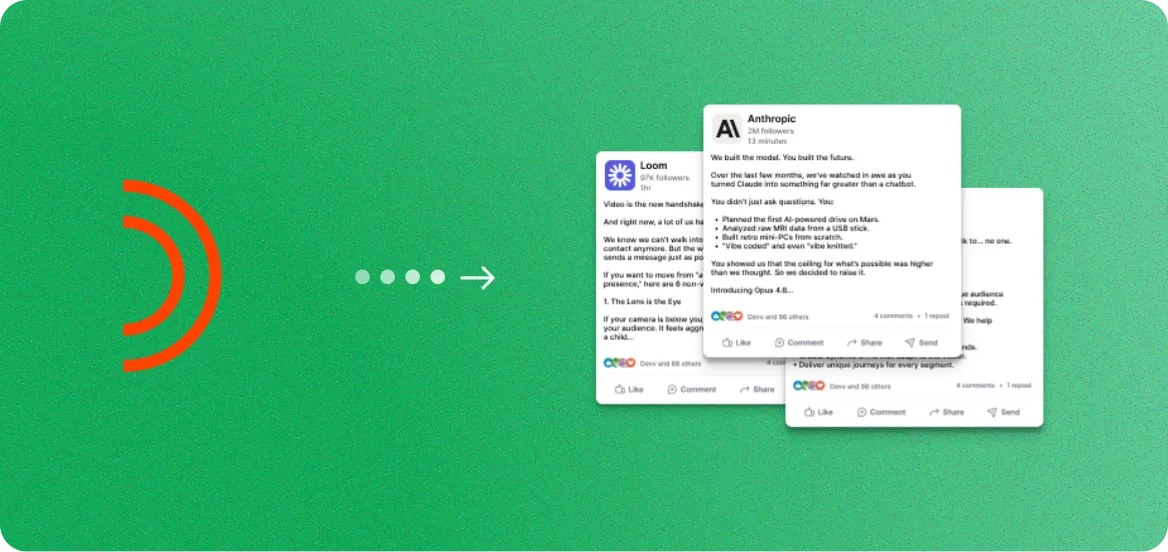
Goldcast to Social Posts
Ready-to-publish captions and threads.
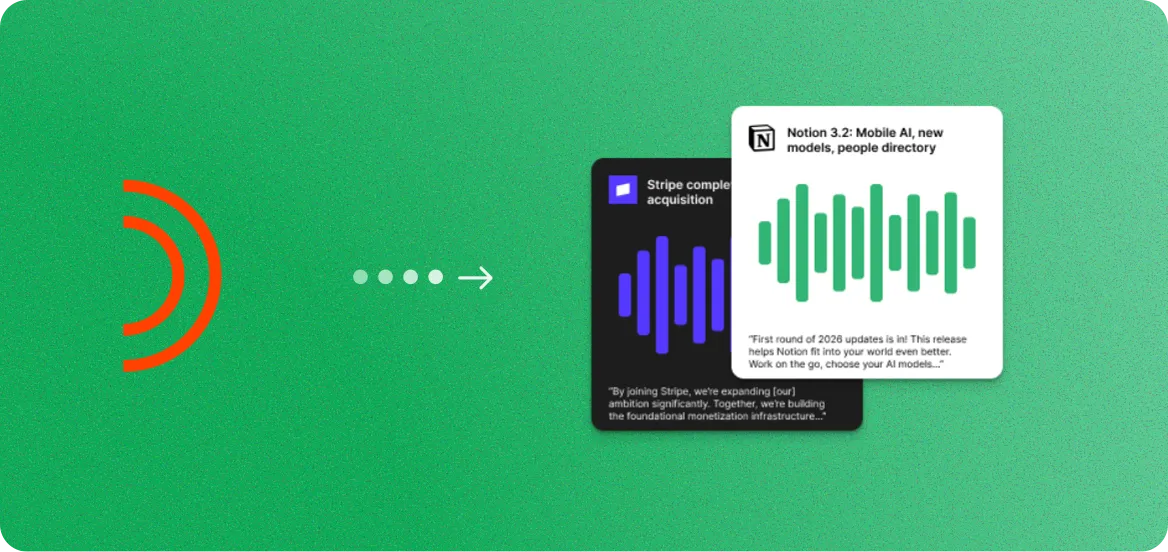
Goldcast to Audiograms
Audio snippets with animated captions.
Goldcast to Podcasts
Clean audio episodes with show notes.
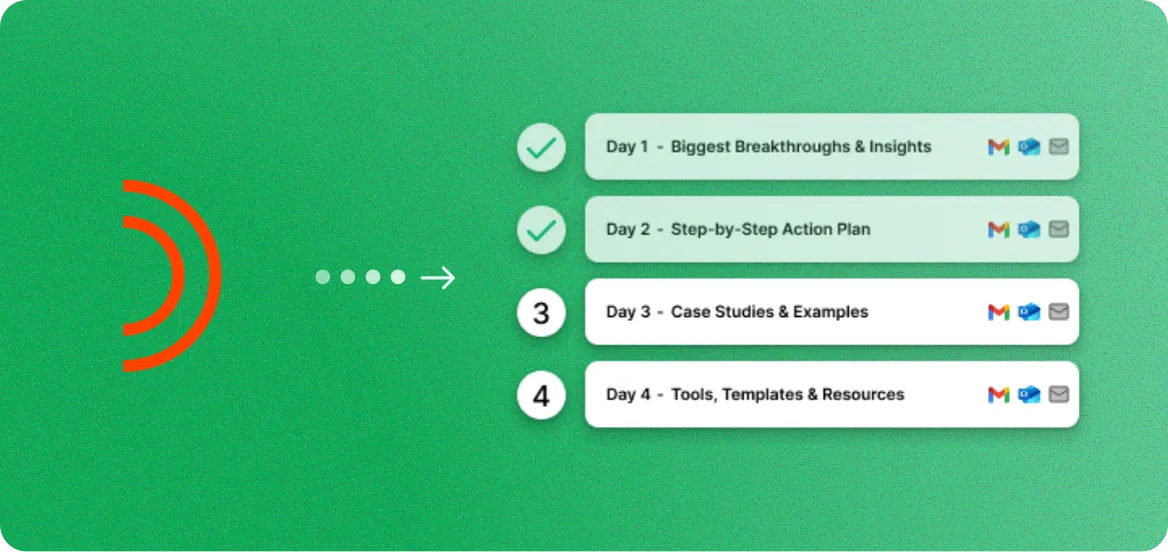
Goldcast to Email Sequences
Nurture campaigns from key insights.
Goldcast to Podcasts FAQ
Common questions about creating podcasts from Goldcast recordings.
Yes. Upload your Goldcast recording file (MP4 or audio) directly, or paste a recording link. Our AI extracts clean audio from video files automatically.
You can create 1-4 episodes per recording. A 60-minute webinar typically becomes one full episode, while longer recordings can be split into multiple focused episodes.
Episodes are exported as high-quality MP3 files (192kbps or 320kbps). This format is compatible with all major podcast hosting platforms including Spotify, Apple Podcasts, and Buzzsprout.
No. You can also generate video clips, blog posts, image quotes, carousels, social posts, audiograms, and email sequences from the same recording.
Yes. Every episode includes structured show notes with timestamps, topic summaries, speaker information, key takeaways, and suggested links. You can edit everything before publishing.
Yes. Our AI removes background noise, normalizes audio levels, removes long silences, and balances speaker volumes. The result sounds professionally produced even from a basic Goldcast recording.
Yes. You can upload your own intro and outro audio clips, and they will be automatically prepended and appended to each episode.
Most recordings are processed in under five minutes. Audio extraction, noise cleanup, and show notes generation happen automatically.
Yes. Our AI can identify natural topic breaks in your recording and suggest split points. You can also manually set where each episode starts and ends.
No. You just need the recording file. As long as you can download it, you can upload it and create podcast episodes.

Get more value from every recording
You already spent the money. You already did the work.
Now get a
month of ready-to-post content from it.