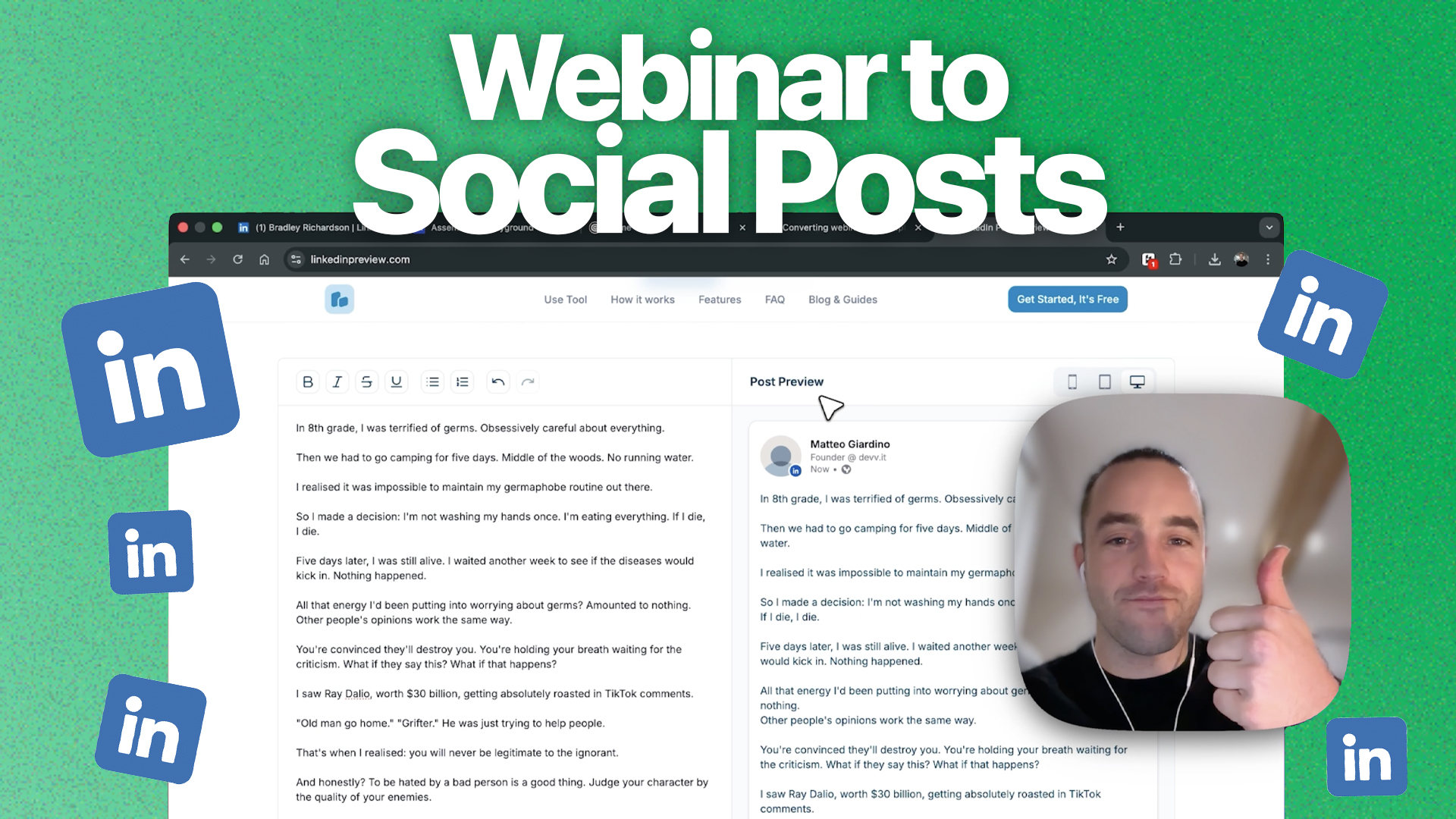
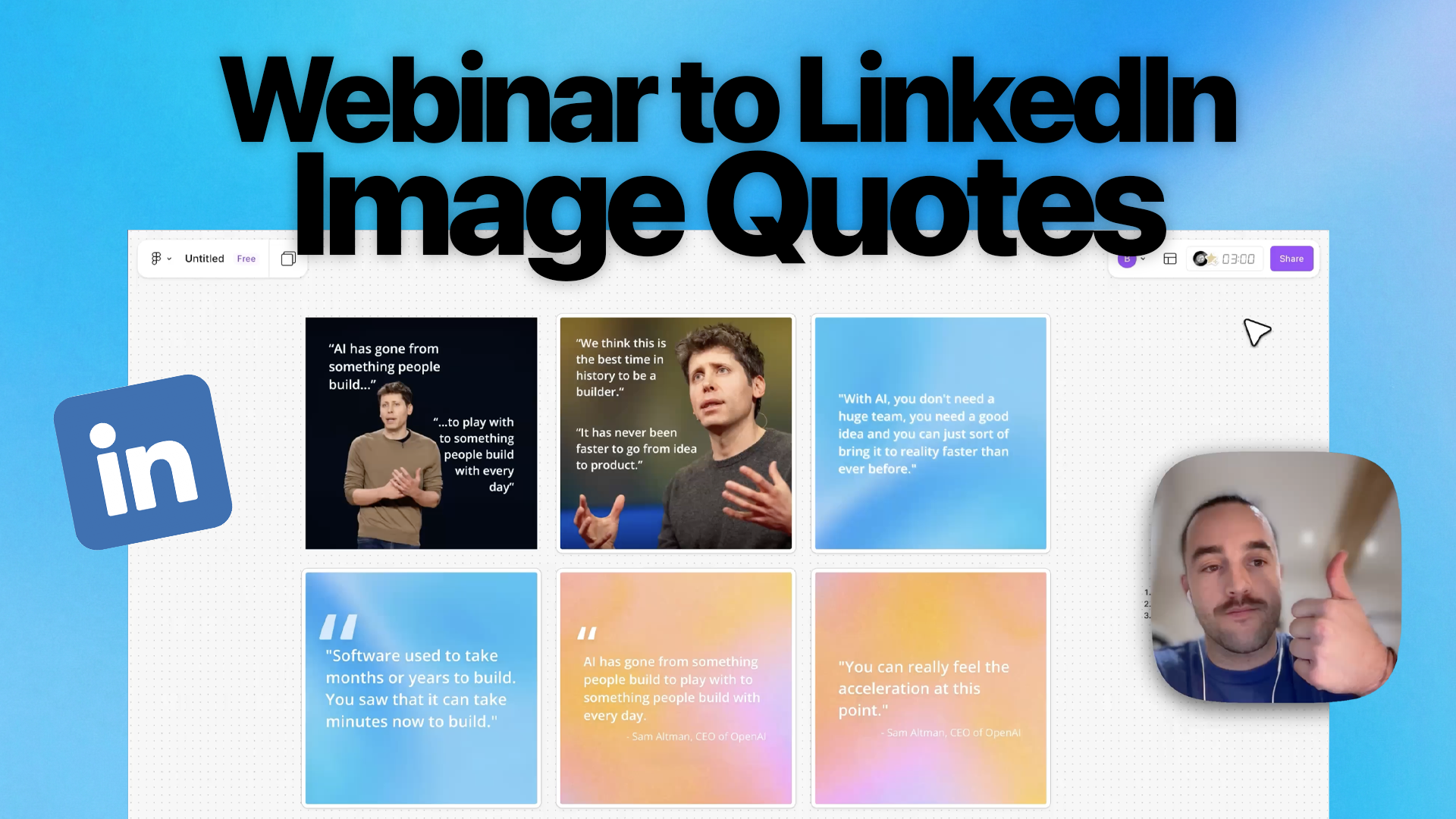
Every webinar you run is packed with insights, stories, and expertise that your audience wants to hear, but most of that value disappears the moment the live session ends. RepurposeYourContent changes that by turning a single webinar recording into a full week of social content automatically. Instead of spending hours writing posts from scratch, you upload once and get platform-ready captions, threads, and hooks generated by AI that actually understands what was said.
Why Use RepurposeYourContent for Social Posts?
Writing social media content from a webinar manually is tedious work. You have to rewatch the recording, identify key moments, then adapt each insight for different platforms with different formats, character limits, and audience expectations. It easily takes 4-6 hours per webinar - time most marketing teams simply don't have.
RepurposeYourContent's AI doesn't just transcribe your webinar and spit out generic captions. It understands the context, identifies the most compelling moments, and writes platform-native content that sounds like it was crafted by a social media strategist. LinkedIn posts get a professional, thought-leadership tone. Twitter/X threads are punchy and scannable. Instagram captions are engaging and hashtag-optimized. All from a single upload, in minutes instead of hours.
Step 1: Upload Your Webinar
Start by uploading your webinar recording to RepurposeYourContent. The platform supports all major video and audio formats including MP4, MOV, WebM, MP3, and WAV. You can upload files directly from your computer, paste a link from Zoom, Google Meet, or Microsoft Teams, or connect your cloud storage to import recordings automatically.
Once your file is uploaded, RepurposeYourContent processes the recording - transcribing the audio, identifying speakers, and mapping the key topics and themes discussed throughout the session. This contextual understanding is what makes the generated social posts feel natural rather than robotic.
Step 2: Select Social Posts as Your Output
From your dashboard, select "Social Posts" as the content type you want to generate. You'll see it listed alongside other output options like blog posts, video clips, and image quotes. Click into the social posts workflow and you're ready to go, the AI takes your processed webinar and begins crafting platform-specific content immediately.
"One upload. One click. A full week of social content - written in your brand voice and optimized for every platform."
Step 3: Review AI-Generated Posts
Within minutes, RepurposeYourContent generates a complete set of social posts drawn from the key moments in your webinar. Each post is written specifically for its target platform, following best practices for format, length, and engagement patterns. You'll see your posts organized by platform so you can review everything in one place.
What Gets Generated
- LinkedIn thought leadership posts - long-form insights with professional framing, storytelling hooks, and clear takeaways designed to drive engagement and establish authority
- Twitter/X threads and standalone tweets - concise, punchy content broken into scannable threads with strong opening hooks and natural conversation starters
- Instagram captions with hashtags - engaging, conversational captions paired with relevant hashtag sets optimized for reach and discoverability
- Engagement hooks and CTAs - every post includes an attention-grabbing opening line and a clear call-to-action to drive comments, shares, or clicks
Step 4: Customize and Edit
Every generated post is fully editable. Click into any post to adjust the wording, swap out a hook, add a personal anecdote, or change the call-to-action. The built-in editor lets you tweak tone, length, and messaging without starting from scratch. Think of the AI-generated drafts as your starting point - they get you 90% of the way there, and you add the final 10% that makes it uniquely yours.
Brand Voice Consistency
RepurposeYourContent includes a Brand Kit feature that ensures every generated post matches your company's voice and style. Set up your brand kit once - define your tone (professional, conversational, bold), your preferred vocabulary, phrases to avoid, and formatting preferences, and the AI applies those guidelines to every piece of content it creates. Whether your brand voice is buttoned-up enterprise or casual startup, the output adapts accordingly. This means your social posts sound like they came from your team, not from a generic AI tool.
Step 5: Export or Schedule
Once you're happy with your posts, you have several options for getting them out into the world. Download all posts as a formatted document or spreadsheet, organized by platform and ready for your content calendar. Use the one-click copy feature to grab individual posts and paste them directly into LinkedIn, Twitter/X, or Instagram. Or connect your favorite scheduling tools - RepurposeYourContent integrates with popular platforms so you can push your content directly into your publishing workflow without extra steps.
What You'll Get
- 15-20 unique social posts per webinar - enough to fill an entire week across multiple platforms without repeating yourself
- Platform-optimized formatting - each post follows the best practices for its target platform, from character counts to paragraph structure
- Engagement-ready hooks - every post opens with a line designed to stop the scroll and pull readers in
- Hashtag suggestions - relevant, researched hashtag sets included with each post to maximize reach and discoverability
The ROI of automated social content creation is hard to ignore. A single webinar that used to produce one recording and maybe a recap email now generates a full week of multi-platform social content - all without adding hours to your team's workload. That's more reach, more engagement, and more pipeline from the same investment you've already made. Stop letting your best content gather dust in a recording folder. Upload your next webinar to RepurposeYourContent and watch it turn into the social content engine your team has been missing.