The Best AI Meeting Recording Tools for Marketers in 2026
Find the best AI meeting recording tools for marketers. We review Fathom, Fireflies, and others for content repurposing, video export, and clip creation.

The best AI meeting recording tools for marketers are Fathom for fast clip creation and Fireflies.ai for cross-meeting search. However, the best tool depends on video export quality, integrations, and whether there's a real system for turning recordings into content.
Many teams record everything and repurpose nothing. This is the core issue. B2B marketers say recordings are their top source of quality leads, yet only one in three teams has a scalable content workflow, according to this podcast repurposing breakdown.
That gap matters because recording is only step one. Marketers don't need another transcript sitting in a folder. They need usable footage, clean exports, clips that can be shared, and a workflow that turns one meeting into posts, graphics, and articles.
This review looks at the best AI meeting recording tools for marketers through that lens. Not sales ops. Not generic note-taking. Marketing. That means transcript quality matters, but export access matters more. If a tool records your calls but makes video hard to retrieve, it slows everything after the meeting.
A single recording can become a real content engine. But only if the recorder helps, or at least doesn't get in the way.
1. Fathom
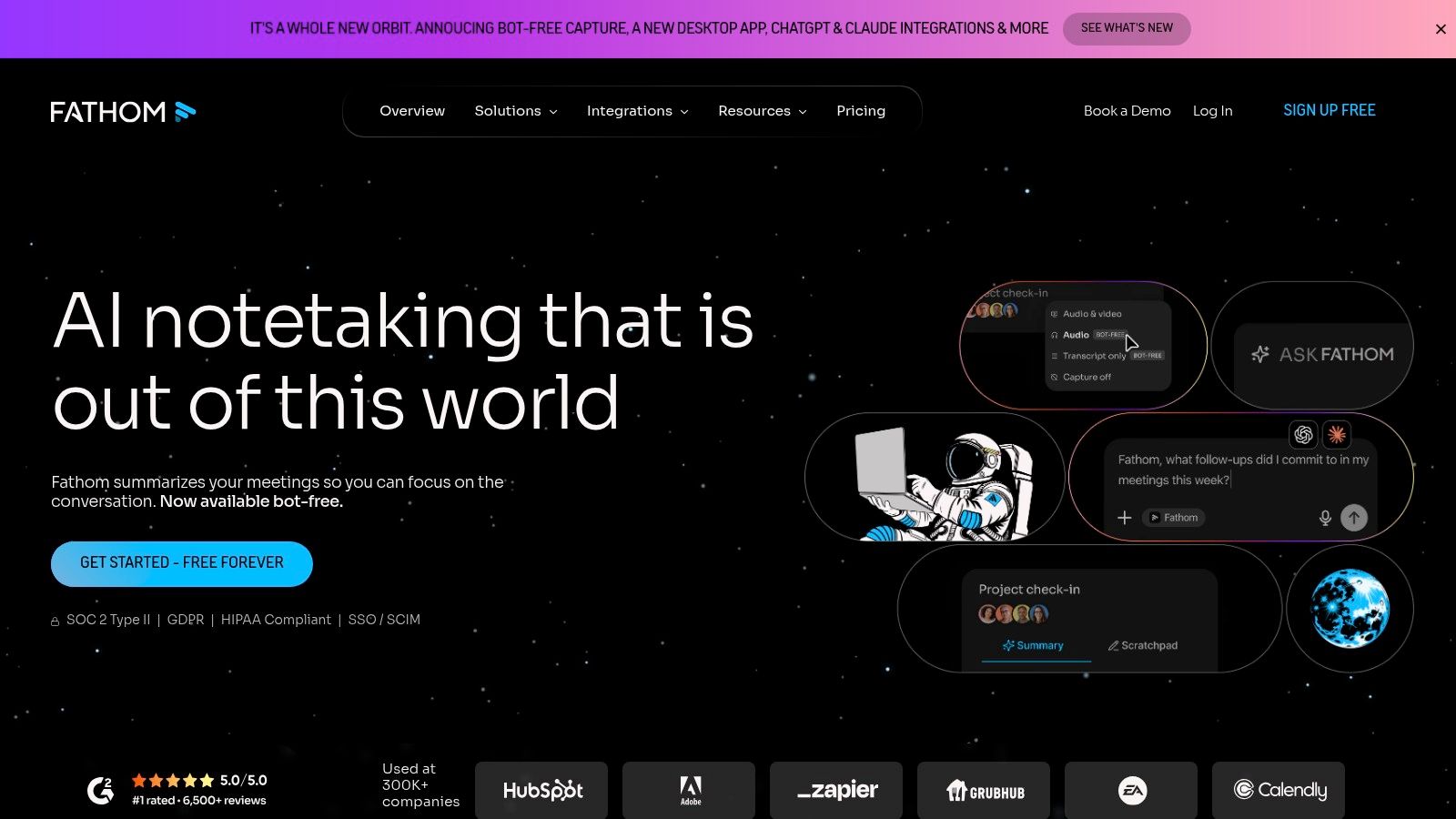
Fathom is a strong fit for marketers because it gets from meeting to usable clips fast. That speed is a real advantage when the goal is repurposing a customer call, interview, or podcast recording before the context goes cold.
Its value is not just transcription. Fathom stands out when a content team wants to pull a quote, mark a strong answer, and share that moment quickly without scrubbing through the full recording first. For marketing use, that matters more than a long feature list.
Where Fathom helps marketers
Fathom works best for teams that treat meetings as raw content. It is especially useful after research calls, customer interviews, webinars, podcast recordings, and internal debriefs where one strong soundbite can become a post, short video, or testimonial asset.
- Best use case: Fast post-call clip selection and review.
- What stands out: Highlights, clips, playlists, and AI summaries that are easy to share.
- What to check first: Whether your workflow needs bot-free recording or more control over how video files are exported and stored.
That last point is important for marketers. A good transcript is helpful, but repurposing usually depends on the media asset itself. If a team needs clean video exports, easy downloads, and a simple path into editing, those details matter as much as note quality.
Practical rule: Choose Fathom if the priority is getting to first clip fast.
The trade-off is clear. Fathom speeds up review and shortlisting, but it does not finish the repurposing workflow. Someone still needs to turn the selected moments into polished content, write the post angle, edit the visual, and publish it. Teams with a strong content system will move quickly here. Teams without one will still end up with saved highlights and no finished assets.
Pricing is clearer when taken from the product itself, not a review video. Fathom offers a free plan, with paid plans listed on the Fathom pricing page. That makes it accessible for solo marketers and lean teams, but the primary question is not entry cost. It is whether the export options and handoff into your editing stack are good enough for your content workflow.
Visit Fathom.
2. Otter.ai
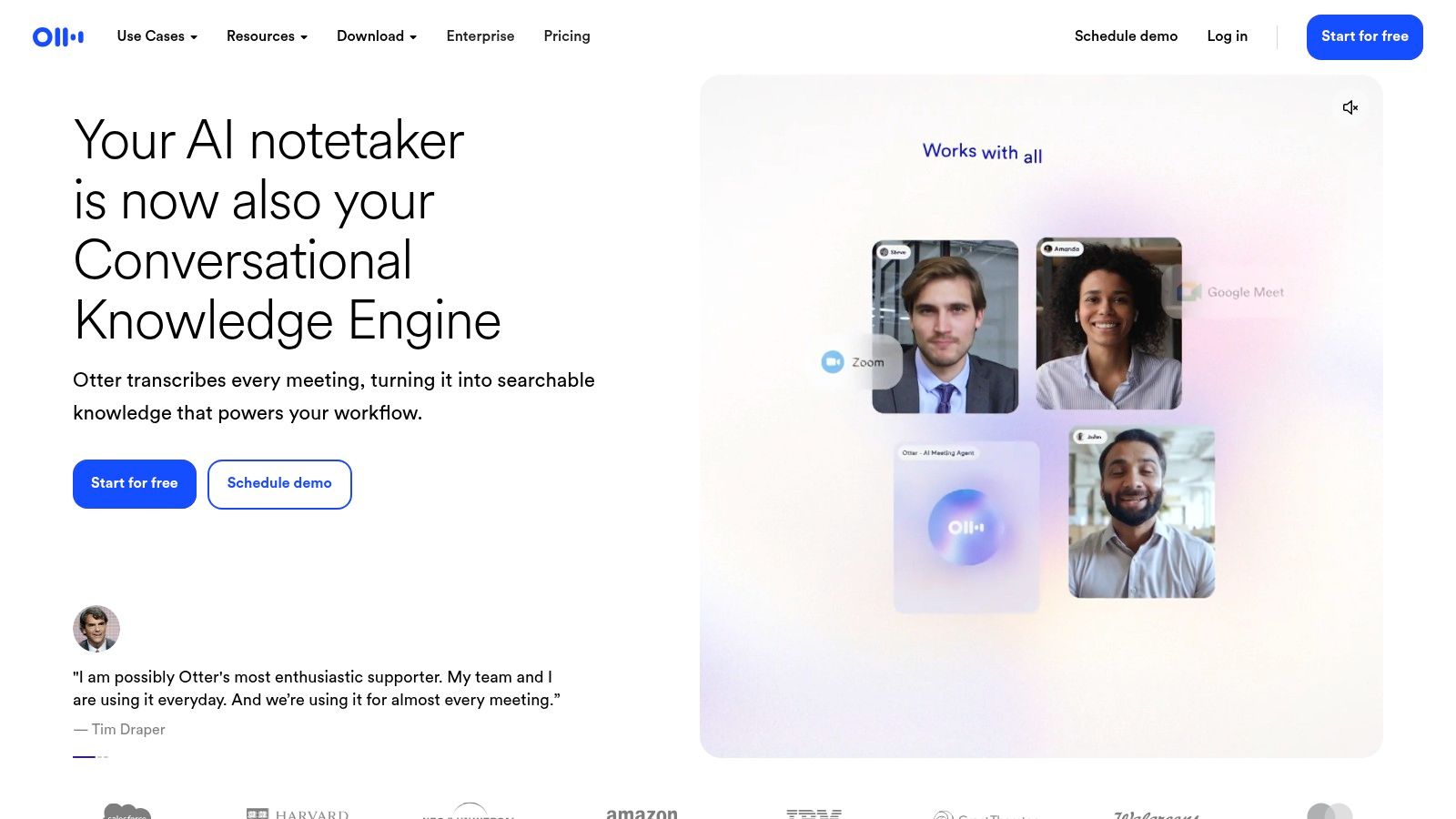
Otter.ai remains a strong choice for live transcription. It's especially useful when the team wants captions, speaker separation, and collaborative notes during the meeting itself.
That makes it good for webinars, research interviews, and internal content planning sessions where people need to follow along in real time. Otter is less about polished clip workflows and more about making spoken conversations searchable and usable right away.
What Otter does well
Otter works best when a team values the transcript as the main output. Notes can be reviewed live, shared quickly, and pushed into other workflows on paid plans.
- Strong fit: Live captions and collaborative note-taking.
- Helpful for marketers: Multi-speaker identification and workflow integrations.
- Less strong: Video-first repurposing and clip packaging.
Otter can absolutely support content teams. It just won't carry the repurposing load by itself. That's the distinction that matters.
A lot of marketers also need a clean path from recording to article draft. Otter can help with that transcript stage, but the transformation still takes manual work. A team usually needs to review the transcript, remove filler, shape a narrative, and turn spoken language into publishable copy. For teams handling high volume, that's where the bottleneck appears. This guide on how to transcribe video automatically shows where transcript tools help and where they stop.
Otter is a good recorder and a solid note-taker. It isn't a content engine.
Visit Otter.ai.
3. Fireflies.ai
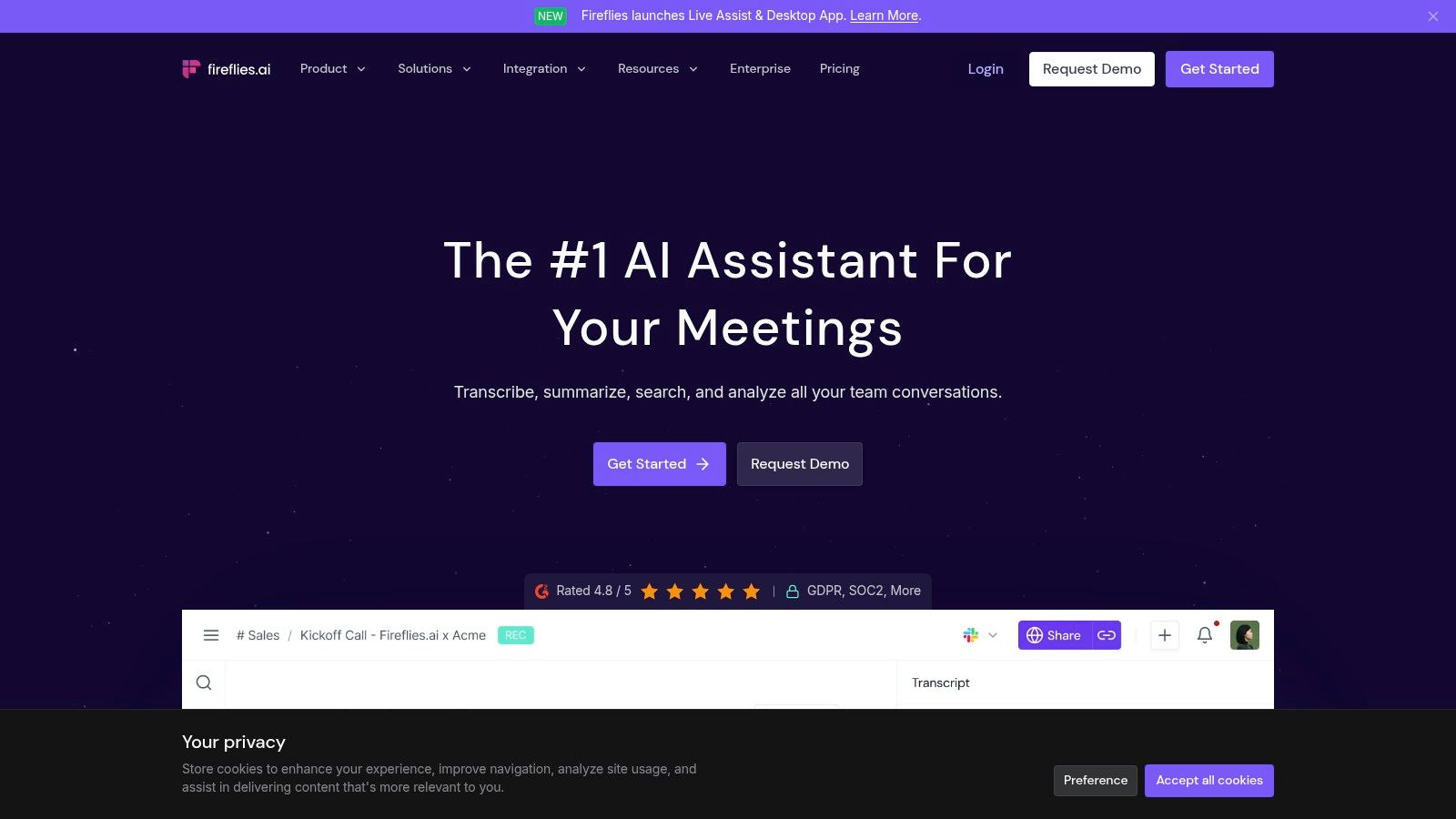
Fireflies.ai is the best option here for mining a large archive. If a company already has months of customer calls, sales calls, interviews, or internal meetings, Fireflies makes that library more useful.
The reason is cross-meeting search. That matters for marketers more than most review roundups admit. Teams often don't need one summary. They need recurring objections, repeated phrases, strong customer language, and proof points they can reuse across campaigns.
Why Fireflies fits content research
Fireflies is one of the more practical tools when the goal is voice-of-customer extraction, not just note capture.
- Best at: Searching themes across many calls.
- Useful for: FAQ mining, campaign research, message testing, and content planning.
- Watch for: Storage limits and feature gating on advanced tiers.
Its broader market presence also reflects where this category is moving. The Technavio AI note taking market forecast projects the global market will expand by USD 821.0 million from 2025 to 2029 at a CAGR of 21.3%, driven by enterprise demand for automated transcription and meeting analytics.
That growth doesn't solve the marketer's actual problem, though. Fireflies can help teams find the right raw material. It still won't turn that material into finished assets.
Teams usually love Fireflies when they already have lots of calls. They get less value if they expect finished content to appear automatically.
For content repurposing, Fireflies is strongest near the front of the workflow. It helps identify what to use. Someone still needs to cut clips, write the post, create the graphic, and package the insight in brand voice.
Visit Fireflies.ai.
4. Avoma
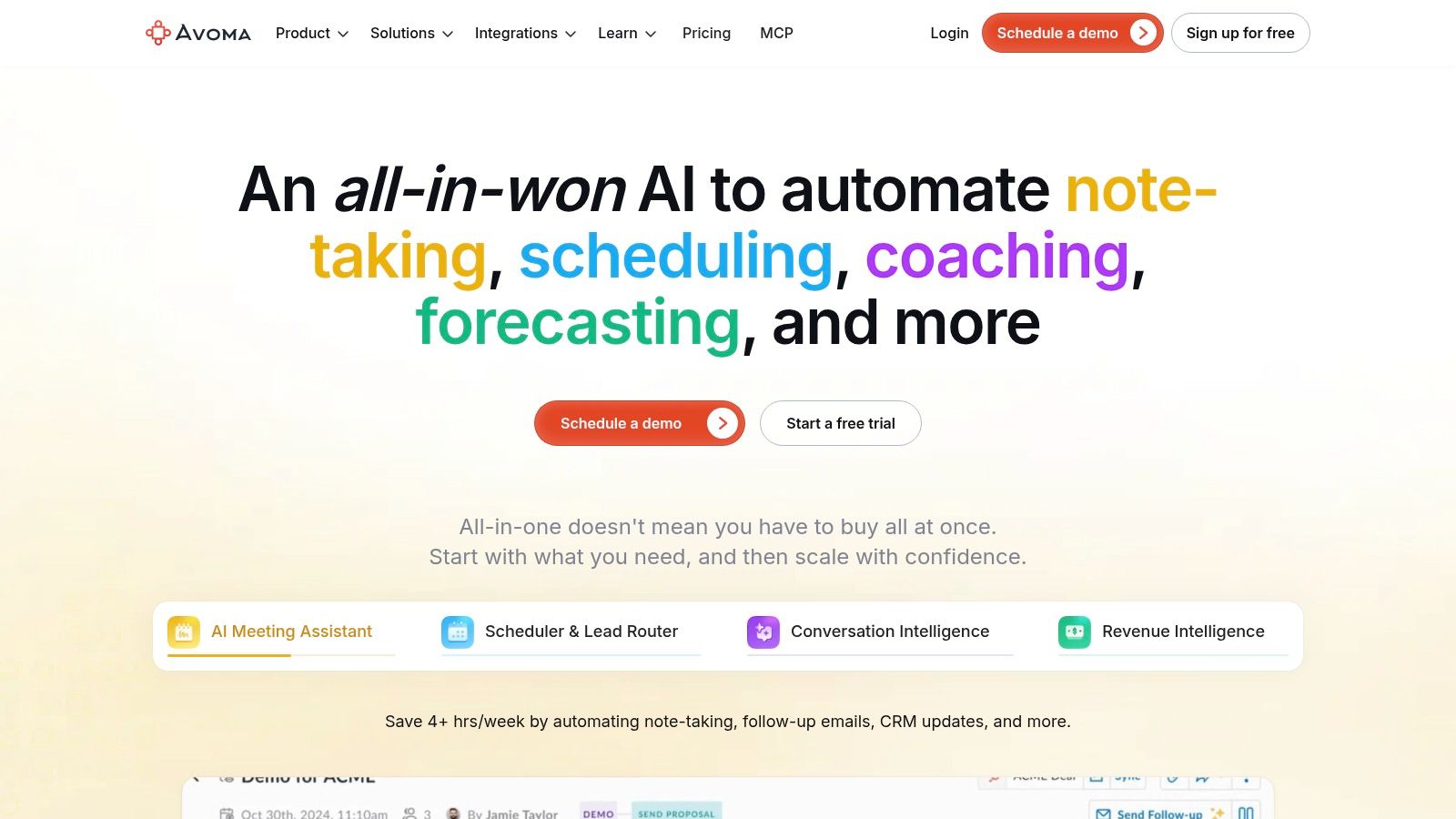
Avoma sits closer to operations than creative output. That isn't a flaw. It just means marketers should buy it for structure, not for media repurposing.
Its strength is how it organizes meetings by topic, syncs follow-ups into CRMs, and keeps the team aligned after the call. For a demand gen team that runs a lot of customer interviews or cross-functional meetings, that can be valuable.
Best when process matters more than media
Avoma is useful when the team wants clean downstream actions. It's less compelling when the main goal is exporting and repackaging footage.
- Good fit: Teams that want notes, tasks, and CRM sync in one flow.
- Useful feature set: Structured notes, snippets, search, and workflow automation.
- Trade-off: Better for operational follow-through than marketer-friendly clip creation.
That trade-off matters because many teams confuse “organized meeting data” with “repurposed content.” They aren't the same thing. Avoma can tell the team what happened. It won't produce the carousel, article, or short-form clip package.
The bigger category gap is clear in side-by-side tool testing. The tl;dv meeting assistant comparison review describes field tests across more than 50 real meetings and highlights how these tools prioritize notes, action items, and CRM workflows over multi-format content repurposing. That's exactly why marketers need to judge recorders differently from sales teams.
Avoma is a capable recorder and organizer. It just won't replace a content workflow.
Visit Avoma.
5. Read.ai
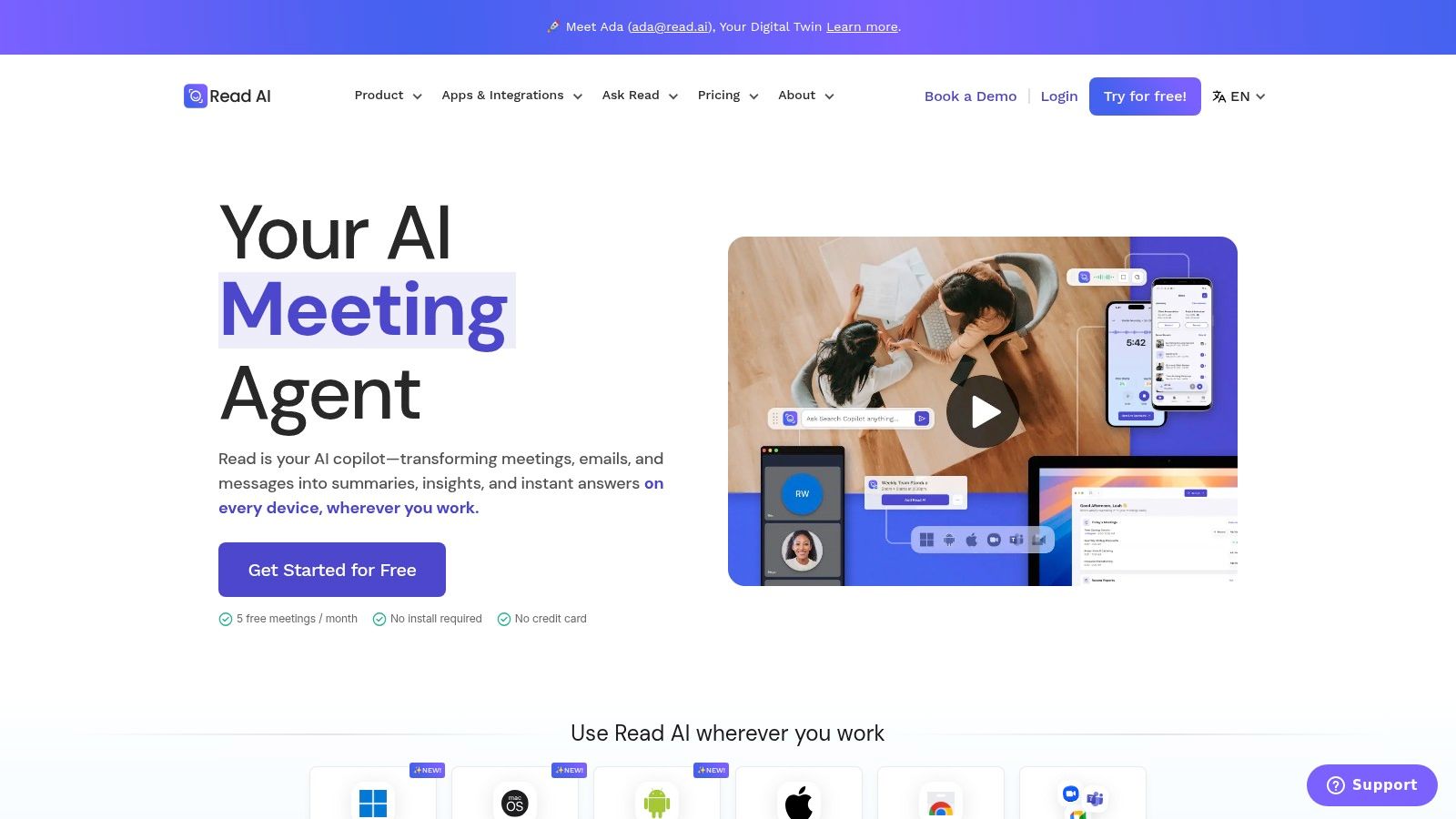
Read.ai stands out for engagement data. That's useful for marketers reviewing webinars, partner calls, training sessions, and stakeholder presentations where attention patterns are highly relevant.
Most note-takers stop at transcript and summary. Read.ai adds a layer of meeting analytics that can help a team compare which sessions held attention and which didn't. For webinar marketers or content leads reviewing audience-facing sessions, that's a real advantage.
The marketer use case
Read.ai is worth considering when the team wants more than a transcript. It helps interpret how a meeting landed.
- Best use: Reviewing engagement across presentations and review sessions.
- Useful for: Webinar teams, enablement, training, and executive communications.
- Main caution: Metrics need context. High activity doesn't always mean high quality.
The main limitation is that some video playback and highlight features sit higher up the plan ladder. So for marketers, this becomes a question of access. If highlights and exports are restricted, the analytics become interesting but less usable for content production.
Engagement data is useful. Exportable footage is more useful.
Read.ai makes more sense for teams that already have a production process and want better signals on what to reuse. It makes less sense for teams hoping it will solve repurposing on its own.
Visit Read.ai.
6. Sembly AI
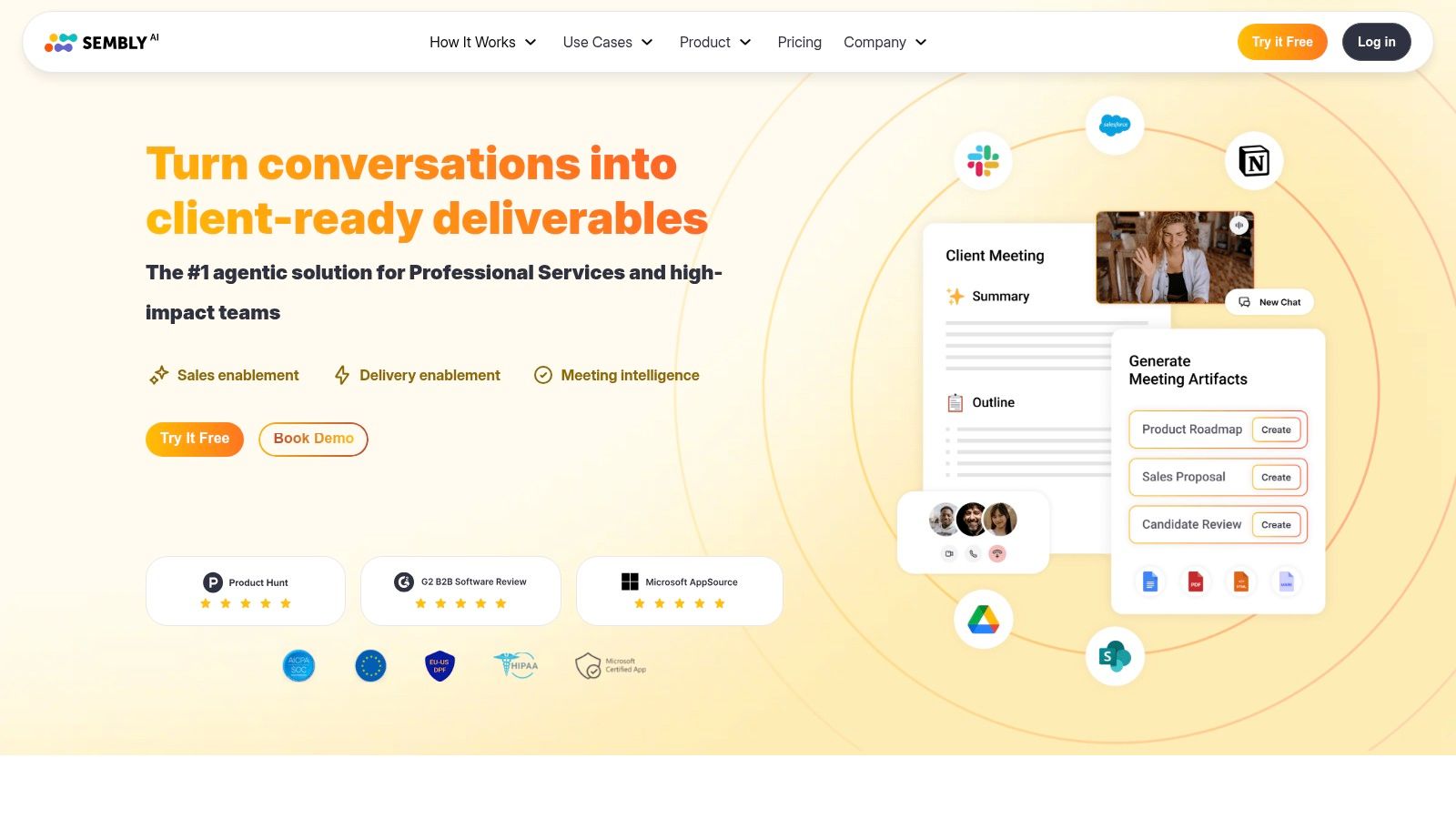
Sembly AI is built for teams that care about decisions, action items, and formal minutes. That gives it a different role from the more clip-friendly tools on this list.
For marketers, Sembly works best in internal strategy sessions, partnership reviews, and stakeholder meetings where the primary need is a polished record of decisions. It's less attractive for podcast-style repurposing or social content workflows.
Where Sembly makes sense
Its output is structured and tidy. That helps with accountability.
- Strongest use case: Internal meetings that need clean minutes and action tracking.
- Helpful feature: Decision and risk extraction.
- Weaker point for marketers: Not built around quick content reuse or visual asset creation.
Content teams often collect two kinds of recordings. Some are idea-rich and public-facing. Others are operational. Sembly is better at the second category.
It can still support marketing teams, especially global teams that need broad language support and formal records. But if the goal is turning one interview into clips, social posts, and a blog article, Sembly sits too early in the workflow.
Visit Sembly AI.
7. Supernormal
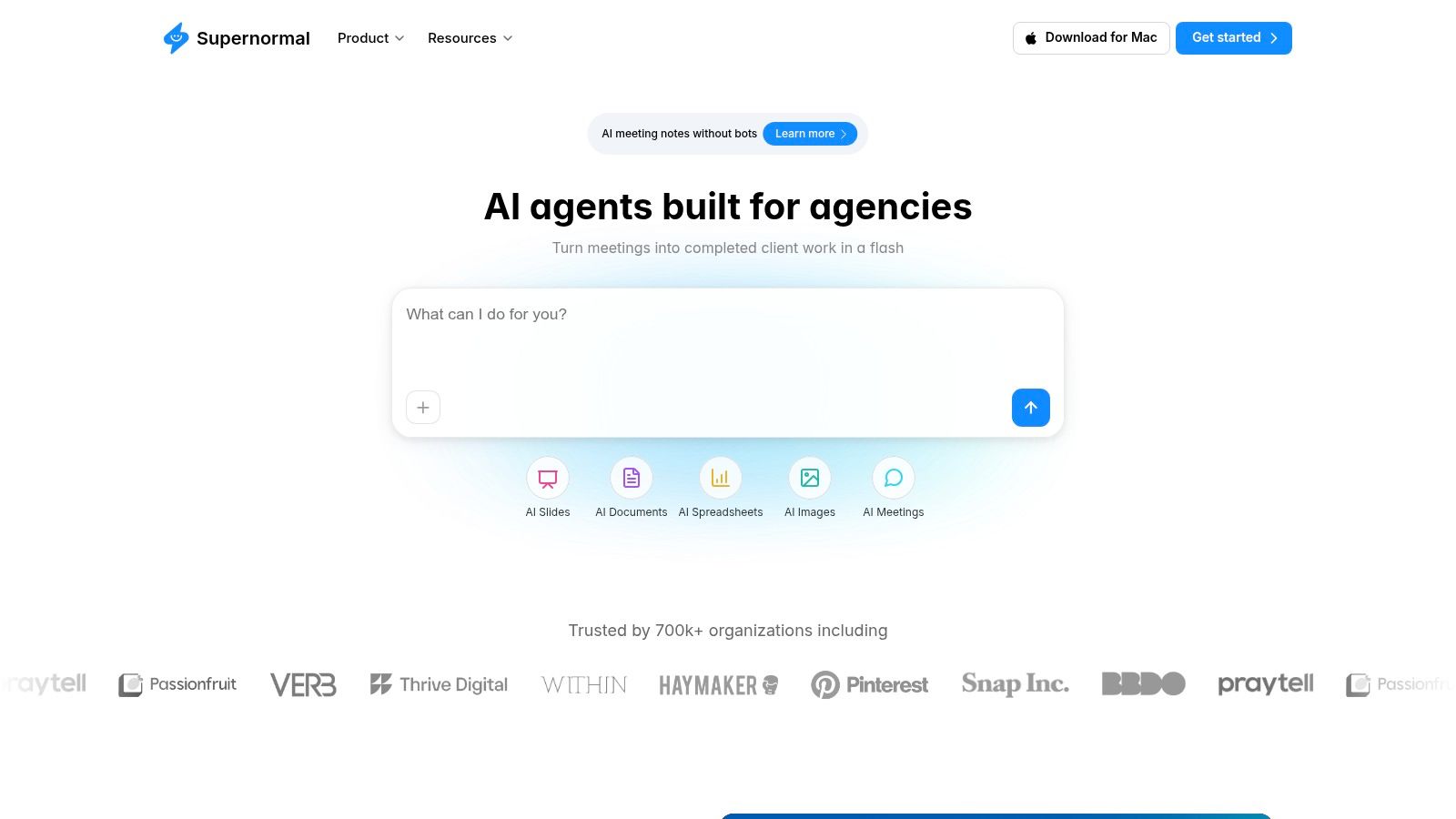
Some meetings change the moment a bot joins. That's why Supernormal earns a place here. It offers a bot-free approach that's better suited to sensitive client calls, leadership meetings, and interviews where visible recording can affect candor.
That matters more for marketers than many buyer guides admit. Brand interviews, customer research, and early-stage sales conversations often get weaker when a bot enters the room. The conversation becomes more guarded.
Why bot-free recording matters
For some teams, bot-free capture isn't a nice extra. It's the deciding factor.
- Best fit: Sensitive external calls and private internal sessions.
- Main advantage: Less friction at the start of meetings.
- Trade-off: Fewer analytics than some conversation intelligence tools.
Privacy-safe and bot-free recording has become a bigger issue as more teams capture in-person and off-platform conversations. The Plaud guide to AI note takers for in-person meetings highlights how many buyer guides still miss this category, which leaves marketers unsure about privacy and workflow trade-offs.
Supernormal is a smart option when a visible bot would hurt the meeting itself. It's less compelling if the team needs advanced archive mining or heavy analytics.
Visit Supernormal.
8. tl;dv
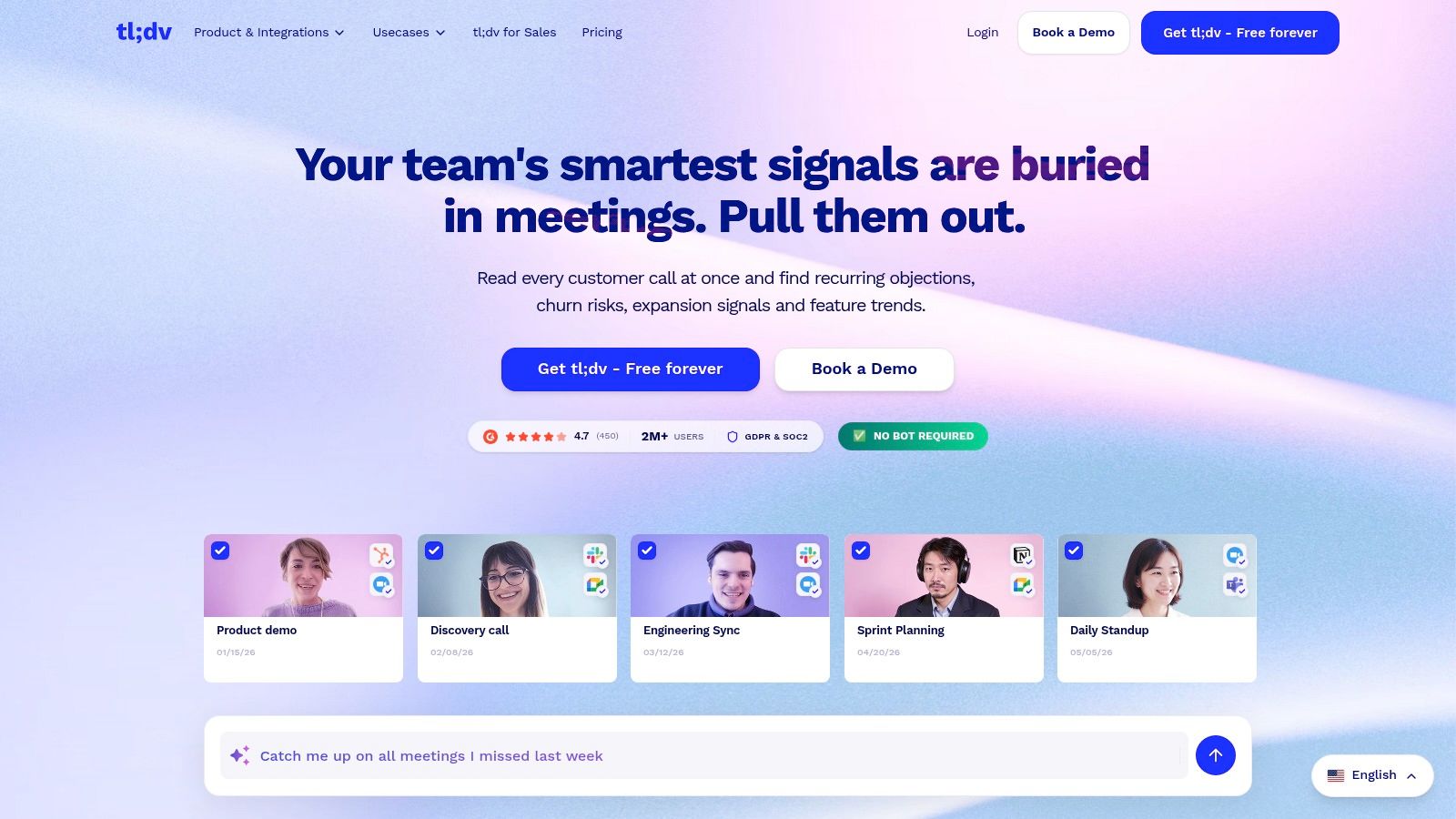
Marketers rarely need another transcript. They need usable moments they can turn into clips, quotes, and follow-up content. tl;dv earns its spot because it gets closer to that workflow than many meeting note tools.
Its strength is speed. Timestamped highlights and snippet-friendly sharing make it easier to pull a strong customer quote from an interview or save a product reaction from a demo review. For content teams, that is more useful than a long summary that still needs manual digging.
Better than average for shareable moments
tl;dv fits teams that record meetings with reuse in mind.
- Strong fit: Customer interviews, internal subject matter expert calls, demos, and research sessions with clear pull-quote potential.
- Useful features: Highlights, summaries, multilingual support, and reporting across meetings.
- Main concern: Check export options, clip quality, and feature limits on your plan before rollout.
The trade-off is important. tl;dv helps surface moments, but it does not finish the repurposing job. Teams still need a process for turning those highlights into polished video clips, social posts, blog inputs, or newsletter copy.
That is the marketer test for this category. A recorder can help capture and organize raw material. The better question is whether the output moves cleanly into your editing, publishing, and asset library workflow. tl;dv performs better here than a transcript-first tool, especially if quick sharing matters more than deep analytics.
Visit tl;dv.
9. MeetGeek
MeetGeek is a practical middle-ground option. It offers multiple recording methods, including bot-free routes, plus summaries, analytics, search, and automations.
That flexibility is its real appeal. Some teams want a bot for easy capture. Others need browser or desktop capture so meetings don't feel interrupted. MeetGeek can cover both situations better than a more rigid recorder.
Good balance for mixed workflows
MeetGeek suits teams that want one recorder for different meeting types.
- Best fit: Marketing teams with a mix of internal calls, client calls, and content sessions.
- Helpful feature set: Search, AI chat, automations, and recording flexibility.
- What to verify: Storage, plan limits, and analytics access on the chosen tier.
It's a sensible choice for teams that haven't fully standardized their workflow yet. But like the others, it doesn't eliminate the human work after capture.
That's the point many buyers miss. A recorder can save note-taking time. It doesn't save content production time unless there's a second system after the recording.
Visit MeetGeek.
10. Notta
Notta is strongest for multilingual teams. If a company runs interviews, research calls, or team meetings across languages, Notta's translation and bilingual transcription options make it easier to work from one shared record.
That matters for global marketing teams. A good recorder shouldn't trap usable insights in one language if the campaign team needs to reuse them somewhere else.
Useful when language coverage matters
Notta is not the flashiest option on this list. It is practical.
- Best use case: Multilingual research interviews and international team workflows.
- Helpful for marketers: Simpler export and translation paths for downstream editing.
- Limitation: Some advanced recording and integration features sit on higher plans.
For teams working across markets, that export simplicity is important. It makes the post-production handoff cleaner. That said, translation support still doesn't solve content packaging. Teams still need someone to choose clips, write copy, and adapt messages by channel.
Visit Notta.
Top 10 AI Meeting Recorders for Marketers, Feature Comparison
| Tool | Key features | Best for | Repurposing fit | Standout | Price note |
|---|---|---|---|---|---|
| Fathom | Instant summaries, timestamped highlights, one-click clips, unlimited free recordings/transcripts | Solo creators, small marketing teams, sales debriefs | Excellent for fast clip creation and short-form assets | Generous free plan; sales/summary templates; bot-free Mac beta | Free tier; paid for advanced AI features |
| Otter.ai | Live transcription, multi‑speaker ID, collaborative notes, broad integrations | Webinars, teams needing live captions and shared notes | Reliable transcripts for blogs, captions and editing source material | Strong real-time transcription and compliance options | Free limited minutes; Pro/Business/Enterprise |
| Fireflies.ai | Conversation intelligence, AI summaries, cross-meeting search, 100+ languages | Research, VOC mining, content teams with large call libraries | Great for discovering quotable moments across many recordings | Powerful cross-meeting search and wide integrations | Free tier; paid tiers with credits/storage limits |
| Avoma | Topic-categorized AI notes, CRM sync, snippet sharing, task automation | Sales/marketing teams needing structured outputs into workflows | Produces structured content and CRM-linked assets for republishing | Deep CRM sync and post-meeting lifecycle automation | Free trial; mid/high tiers for automation features |
| Read.ai | Engagement & sentiment scoring, live dashboard, meeting reports | Marketers analyzing webinars, trainings, stakeholder reviews | Helps identify high-engagement clips and top-performing moments | Read Score and marketer-friendly engagement analytics | Paid plans; Enterprise for video highlights |
| Sembly AI | Structured minutes, decisions, action items, multi-language transcription | Teams needing formal minutes, compliance and accountability | Produces polished minutes and artifacts suitable for long-form content | Strong minutes output, governance and language coverage | Pro/Max for richest features; enterprise options |
| Supernormal | Bot-free local capture, AI notes, credit-based usage | Private leadership or client meetings where discretion matters | Discreet capture for internal repurposing; fewer built-in analytics | Privacy-first, bot-less local recording approach | Free tier + credit model; top-ups for heavy use |
| tl;dv | Automatic recording, timestamped highlights, multi-meeting reports, translations | Marketers wanting quick shareable clips and translations | Optimized for clip-and-share workflows and multi-language assets | Clip-focused workflow and EU data hosting (GDPR/SOC2) | Paid tiers; verify current plans |
| MeetGeek | Bot-free options, templates, AI chat, automations, 100+ languages | Teams seeking affordable per-seat automation and no-bot capture | Solid mix for clip extraction + automations into publishing workflows | No-bot capture + agentic automations; discounts available | Approachable pricing; higher tiers for CI/CRM analytics |
| Notta | Multilingual recorder, translation, custom vocabulary, scheduler | Global teams, research interviews, multilingual repurposing | Excellent for multilingual transcripts and translated assets | Strong price-to-minutes for multilingual workloads | Free + add-ons; Business/Enterprise for advanced features |
Your System Is More Important Than Your Tool
The recorder matters less than the workflow around it.
Marketing teams usually lose time after the meeting, not during it. The hard part is turning a raw call into assets a team can publish: a clean clip for social, a usable quote for email, a draft for a blog post, and transcript files that still work once they leave the recorder.
That is the standard that matters in this list. Every tool above can capture a conversation and produce notes. The difference shows up in video export quality, clip creation speed, and how easily your team can move transcripts, captions, and recordings into the rest of the content stack.
A practical repurposing system has four parts:
- Review: Find the sections with a clear point, a strong quote, or a reaction worth reusing.
- Select: Choose moments that fit a channel, not just moments that sound smart in the full meeting.
- Package: Turn raw conversation into channel-ready assets with the right hook, framing, and proof.
- Publish: Edit, approve, brand-check, and distribute.
Tool selection should follow that process.
If short-form video is part of the plan, check three things first. Can the platform export footage at a quality your editor will accept? Can your team make clips fast without fighting the interface? Can you pull captions and timestamps out cleanly for reuse elsewhere? Many tools are good at summaries and weak at this part.
If written repurposing matters more, transcript accuracy and speaker labels carry more weight. If long-term reuse matters, data portability matters too. Closed exports create extra work later. Teams feel it when they need to edit captions in another tool, move transcripts into a CMS, or reuse footage across paid and organic channels.
The tools here split into clear use cases. tl;dv and MeetGeek fit teams that care about quick clips and sharing. Notta stands out for multilingual transcript reuse. Avoma and Sembly are a better fit when structured notes feed a larger editorial process. Fathom, Otter, and Fireflies can handle capture well, but they still need a defined post-call workflow if the goal is published marketing content instead of internal documentation.
I would choose the system before the subscription. A simple checklist, owner, and turnaround rule often gets more output from the same recorder than another platform switch.
Choose the tool that matches your repurposing workflow. Then make sure the workflow exists.
Tags:




