10 Best Webinar Repurposing Tools in 2026 (Compared)
We tested 10 webinar repurposing tools head-to-head. Compare pricing, AI quality, formats, and B2B focus. Find the right tool for your team in 2026.

Why Repurpose Webinar Content in 2026?
The average B2B webinar costs between $5,000 and $35,000 to produce when you factor in speaker prep, promotion, platform fees, and team hours. Yet most recordings get watched once live, shared in a follow-up email, and never touched again.
That's a staggering waste of budget and expertise. The data tells a clear story about why repurposing matters now more than ever:
- 64% of B2B marketers hosted a webinar in the past 12 months, and 47% said webinars were their best-performing content format (Contrast, 2025).
- Webinars deliver a 213% ROI on average, but only when teams maximize the content beyond the live event (Data-Mania, 2026).
- 5–20% of webinar attendees convert into paying customers, depending on offer strength and follow-up quality. Repurposed content extends that conversion window from days to months (Wave Connect, 2026).
- 63% of AI-adopting B2B marketers cite webinar repurposing as their primary AI use case, a clear signal the market is moving fast (Wave Connect, 2026).
- B2B companies created 131,296 video clips from webinars in 2024, a 2,903% increase year-over-year, showing how fast AI repurposing is scaling (Goldcast, 2025).
The bottom line: a single 60-minute webinar contains enough material to fuel 30+ days of content across video clips, blog posts, social posts, email sequences, and more. The question isn't whether to repurpose - it's which tool to trust with your brand.
What We Tested and How
We evaluated 10 tools across six dimensions that matter most to B2B marketing teams:
- Output formats - How many content types does the tool produce from a single upload?
- AI quality - Are the outputs publish-ready, or do they need heavy editing?
- Brand consistency - Can you apply your brand kit across all outputs?
- B2B focus - Does the tool understand professional webinar content, or is it optimized for TikTok creators?
- Pricing & value - What's the cost per content piece at scale?
- Ease of use - Can a marketer (not a video editor) use it independently?
Comparison Table: All 10 Tools at a Glance
This table covers the most important decision factors.
| Tool | Price/mo | # | Clips | Blog | Social | Slides | Audio | Brand | B2B | Speed | Editing | Score | |
|---|---|---|---|---|---|---|---|---|---|---|---|---|---|
| RepurposeYourContent | $99 | 8 | ✓ | ✓ | ✓ | ✓ | ✓ | ✓ | ✓ | ✓ | ~10 min | Light | 9.0 |
| Opus Clip | $15 | 2 | ✓ | ✗ | ✓ | ✗ | ✗ | ✗ | ✓ | ✗ | ~5 min | Minimal | 7.8 |
| Descript | $24 | 3 | ✓ | ✗ | ✓ | ✗ | ✗ | ✗ | ✓ | ✗ | Manual | Heavy | 7.5 |
| Castmagic | $21 | 5 | ✗ | ✓ | ✓ | ✓ | ✗ | ✗ | ✗ | ✗ | ~10 min | Light | 7.4 |
| VEED.io | $12 | 2 | ✓ | ✗ | ✗ | ✗ | ✗ | ✗ | ✓ | ✗ | Manual | Heavy | 7.2 |
| Riverside | $29 | 3 | ✓ | ✗ | ✓ | ✗ | ✗ | ✗ | ✗ | ✗ | ~5 min | Moderate | 7.3 |
| Munch | $49 | 2 | ✓ | ✗ | ✓ | ✗ | ✗ | ✗ | ✗ | ✗ | ~10 min | Minimal | 7.0 |
| Repurpose.io | $35 | 1 | ✓ | ✗ | ✗ | ✗ | ✗ | ✗ | ✗ | ✗ | N/A | N/A | 6.8 |
| Quso.ai | $29 | 2 | ✓ | ✗ | ✓ | ✗ | ✗ | ✗ | ✓ | ✗ | ~5 min | Minimal | 6.9 |
| InVideo AI | $28 | 1 | ✓ | ✗ | ✗ | ✗ | ✗ | ✗ | ✓ | ✗ | ~15 min | Moderate | 6.5 |
| Pictory AI | $23 | 2 | ✓ | ✗ | ✗ | ✗ | ✗ | ✗ | ✓ | ✗ | ~15 min | Moderate | 6.6 |
Detailed Reviews: Every Tool Ranked
1. RepurposeYourContent - 9.0/10
Best for: B2B marketing teams, agencies, and demand gen professionals who need a full content library from every webinar.
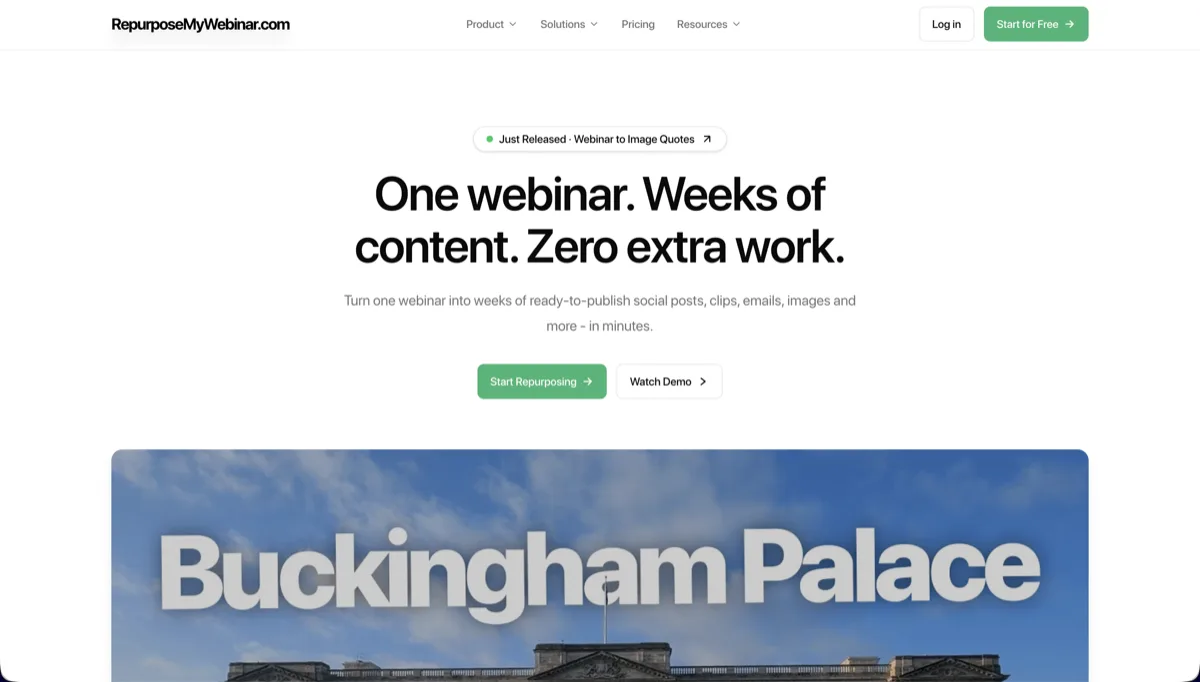
RepurposeYourContent is the only tool built from the ground up for B2B webinar repurposing. While every other tool on this list started as a general video editor or social clipper and bolted on AI features, RepurposeYourContent was designed specifically for the needs of professional webinar teams, and it shows.
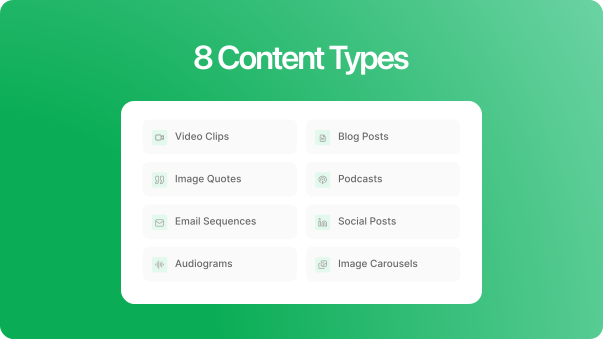
Upload a single webinar recording and the platform generates video clips, SEO-ready blog posts, social media copy, image carousels, audiograms, image quotes, podcast episodes, and email nurture sequences. That's 8 content formats from one upload - more than any competitor.
The Brand Kit applies your colors, fonts, and logos across every output automatically. No manual design work. No inconsistent assets going out the door. For agencies managing multiple clients, this alone justifies the price.
Beyond visual branding, RepurposeYourContent lets you configure your tone of voice so written outputs (blog posts, social copy, email sequences) match your brand's communication style. This is the difference between getting generic AI-sounding text and getting drafts that your team can publish with light edits instead of complete rewrites.
- Pros: 8 output formats, full Brand Kit with tone of voice customization, webinar-specific AI that understands B2B structure, team collaboration, integrations with major platforms
- Cons: Newer to market than established editors like Descript, written outputs still need a human review pass for brand voice accuracy, no built-in social scheduler yet, free tier is limited (20 credits)
- Pricing: Free tier (20 credits/mo), Starter $99/mo (50 credits), Growth $149/mo (150 credits), Scale $299/mo (400 credits). See full pricing
2. Opus Clip - 7.8/10
Best for: Individual creators and social media managers who need fast, viral-optimized video clips.
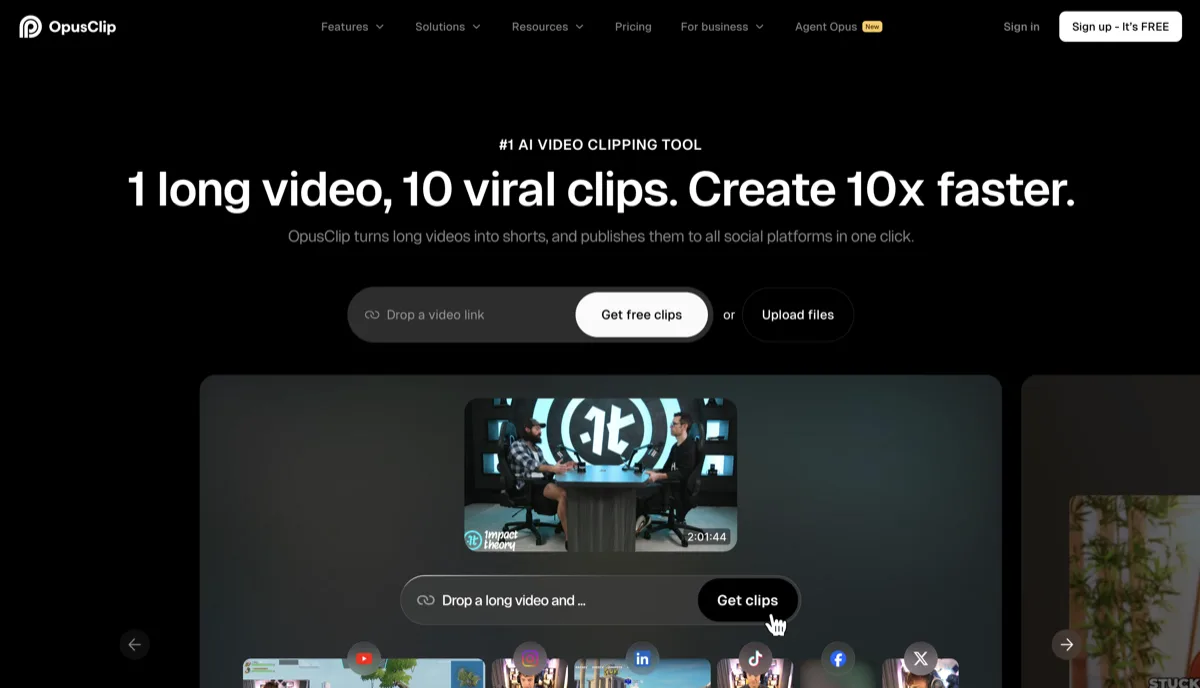
Opus Clip is the category leader in AI-powered video clipping. Its signature feature, the Virality Score, analyzes your content and predicts which clips are most likely to perform well on social platforms. The AI auto-reframing from landscape to vertical is excellent, and the caption styles are among the most polished in the industry.
Where Opus Clip falls short for B2B teams: it only produces video clips and basic social captions. There's no blog post generation, no carousels, no audiograms, no email sequences. Its AI is tuned for entertainment and social engagement, not thought leadership or lead nurturing. If you're a podcaster or creator looking for viral clips, Opus Clip delivers. If you're a marketing team trying to fill a content calendar, you'll still need 3-4 additional tools.
- Pros: Best-in-class virality scoring, excellent auto-captions, affordable entry price, AI B-Roll feature
- Cons: Video clips only, no written content output, not designed for B2B webinar tone
- Pricing: Free (60 min/mo with watermark), Starter $15/mo, Pro $29/mo
Read our full Opus Clip vs RepurposeYourContent comparison
3. Descript - 7.5/10
Best for: Video editors and podcasters who want a powerful text-based editing environment with AI assistance.
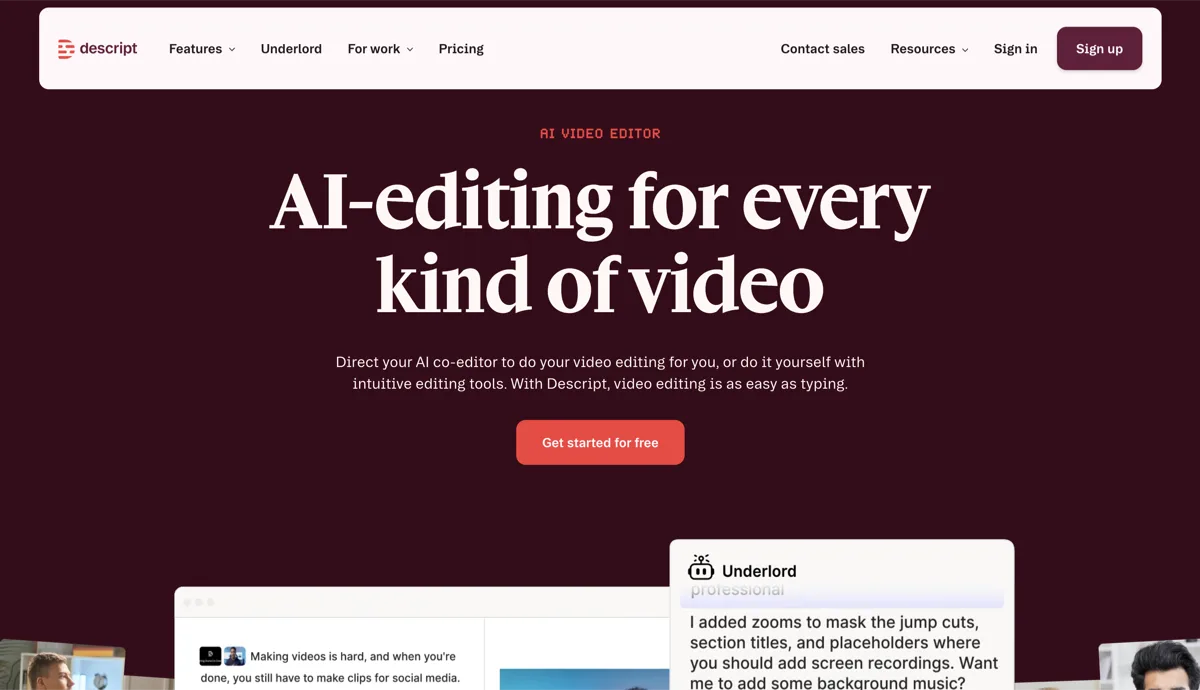
Descript pioneered the "edit video like a document" paradigm, and it remains the gold standard for text-based video editing. The September 2025 pricing overhaul introduced media minutes and AI credits, making costs more predictable but also more complex. AI features like Studio Sound, filler word removal, and Eye Contact are genuinely impressive for production quality.
However, Descript is fundamentally an editing tool, not a repurposing tool. It helps you make better videos, but it doesn't automatically turn a webinar into blog posts, carousels, audiograms, or email sequences. You still need to edit manually, which means it's a tool for your video editor, not your content marketer.
- Pros: Best text-based video editor, excellent transcription accuracy, Studio Sound is remarkable, strong brand template support
- Cons: Steep learning curve, no auto-repurposing to written formats, AI credits can run out fast, requires manual editing
- Pricing: Free (60 media min), Hobbyist $24/mo, Creator $35/mo, Business $65/mo
Read our full Descript vs RepurposeYourContent comparison
4. Castmagic - 7.4/10
Best for: Podcasters and coaches who need text-based content from audio recordings.
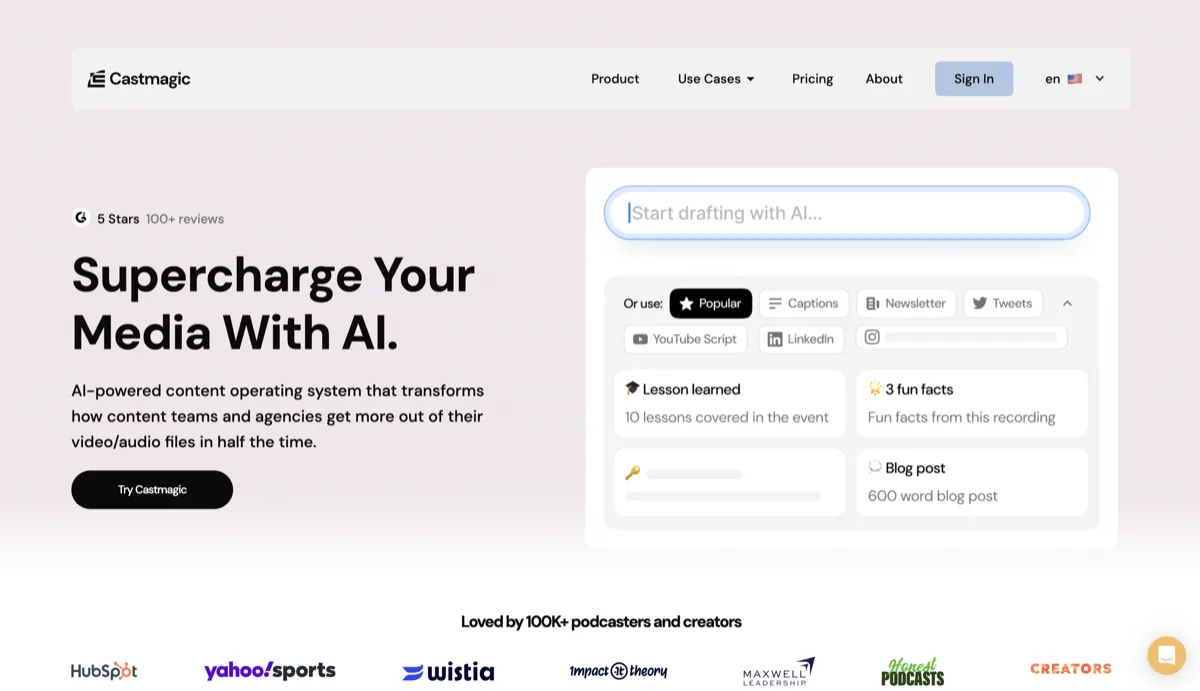
Castmagic is the strongest competitor to RepurposeYourContent in the written content space. It generates show notes, blog posts, social snippets, email newsletters, and more from audio uploads. The Magic Chat feature lets you ask questions about your transcript, and Custom Magic Templates are genuinely useful for standardizing output across episodes.
The key limitation: Castmagic is audio-first. It doesn't generate video clips, image carousels, audiograms with waveforms, or branded image quotes. If your webinars are video-heavy (most are), you're missing half the repurposing potential. It also lacks a visual Brand Kit - outputs come as raw text that you need to design separately.
- Pros: Excellent blog and email output, Magic Chat for transcript Q&A, 60+ language support, affordable entry price
- Cons: No video clip output, no visual asset generation (carousels, audiograms, quotes), no Brand Kit, audio-focused
- Pricing: Hobby $21/mo, up to Business $790/mo for agencies
Read our full Castmagic vs RepurposeYourContent comparison
5. VEED.io - 7.2/10
Best for: Creators and small teams who need an accessible online video editor with solid AI features.
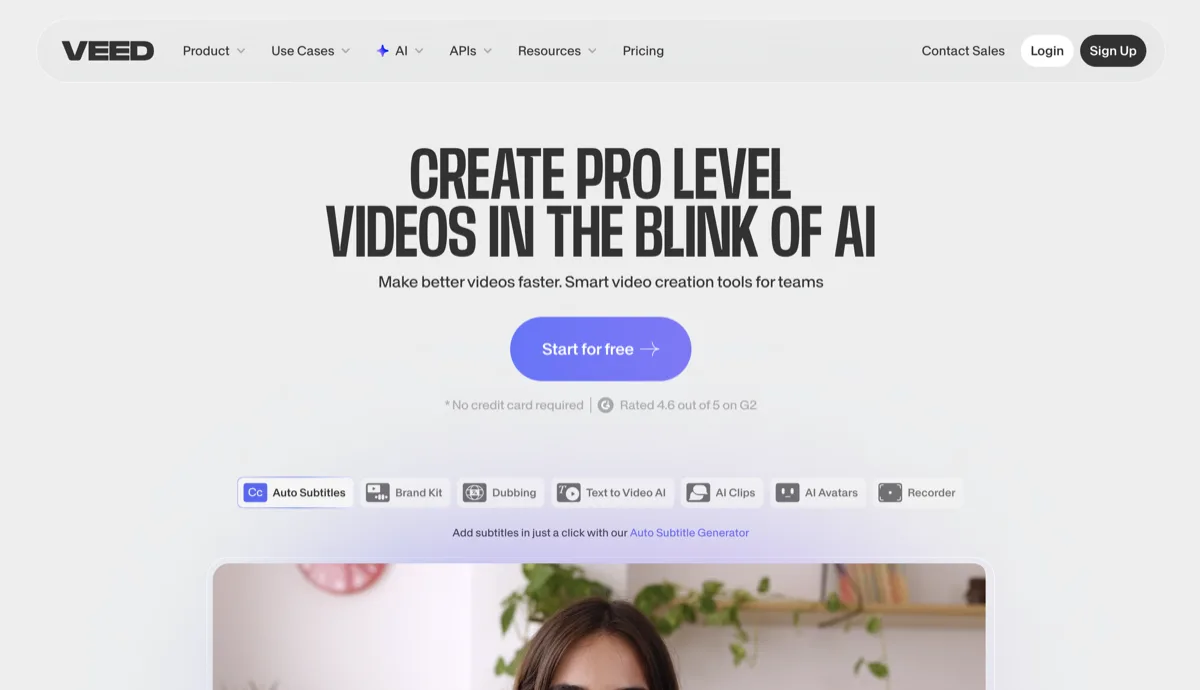
VEED is a browser-based video editor that punches above its weight on AI features. Auto-subtitles in 125+ languages, Magic Cut for filler removal, background noise reduction, and AI dubbing make it a strong utility tool. The drag-and-drop interface is genuinely intuitive - any marketer can pick it up without training.
As a repurposing tool, VEED is limited to video editing and clipping. There's no automated multi-format output. You can manually create clips and add subtitles, but you won't get blog posts, email sequences, or carousels. It's a video editor with some AI superpowers, not a content multiplication engine.
- Pros: Very intuitive UI, excellent auto-subtitles, AI dubbing in 50+ languages, affordable Lite plan
- Cons: Manual editing required, no auto-repurposing, no written content output, 10-min limit on free plan
- Pricing: Free (watermark + 720p), Lite $12/mo, Pro $29/mo, Enterprise custom
Read our full VEED vs RepurposeYourContent comparison
6. Riverside - 7.3/10
Best for: Teams that need a recording platform with built-in AI clipping features.
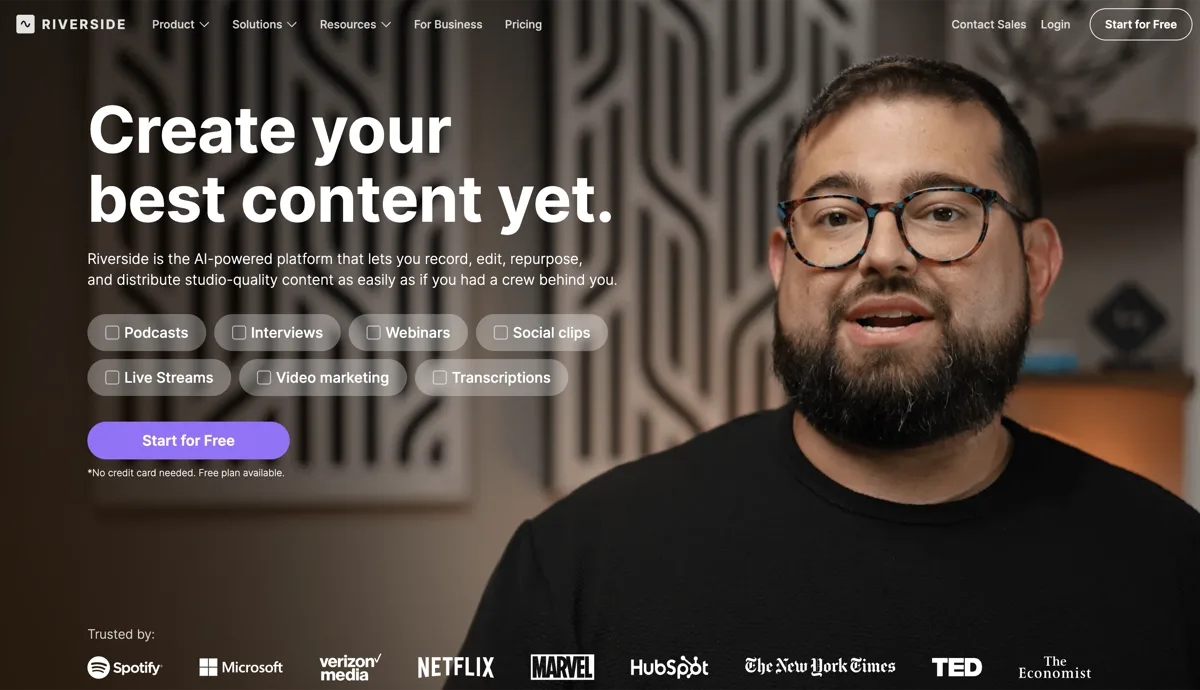
Riverside is primarily a high-quality remote recording platform (competing with Zoom, StreamYard, etc.), but it has added compelling AI repurposing features. Magic Clips auto-generates short clips from recordings, and Show Notes provides summaries. The recording quality itself is excellent - local recordings with up to 4K video and 48kHz audio.
The trade-off: Riverside's repurposing is limited to clips and show notes. It does not produce blog posts, carousels, audiograms, image quotes, or email sequences. And since the webinar plan starts at $99/mo, you're paying a premium that mostly covers the recording platform, not the repurposing. If you already record on Zoom or another platform, Riverside's AI features alone don't justify switching.
- Pros: Best-in-class recording quality, Magic Clips are convenient, all-in-one record + clip workflow
- Cons: Repurposing limited to clips + notes, expensive for repurposing alone, recording platform is the core product
- Pricing: Free (2 hrs recording), Pro $29/mo, Live $39/mo, Webinar $99/mo
Read our full Riverside vs RepurposeYourContent comparison
7. Munch - 7.0/10
Best for: Social media teams that want AI-curated clips with trending topic alignment.
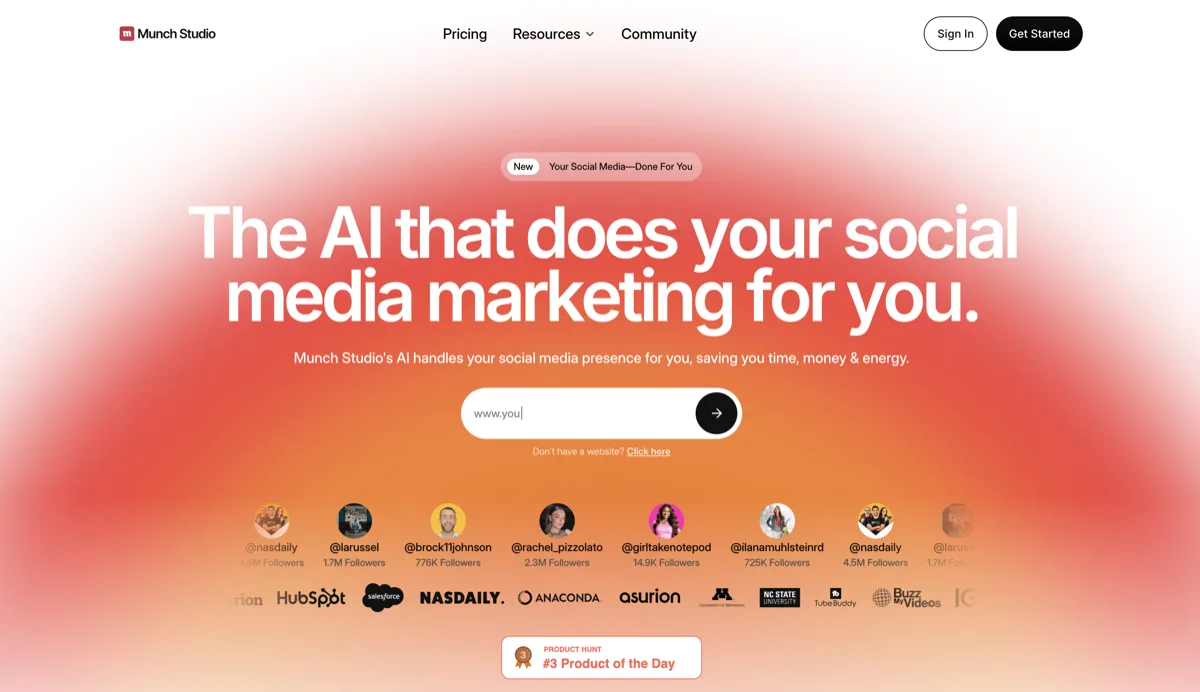
Munch differentiates itself by analyzing your video content against current social media trends. It identifies moments that align with what's performing well on each platform and generates clips accordingly. The AI editing is solid, and the platform supports direct publishing to major social channels.
The biggest concern with Munch is pricing relative to output. At $49/mo for the base plan (200 minutes), you're getting video clips and social captions - the same output Opus Clip provides at $15/mo. The free plan only allows sample projects, not your own content. For B2B teams, Munch's trend-following approach can actually be counterproductive - webinar content is evergreen thought leadership, not trend-chasing social content.
- Pros: Trend-aware clip selection, good AI editing quality, platform-specific optimization
- Cons: Expensive for clips-only output, free plan is unusable, trend-optimization doesn't suit B2B, no written content
- Pricing: Free (sample only), Pro $49/mo, Elite $116/mo, Ultimate $220/mo
Read our full Munch vs RepurposeYourContent comparison
8. Repurpose.io - 6.8/10
Best for: Creators who need automated cross-platform video distribution.
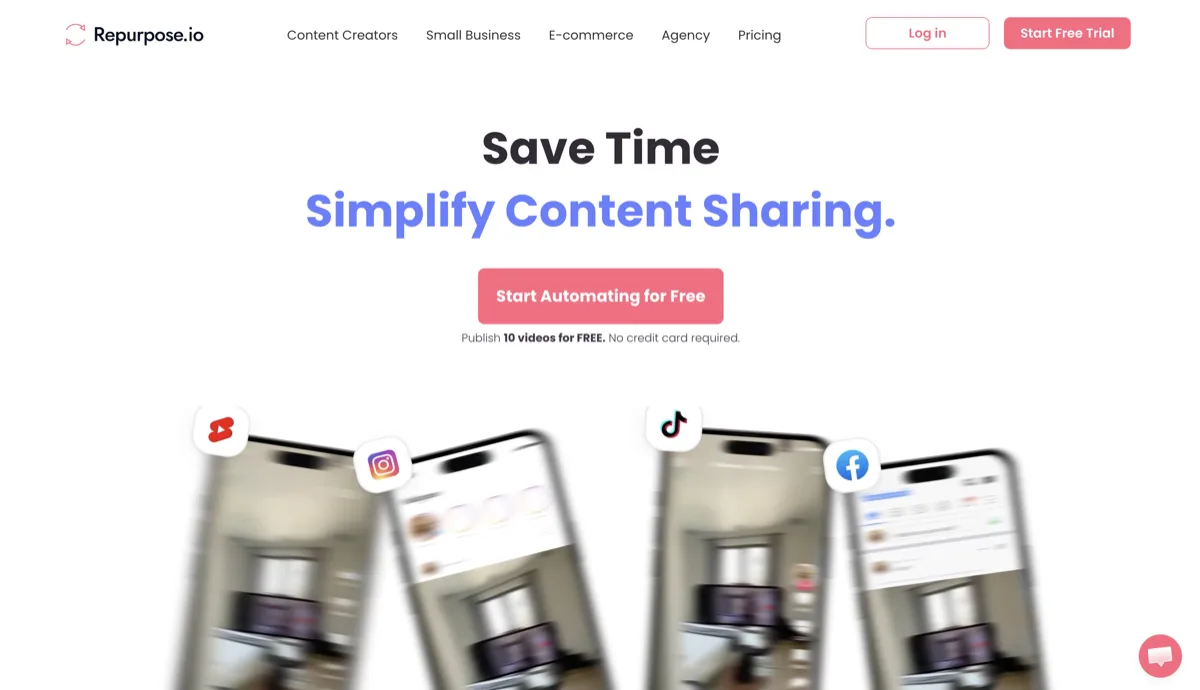
Despite the similar name, Repurpose.io solves a completely different problem. It's a content distribution and automation tool, not a content creation tool. It takes your existing videos and automatically publishes them across YouTube, TikTok, Instagram, LinkedIn, and more. It can resize videos, remove watermarks, and schedule posts. What it doesn't do is generate new content. It won't turn your webinar into blog posts, clips, or any other format. It simply takes what you already have and pushes it to multiple platforms simultaneously.
- Pros: Excellent multi-platform distribution, automation workflows, watermark removal, good platform coverage
- Cons: No content generation at all, requires existing content to distribute, doesn't create clips or written content
- Pricing: Starter $35/mo, Pro $79/mo, Agency $179/mo
Read our full Repurpose.io vs RepurposeYourContent comparison
9. Vidyo.ai (now Quso.ai) - 6.9/10
Best for: Budget-conscious creators who need basic video clipping with social scheduling.
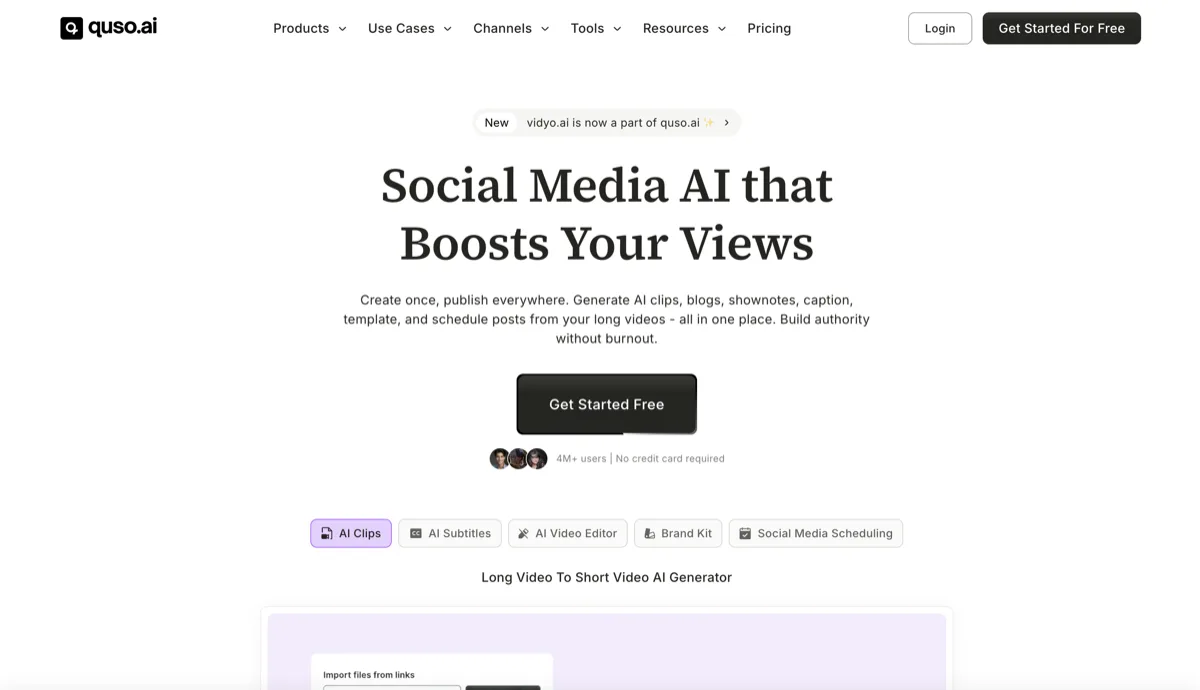
Vidyo.ai rebranded to Quso.ai in 2025 and expanded beyond pure video clipping into a broader social media management platform. It offers video clipping, auto-captioning, social scheduling, and even AI influencer avatars. The $29/mo Lite plan is competitive for basic clipping needs, and the Growth plan ($49/mo) adds custom branding and analytics.
For webinar repurposing specifically, Quso is limited. It clips videos and generates social captions, but doesn't produce blog posts, carousels, audiograms, image quotes, or email sequences. The AI influencer features are aimed at consumer brands and content creators, not B2B marketing teams.
- Pros: Affordable entry price, built-in social scheduler, custom branding on Growth plan, decent clip quality
- Cons: Limited to video clips + social, rebranding caused confusion, AI influencer focus isn't B2B-relevant
- Pricing: Free (75 credits, watermark), Lite $29/mo, Essential $39/mo, Growth $49/mo
10. InVideo AI & Pictory AI - 6.5/10 & 6.6/10
Best for: Teams that need AI video creation from scripts or articles (not webinar repurposing per se).
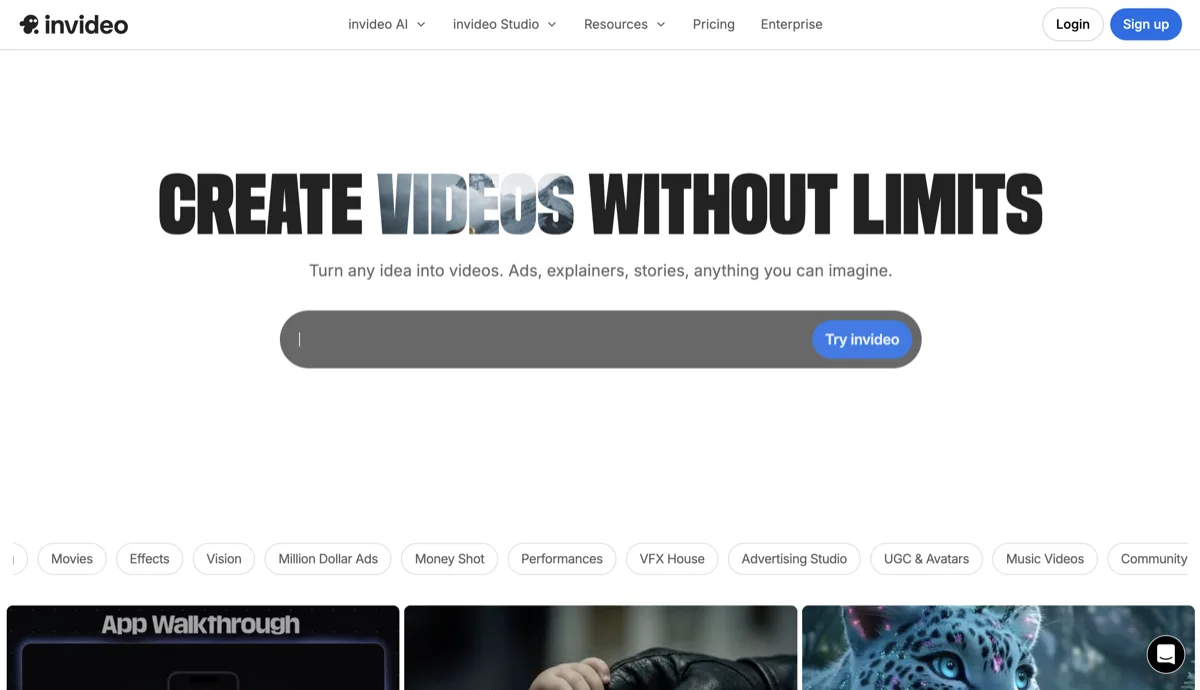
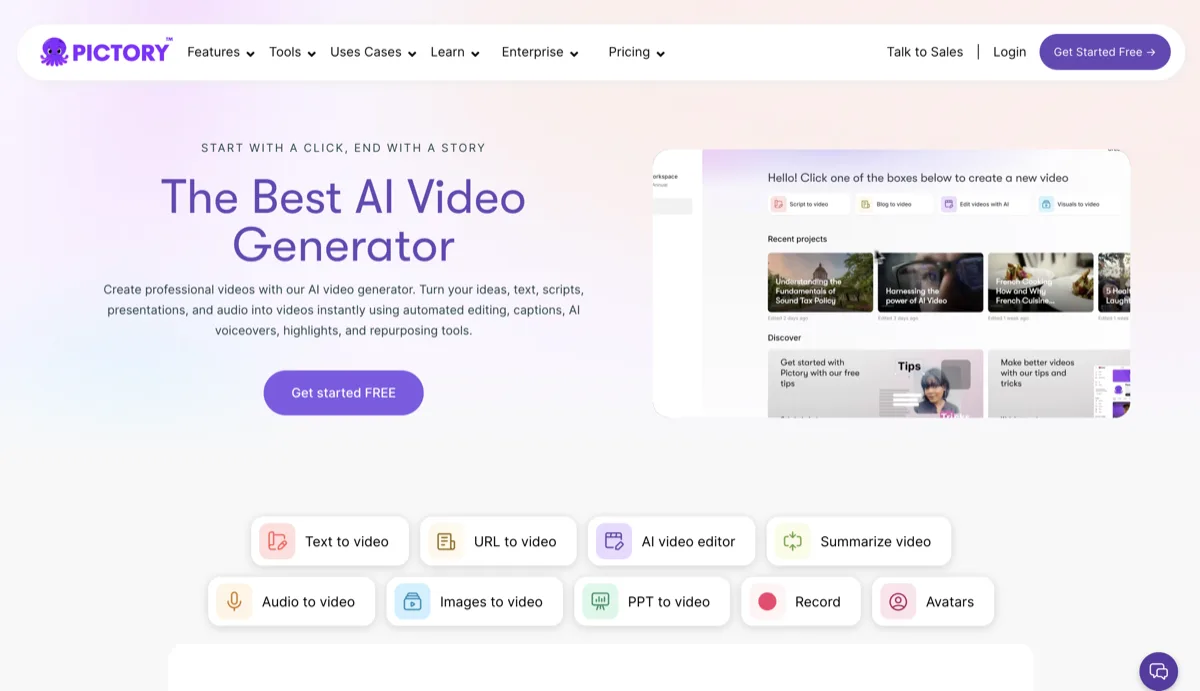
We're grouping these two because they solve a similar problem: creating new videos from text prompts, scripts, or articles. InVideo AI, now an official OpenAI Sora partner, generates polished videos from simple prompts with stock footage, AI voiceovers, and subtitles. Pictory converts blog posts and scripts into videos with its article-to-video workflow.
Both are impressive AI video generators, but neither is a webinar repurposing tool. They create new content from text - they don't extract and transform existing webinar recordings into multiple formats. If you've already repurposed your webinar into a blog post (using a tool like RepurposeYourContent), you could then feed that blog post into Pictory or InVideo to create additional video content. But as standalone webinar repurposing tools, they miss the mark.
- InVideo Pros: Sora 2 integration, excellent AI video generation, 50+ language dubbing, massive stock library
- InVideo Cons: Not a repurposing tool, doesn't process webinar recordings, limited to video output
- InVideo Pricing: Free (10 min/week), Plus $28/mo, Max $48/mo
- Pictory Pros: Great article-to-video workflow, branded templates, Zapier integration for automation
- Pictory Cons: Not a repurposing tool, doesn't process recordings, video-only output
- Pictory Pricing: Starter $23/mo, Professional $47/mo, Teams $119/mo
Read our full Pictory vs RepurposeYourContent comparison
What About Webinar Platform Repurposing Features?
If you run B2B webinars, you've probably noticed that your webinar platform has added "repurposing" to its feature list. Goldcast, ON24, and others now offer built-in clip generation and content tools. We evaluated these too, because the best tool is the one already in your stack - if it actually works.
Goldcast Content Lab
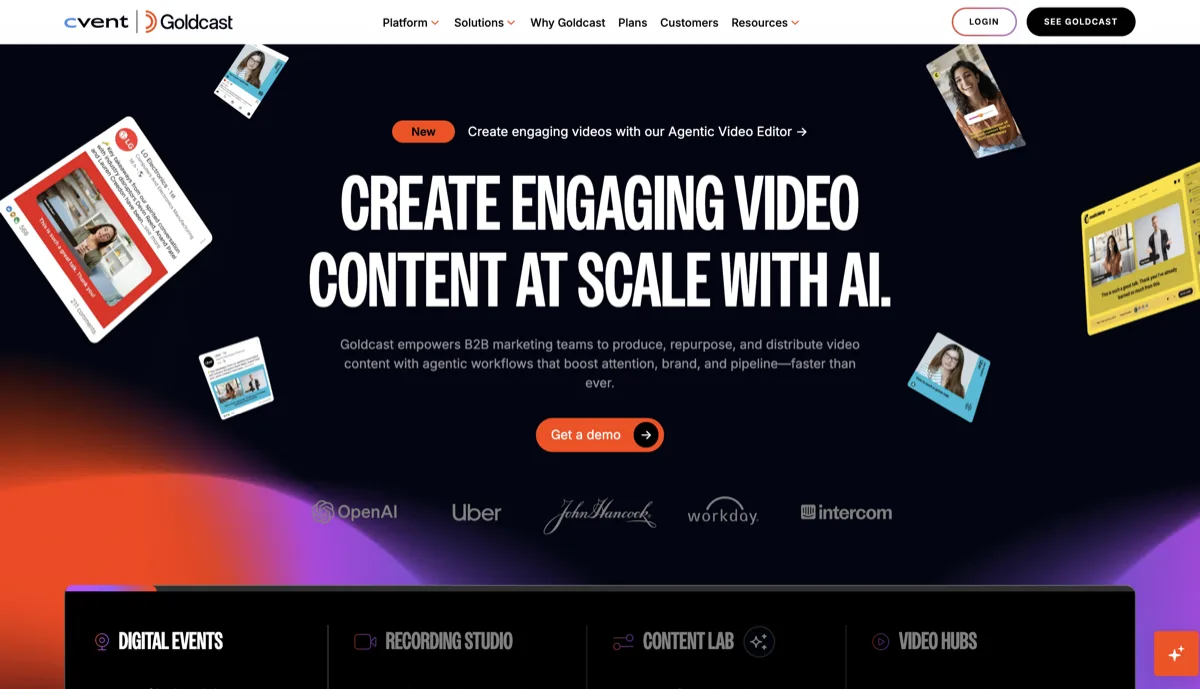
Goldcast's Content Lab is the most ambitious platform add-on in this space. It generates video clips, blog posts, social copy, and email follow-ups directly from your Goldcast event recordings. For teams already running events on Goldcast, the workflow integration is seamless - no downloading and re-uploading recordings.
The limitations: Content Lab is only available on Goldcast's higher-tier plans, and the output quality is inconsistent. Clip creation requires significant manual setup to get branded results, and there's no single-camera shot extraction for multi-speaker panels. Written content tends to be generic and needs heavy editing. Most critically, you're locked into Goldcast's ecosystem - if you also run webinars on Zoom, ON24, or any other platform, Content Lab can't touch those recordings.
- Best for: Teams fully committed to the Goldcast platform who want basic repurposing without leaving their event tool
- Key limitation: Only works with Goldcast recordings, output quality requires significant editing, limited format range
ON24 AI-Powered Content
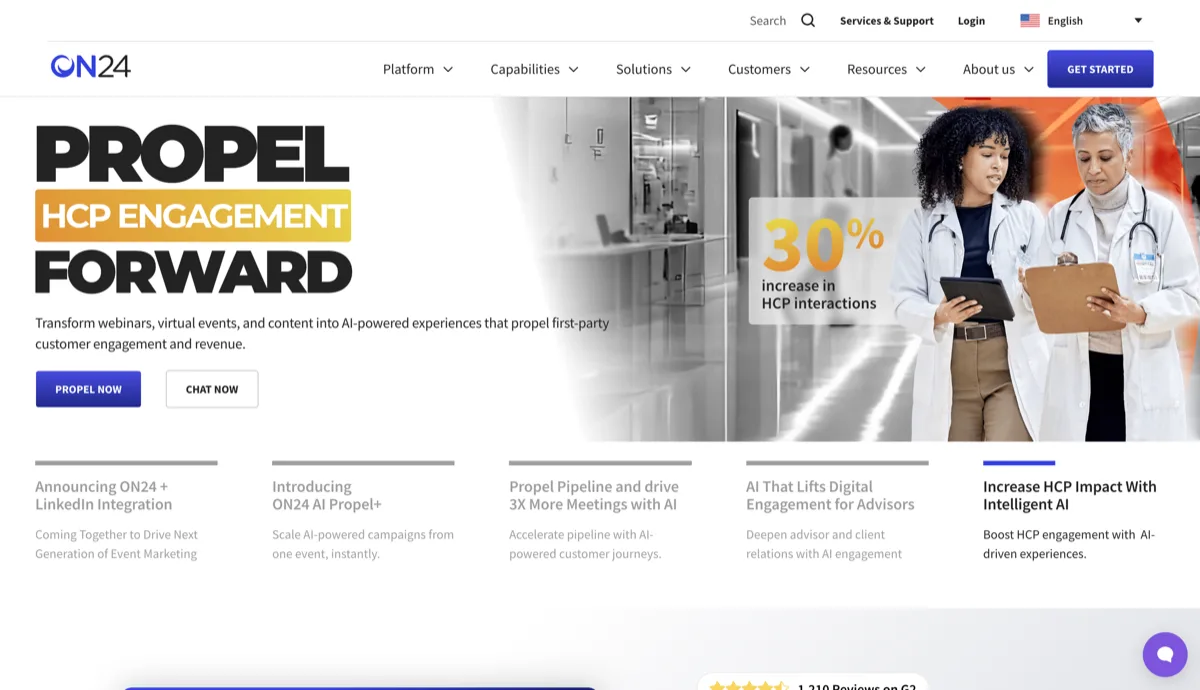
ON24 added AI-generated content features in 2025, including automated key moments, content snippets, and engagement-based clip suggestions. The data advantage is real - ON24 can identify which moments drove the most audience interaction during the live event and prioritize those for repurposing.
However, ON24's repurposing is surface-level. It suggests clips and generates short text summaries, but doesn't produce full blog posts, image carousels, audiograms, or email sequences. The AI features are add-ons to an enterprise webinar platform with enterprise pricing - you're not subscribing to ON24 for its repurposing capabilities.
- Best for: Enterprise teams already on ON24 who want engagement-informed clip suggestions
- Key limitation: Minimal format output, enterprise pricing, locked to ON24 recordings only
Parmonic
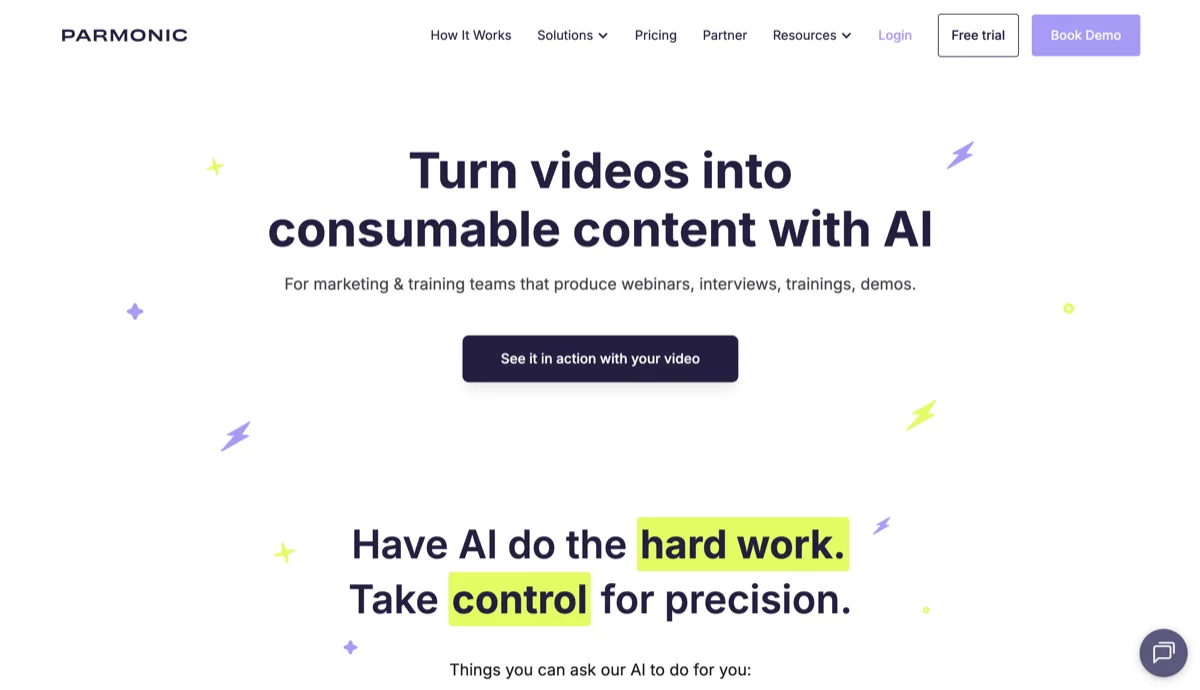
Parmonic deserves mention as one of the few tools specifically targeting B2B webinar repurposing. It auto-generates video snippets and "Snackable Videos" from webinar recordings, with an emphasis on sales enablement - turning webinar content into prospect-ready clips for BDRs. The integration with webinar platforms like ON24 and 6Sense is a differentiator for enterprise sales teams.
Where Parmonic falls short is breadth. It focuses almost exclusively on video snippets and sales enablement use cases. There's no blog post generation, no image carousels, no audiograms, no email sequences. It solves the sales clip problem well but doesn't address the broader content repurposing workflow that marketing teams need.
- Best for: Enterprise sales teams who need webinar clips for outbound prospecting and deal progression
- Key limitation: Video snippets only, sales-focused rather than marketing-focused, no written content or visual asset generation
The bottom line on platform add-ons: Built-in repurposing features are convenient but shallow. Every platform we tested treats repurposing as a checkbox feature, not a core competency. If you need more than basic clips from a single platform's recordings, a dedicated repurposing tool will save you time and produce better results.
What to Look for in a True Repurposing Tool
After testing every tool on this list, one pattern became undeniable: the webinar repurposing market is dominated by video clippers pretending to be repurposing tools. Most tools do one thing - cut long videos into short clips - and call it repurposing. That's not repurposing. That's trimming.
True repurposing means transforming a single source into multiple distinct content types, each optimized for its destination platform and audience. Here's what sets RepurposeYourContent apart:
8 Formats From a Single Upload
No other tool matches the output breadth. From one webinar recording, you get:
- Video clips with auto-captions for LinkedIn, YouTube Shorts, and Instagram
- SEO-optimized blog posts structured with proper headings, key takeaways, and internal linking opportunities
- Platform-specific social copy - not generic captions, but posts tailored to LinkedIn, X, and more
- Image carousels designed for LinkedIn engagement
- Audiograms with animated waveforms and captions
- Image quotes featuring your speakers' most shareable insights
- Podcast episodes with clean, processed audio
- Email nurture sequences pulling key insights for non-attendees and follow-up campaigns
Brand Kit Across Every Format
This is the feature gap that most competitors can't close. RepurposeYourContent applies your brand colors, fonts, and logos across every output format automatically. Your carousels match your quote cards match your video overlays. For B2B teams where brand consistency is non-negotiable, this eliminates hours of design work and prevents the off-brand outputs that plague generic tools.
Built for B2B Tone, Not TikTok Trends
Tools like Opus Clip and Munch optimize for virality - engagement bait, trending sounds, attention-grabbing hooks. That's perfect for consumer creators. But B2B webinar content requires a different approach: extracting thought leadership insights, structuring actionable takeaways, and maintaining a professional, authoritative tone.
RepurposeYourContent's AI is trained to understand B2B webinar structure - speaker Q&As, panel discussions, product demos, thought leadership sessions. It identifies the moments your demand gen and content teams actually need, not just the most emotionally provocative 30 seconds.
Tone of Voice Customization
Visual branding (colors, fonts, logos) is table stakes. What actually determines whether your team publishes AI-generated content or rewrites it from scratch is tone of voice. RepurposeYourContent lets you define your brand's communication style - formal vs. conversational, technical depth, industry-specific terminology - and applies it across all written outputs. Blog posts, social copy, and email sequences come out sounding like your brand wrote them, not like a generic AI template. For agencies managing multiple client voices, each Brand Kit includes its own tone settings.
The Cost-Per-Content-Piece Advantage
At $99/mo (Starter plan), RepurposeYourContent generates 30+ content pieces per webinar across 8 formats. That's roughly $3 per content piece. Compare that to Opus Clip at $15/mo for ~5 video clips ($3/clip, but clips only) or hiring a freelancer at $50-150 per blog post, $20-50 per social graphic, and $200+ per email sequence. The ROI math is straightforward: RepurposeYourContent replaces 3-5 tools and hours of manual work.
How to Choose the Right Webinar Repurposing Tool
Not every team needs the same thing. Here's a decision framework based on the most common scenarios we see:
Choose RepurposeYourContent if:
- You run B2B webinars and need a full content library from each recording
- Your team needs blog posts, email sequences, and carousels, not just clips
- Brand consistency matters - you need a Brand Kit that applies across every output
- You want to replace multiple tools with one platform
- You're an agency managing repurposing for multiple clients
Choose Opus Clip if:
- You only need short video clips for social media
- You're a solo creator optimizing for viral reach on TikTok, Reels, and Shorts
- Budget is your primary concern and you don't need written content
Choose Descript if:
- You have a dedicated video editor on your team
- You need granular editing control (text-based editing, filler removal, studio sound)
- Your workflow is edit-first, repurpose-second
Choose Castmagic if:
- Your primary content source is audio (podcasts, coaching calls), not video
- You need show notes, transcripts, and email newsletters from recordings
- You don't need visual assets (carousels, audiograms, quote cards)
Choose Repurpose.io if:
- You already have content and just need to distribute it across platforms
- You want automated cross-posting to YouTube, TikTok, Instagram, etc.
- Content creation isn't the problem - distribution is
Final Recommendation
The webinar repurposing space in 2026 is crowded, but it's also misleadingly narrow. Most tools offer some variation of the same thing: upload a long video, get short clips. That's useful, but it's a fraction of what your webinar content is worth.
If you're a B2B team investing real budget in webinar programs, you need a tool that treats every recording as a content goldmine, not just a source of social clips. You need blog posts for SEO, email sequences for nurturing, carousels for LinkedIn, audiograms for accessibility, and quote cards for thought leadership - all branded, all publish-ready, all from one upload.
The most efficient content teams aren't creating more - they're extracting more from what they've already invested in. One webinar, properly repurposed across formats, can outperform a month of content created from scratch. The key is choosing a tool that matches the depth and breadth your team actually needs.
For B2B teams, RepurposeYourContent is our top recommendation. It generates the widest range of content formats (8), applies a full Brand Kit automatically, and is built from the ground up for professional webinar content. That said, we encourage you to trial 2-3 tools from this list and judge the output quality against your own brand standards. Start with a free account and compare the results yourself.
For specific head-to-head comparisons, visit our comparison hub where we break down every tool in detail.
Tags: