Best Podcast Repurposing Tools 2026: An Honest Review
Find the best podcast repurposing tools 2026. An honest review of top options, comparing features, pricing, and the real time cost vs. a done-for-you service.

Here's the uncomfortable truth. Podcast repurposing software does not buy back as much time as the sales pages suggest.
The strongest tools in 2026 can turn one episode into clips, captions, posts, transcripts, and draft copy. That part is useful. The bottleneck comes after the export. You still need to review the clips, fix the cuts, rewrite the copy, check brand fit, and publish everything. For a typical episode, that usually means 5 to 8 hours of team time.
That is the buying decision this article focuses on. Not feature lists. Not how many assets a tool can generate. The question is simpler: after the tool finishes, how much work is still left for you?
Earlier benchmark coverage cited AI repurposing tools producing a high volume of outputs from a single recording. Volume is easy. Finished content is harder. A batch of drafts is not the same as assets you can post without edits.
For podcasters and marketers, there are usually two paths:
- DIY software path: Monthly software spend is usually modest. Your team still handles transcript review, clip selection, editing cleanup, copy revisions, asset packaging, approvals, and scheduling. That work often lands in the 5 to 8 hour range per episode.
- Done-for-you service path: The monthly price is higher, but your part is small. In many cases, you send one recording, leave a few notes, and spend about 15 minutes reviewing finished assets.
That trade-off matters more than another feature comparison. A tool can be excellent and still be a poor fit if you do not have the hours to run it properly.
A realistic DIY workflow usually looks like this:
- Transcript review: about 45 to 60 minutes to scan for usable moments
- Clip selection: about 1 to 2 hours to reject weak auto-generated clips
- Video cleanup: about 1 to 2 hours for reframing, captions, branding, and exports
- Written assets: about 1 to 2 hours to rewrite drafts so they sound like the host
- Distribution: about 1 to 2 hours for thumbnails, links, approvals, and scheduling
That is why smart teams treat repurposing as a workflow choice, not just a software choice. If you are building your own podcast content repurposing strategy, this list will help you choose the DIY tool that leaves the least cleanup on your side.
Practical rule: Every tool below reduces effort. None of them remove editorial judgment.
1. Descript
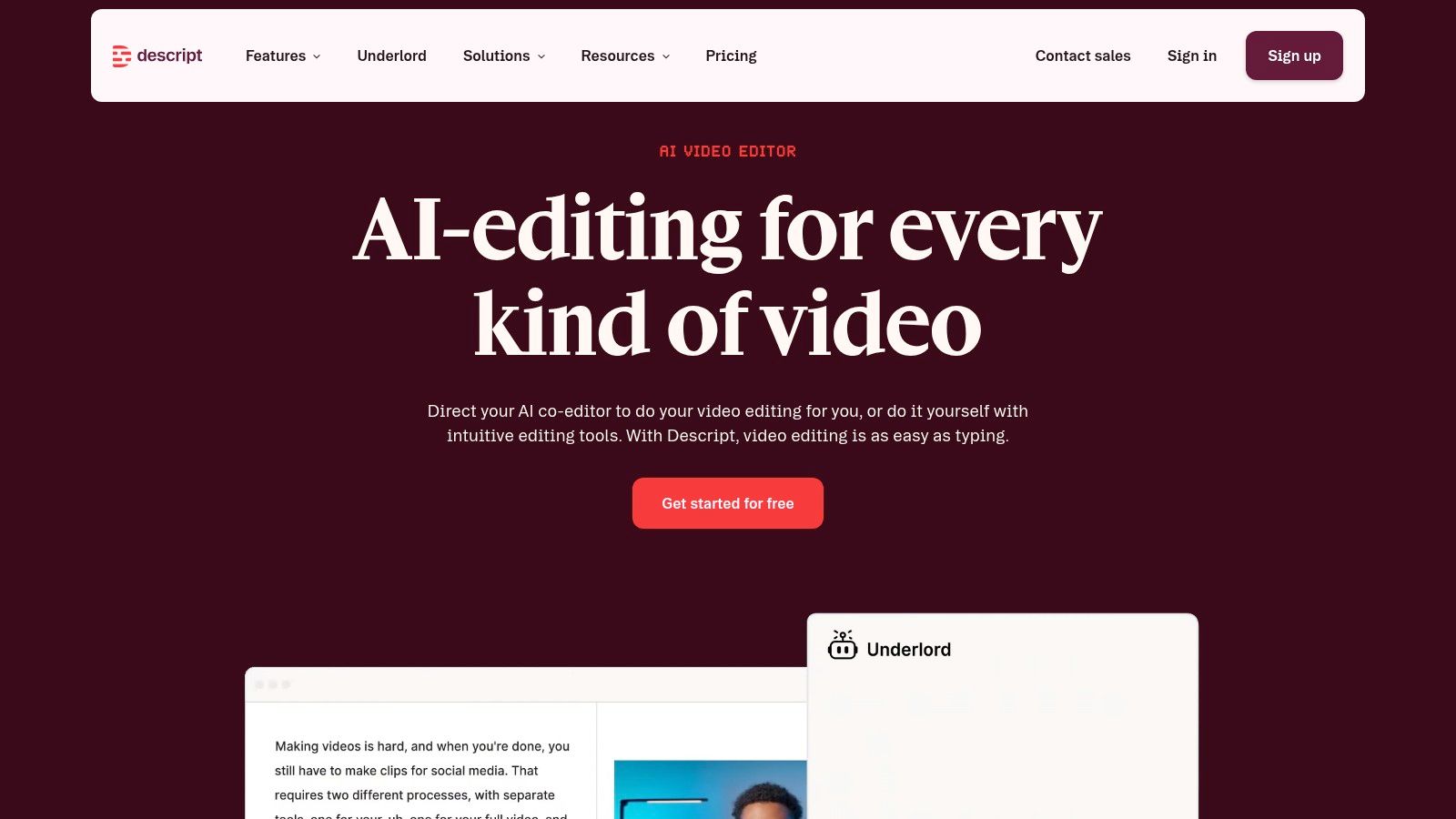
Descript is the strongest editing workflow in this category. For solo podcasters and lean teams, transcript-based editing is still the biggest upgrade available. Cutting a video by editing text is faster than dragging clips around a timeline for every change.
It handles multitrack editing, filler-word removal, silence cleanup, captions, clip exports, and AI help for titles and show notes. It can cover both episode editing and some repurposing in one place. That matters when the alternative is bouncing between three apps.
Where Descript earns its place
Descript suits teams that want control. Not just output. If the host cares about pacing, exact cuts, branded captions, or transcript cleanup, this is the tool to beat.
A lot of teams also use it as the base for a wider podcast content repurposing strategy. That's the right framing. Descript isn't magic. It's the editing layer.
- Best for: Podcasters editing their own audio and video.
- What it outputs: Edited episodes, captioned clips, transcript-driven cuts, some AI-written support copy.
- What's still missing: Final editorial judgment, stronger written repurposing, asset packaging, and scheduling.
The real time cost
This is the most powerful option on the list. It's also the most demanding. Expect 2 to 3 hours just to learn a clean workflow if the team is new to transcript-based editing, then 3 to 5 hours per episode for a competent user who wants polished outputs.
That time goes into decisions Descript can't make. Which 30 seconds matter. Which pause should stay. Which sentence sounds off-brand. Which clip deserves LinkedIn instead of Shorts.
Descript gives the most control, and control always costs time.
Direct pricing changes often, so buyers should confirm current plans on Descript's website. For a podcaster doing it personally, Descript is one of the top three picks for the best podcast repurposing tools 2026. It just isn't the fastest path.
2. Castmagic
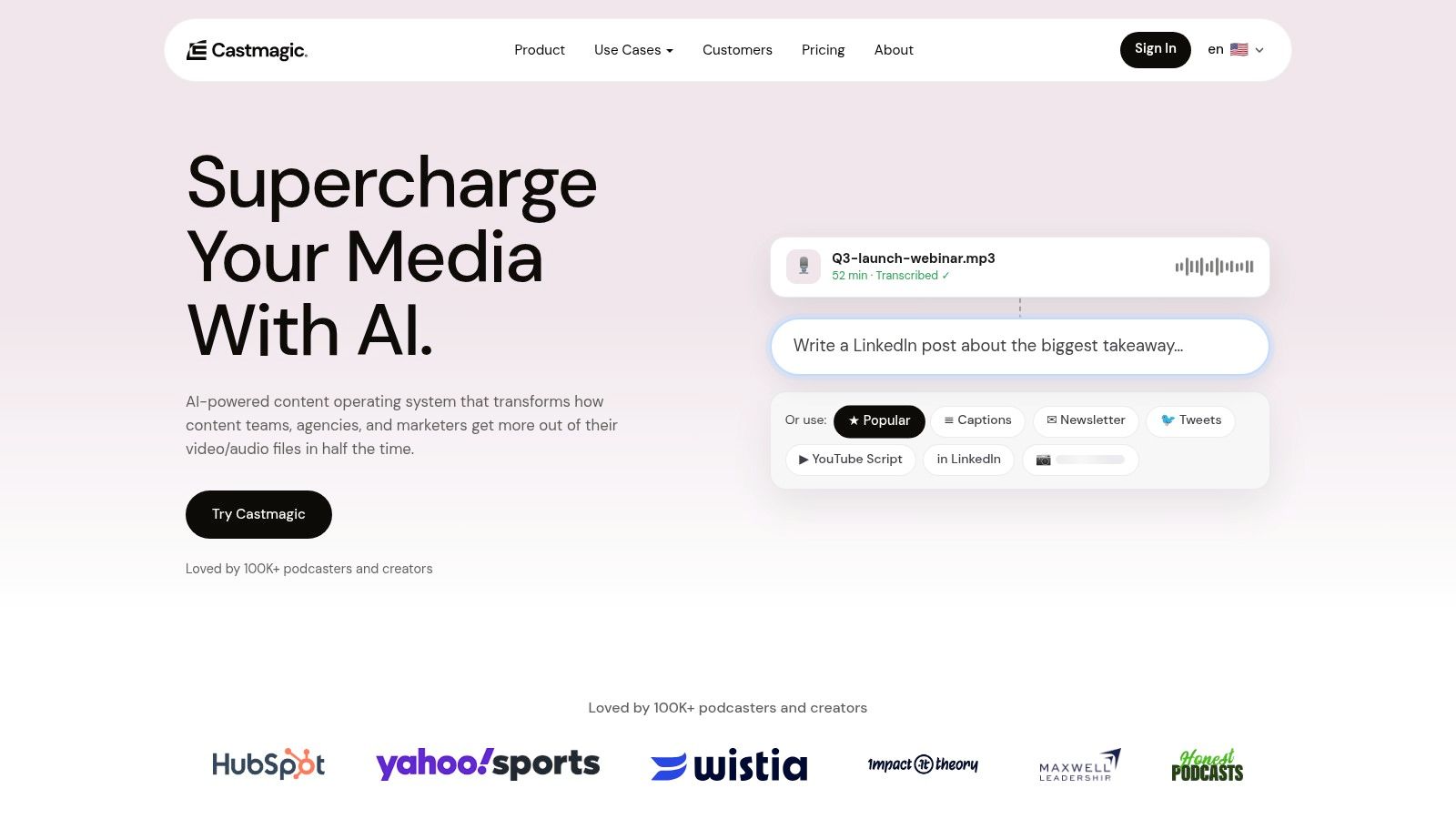
Castmagic is the written-content specialist. If the podcast needs show notes, summaries, blog drafts, newsletter copy, social captions, and transcript-based prompts, it does more than most rivals in one pass.
That fits how a lot of B2B teams work. A 2024 Gartner survey found 73% of B2B content teams name podcast and webinar recordings as their top source of lead-producing assets, yet only 34% have a documented repurposing strategy, according to Distribution.ai's summary of repurposing adoption data. Castmagic sits right in that gap. It helps turn recordings into a repeatable written package.
What Castmagic does well
Castmagic is best when the podcast is a content engine, not just a show. It can generate transcripts, show notes, summaries, newsletters, blog ideas, and social drafts from one upload. One published example states that Castmagic can turn a single episode or meeting recording into over 100 pieces of content, according to Content Allies on repurposing podcast content.
That sounds great. It is useful. It also needs editing.
For teams building around transcripts and post-production writing, this guide on how to repurpose podcast episodes is the right companion to the tool.
- Best for: B2B podcasts that need blogs, emails, post drafts, and summaries.
- What it outputs: Written asset drafts and transcript-based content packs.
- What's still missing: Strong video clipping, final voice polish, visual design, and scheduling.
The real time cost
Castmagic saves typing time. It doesn't save thinking time. Users often still need 2 to 4 hours per episode to rewrite drafts so they sound like a real person and not the same AI cadence everyone recognizes.
That's the trade-off. The written layer gets much faster. The brand voice layer still belongs to the team. Current plans and limits are best checked on Castmagic's website.
3. Opus Clip
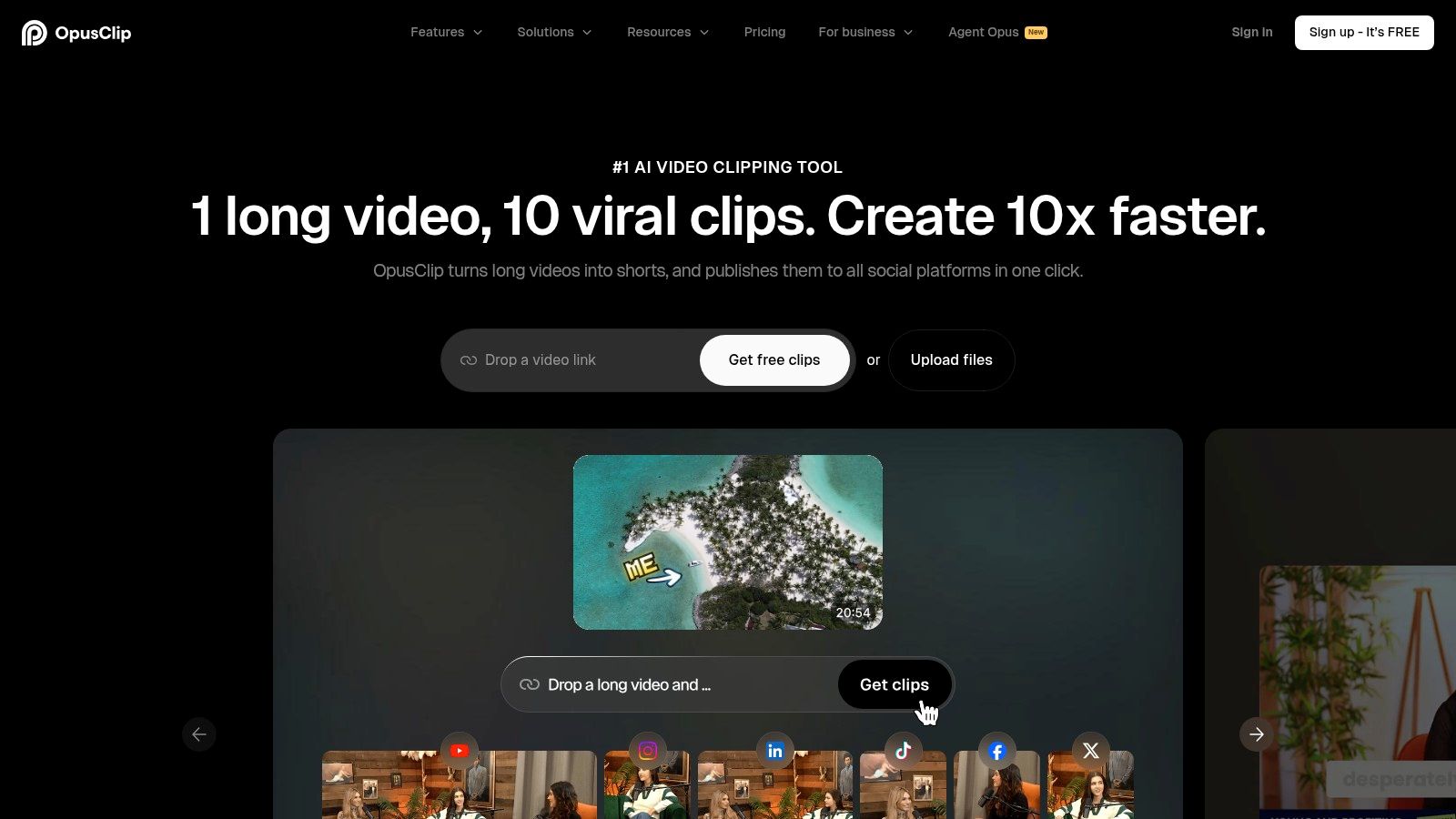
Most podcast repurposing tools promise scale. Opus Clip promises speed. That narrower focus makes it useful.
If your main goal is to turn one episode into a stack of vertical videos, Opus Clip is one of the fastest DIY options to test. It finds potential moments, reframes speakers for vertical formats, adds captions, and gives you a batch of clip candidates without opening a full editing timeline.
Where Opus Clip fits
Opus Clip works best for teams chasing distribution on Reels, Shorts, and TikTok. It is not a content system for blogs, emails, or full campaign assets. It is a clipping tool.
That matters because the output looks finished sooner than it is. Auto-clipping has improved across the category, and short-form focused tools can save a lot of manual cutting time. But speed on the first pass is only part of the job. Teams building a serious short-form workflow should pair it with a plan for packaging, publishing, and testing. This guide to AI video editing tools for marketers is a useful reference point if you're comparing clip-first platforms.
Time Investment
Opus Clip reduces editing labor. It does not remove review labor.
Plan on 1 to 3 hours per episode if you want clips you would publish under your brand. That time usually goes into reviewing weak selections, rewriting titles, fixing captions, trimming awkward starts, and rejecting clips that are dramatic but not useful. The common failure mode is simple. The tool often picks intensity over substance.
That is the trade-off with DIY clipping software. The machine gets you to draft clips fast. You still decide what deserves distribution. If your benchmark is total time required after the tool runs, Opus Clip beats manual clipping, but it does not get close to a done-for-you workflow where your part is closer to 15 minutes.
- Best for: Podcasters who want a fast batch of vertical clip options from each episode.
- What it outputs: Short video clip candidates with captions, reframing, and social-ready formatting.
- What's still missing: Written repurposing, editorial judgment, full episode editing, and channel strategy.
Current plans and credit limits can change, so buyers should verify them on Opus Clip's website.
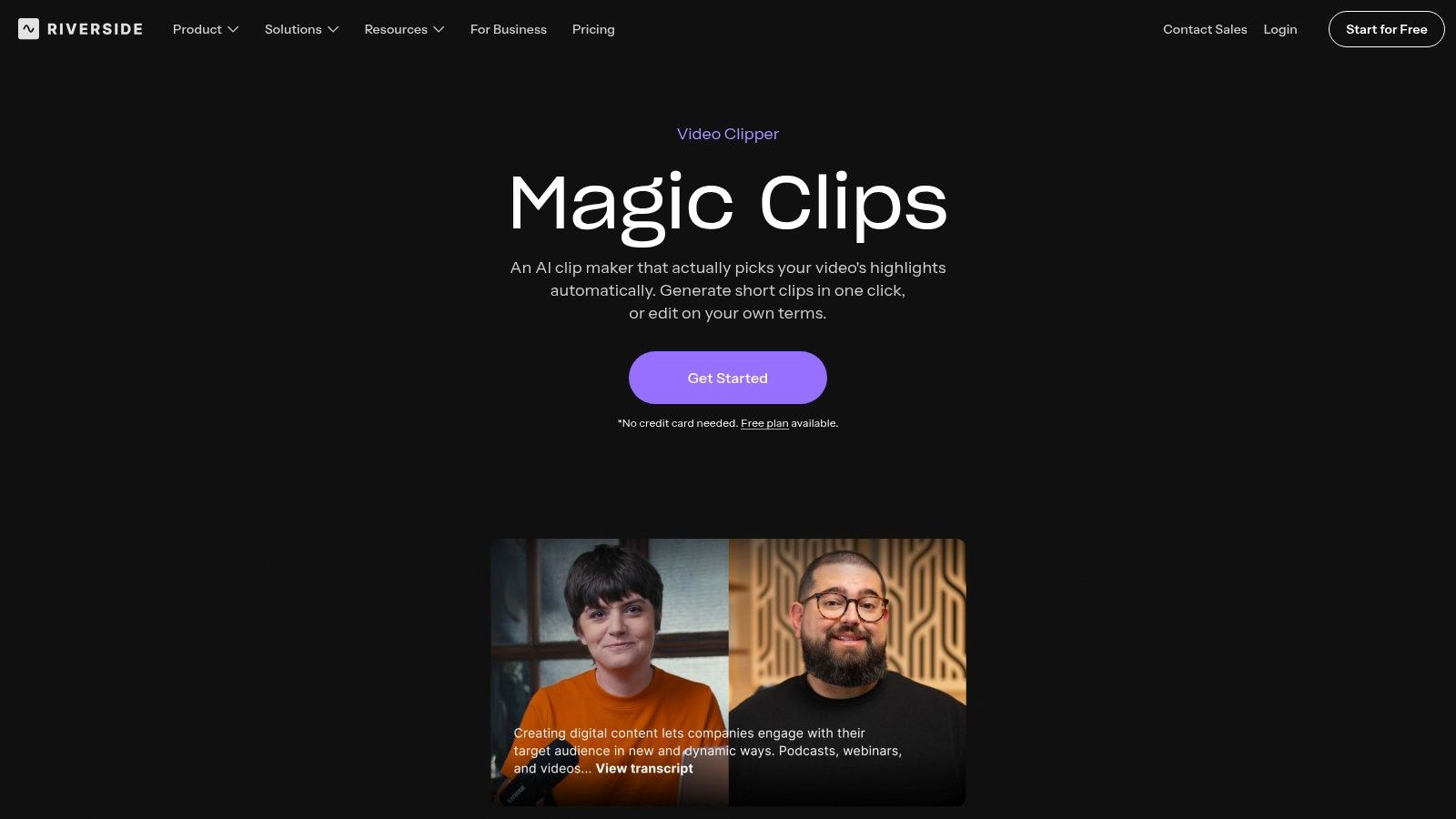
4. Riverside Magic Clips
Riverside's advantage starts before repurposing. It records clean local files, separate tracks, and multitrack sessions that make downstream clipping easier. That upstream quality matters more than many tool roundups admit.
For podcasters already recording interviews remotely, Riverside is one of the smartest foundations. Clean source material makes every later step faster. Bad recordings create editing work no repurposing tool can fully hide.
Best when recording and repurposing stay together
Magic Clips is most useful for teams already inside Riverside. The benefit isn't that it's the deepest repurposing product. It isn't. The benefit is fewer handoffs.
The platform can generate clips, support text-based editing, and assist with show notes. Buyers evaluating the broader category of AI video editing tools for marketers should see Riverside as the clean-input option, not the all-in-one winner.
- Best for: Podcast hosts already recording in Riverside.
- What it outputs: Clean source recordings, clip candidates, captions, and some AI support assets.
- What's still missing: Rich written repurposing, advanced clip styling, and more complete editorial workflows.
The real time cost
Because Riverside starts with better raw material, it can shave friction off the whole process. But it still leaves 2 to 4 hours per episode for clip review, title cleanup, description edits, asset decisions, and distribution.
For DIY users, Riverside belongs in the top three of the best podcast repurposing tools 2026 because it improves the source itself. Current plan details are best checked on Riverside's Magic Clips page.
5. Podsqueeze
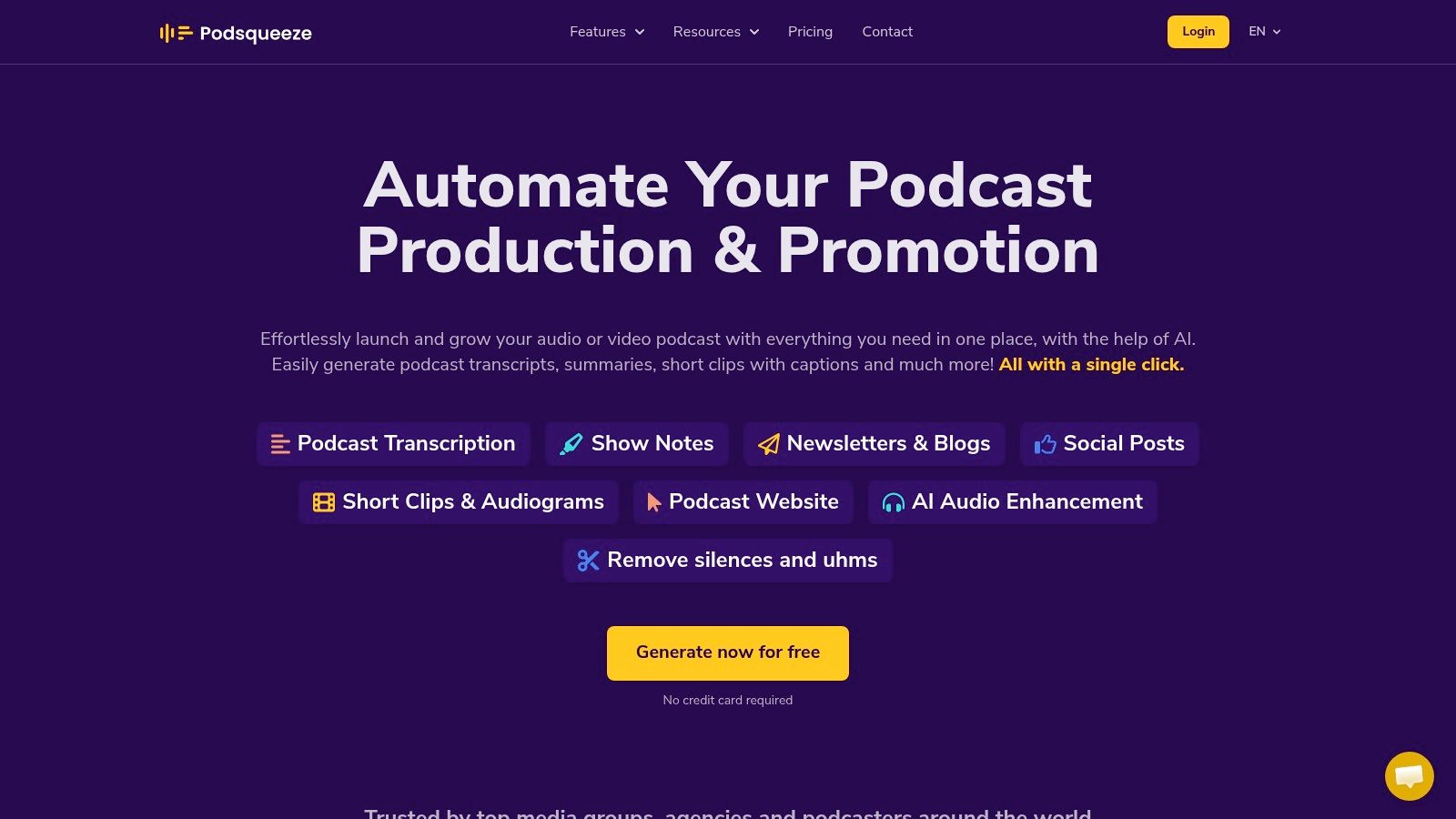
Podsqueeze is the budget-minded option that still feels podcast-specific. It covers transcripts, show notes, summaries, blog drafts, newsletters, social posts, clips, and audiograms without pretending to be a deep editor.
That makes it attractive for independent podcasters, podcast managers, and small agencies handling several shows. The scope is broad enough to reduce tool sprawl. The trade-off is that none of the outputs feel as deep as a specialist product.
What it handles well
Podsqueeze is good at basic throughput. It turns episodes into a workable set of first drafts and derivative assets. For a small team, that's often enough.
A broader look at how AI content repurposing works helps explain where a product like Podsqueeze fits. It covers many steps lightly rather than owning one step completely.
- Best for: Budget-conscious podcast workflows.
- What it outputs: Transcript-based written drafts, basic clips, audiograms, and episode support content.
- What's still missing: Advanced editing control, stronger visual polish, and premium workflow depth.
The real time cost
Podsqueeze can save a podcaster from starting with a blank page. That's valuable. But the team should still expect 3 to 5 hours per episode to clean transcript errors, refine clip choices, edit copy, brand the visuals, and schedule content.
The best reason to buy it is efficiency at a lower price point. The wrong reason is expecting polished content without a human pass. Current plans are available on Podsqueeze's website.
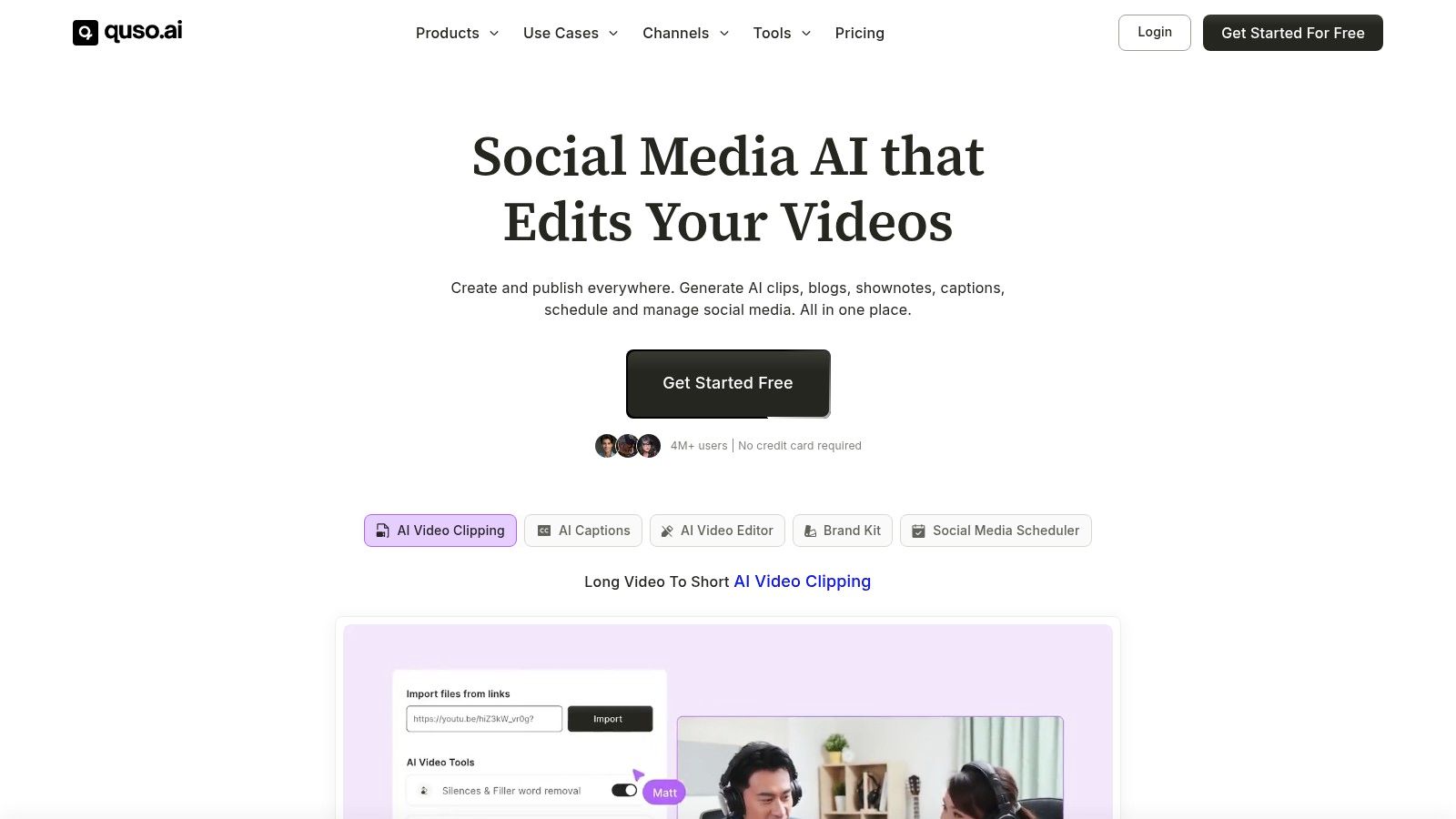
6. Quso
Quso, formerly Vidyo.ai, sits in the practical middle ground. It focuses on clipping, resizing, captions, templates, and social scheduling. That's useful for creators who want one workspace for clip production and publishing.
Its appeal is convenience. Not editorial depth. For a podcast team publishing frequent short clips, combining clip generation and scheduling can reduce handoffs.
Who should look at Quso
Quso fits podcasters who already know short-form is the main channel. It can package clips for multiple destinations without forcing a separate scheduler.
The caution is simple. Rebrands often leave scattered documentation, inconsistent tutorials, and uneven community advice. That doesn't make the tool bad. It just creates more self-serve troubleshooting.
- Best for: Podcasters who want clips plus basic scheduling in one place.
- What it outputs: Clip candidates, captions, resized formats, templates, and scheduled posts.
- What's still missing: Strong long-form writing, nuanced editorial review, and deeper editing control.
The real time cost
The scheduling layer saves repetitive admin. It doesn't solve content quality. Teams should still expect around 3 to 5 hours per episode for clip approval, copy rewrites, brand checks, and final publishing decisions.
Quso works best when the podcast team values speed and acceptable quality over precision. Buyers should confirm current features and plans on Quso's website.
7. Swell AI
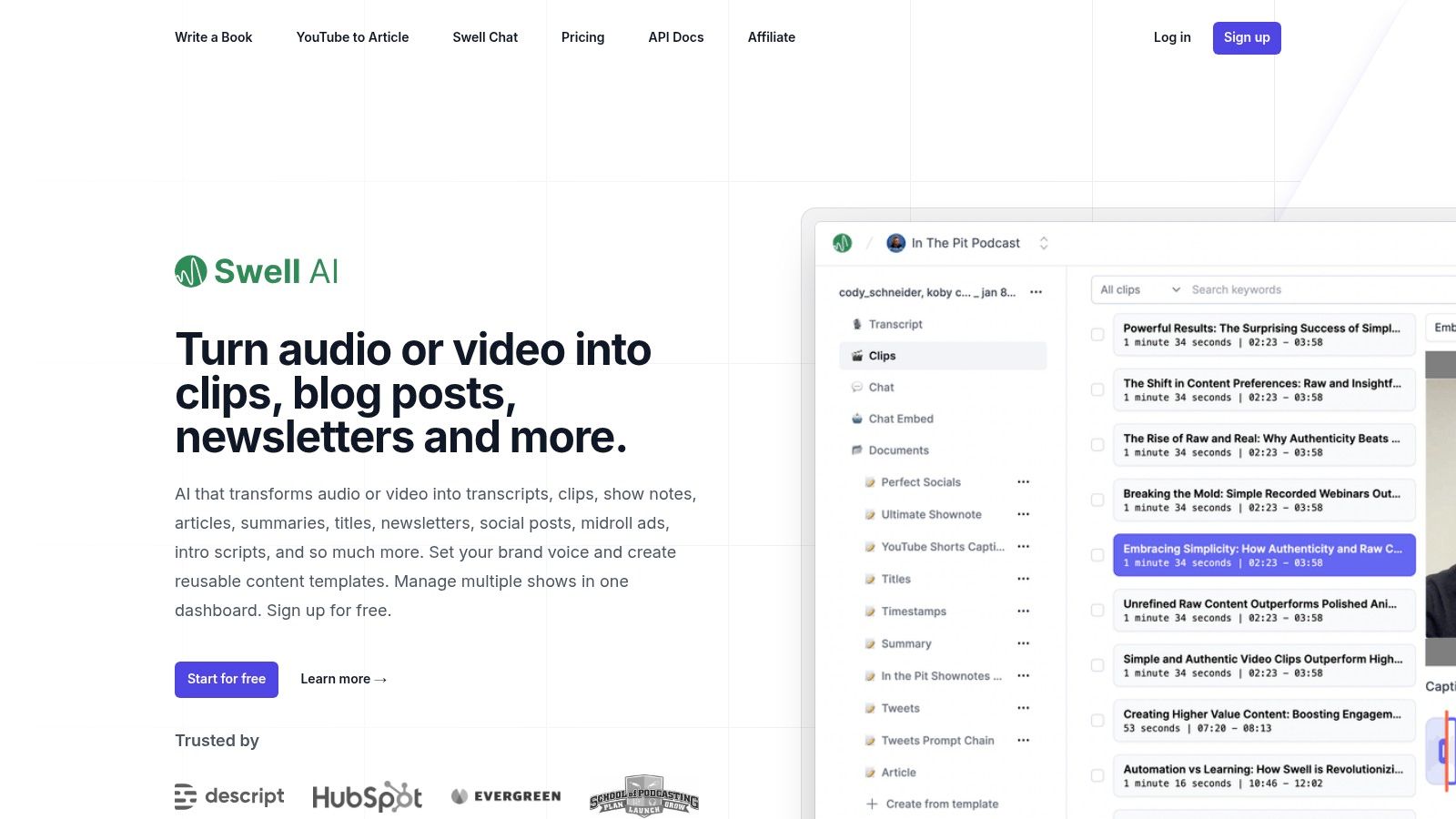
Swell AI aims for breadth. It can produce transcripts, clips, show notes, articles, social posts, newsletters, and other derivative assets from podcast or long-form video inputs.
That makes it appealing for agencies and multi-show teams. It has enough structure to support repeated workflows across several programs, which many creator-first tools don't handle well.
Where Swell AI stands out
Swell AI is one of the better all-around options for teams managing more than one show. Templates, multi-show dashboards, and brand settings matter once content operations move beyond one host and one weekly episode.
That said, broad toolsets usually need more setup. The more templates, prompts, and brand instructions available, the more work it takes to dial them in so the output stops sounding generic.
Better setup reduces future cleanup, but setup is still work.
- Best for: Agencies and teams managing multiple podcasts.
- What it outputs: Written assets, clips, summaries, transcript-based derivatives, and reusable templates.
- What's still missing: Specialist editing depth and a hands-off final layer.
The real time cost
Swell AI can reduce repeat work after setup. The first episodes usually take longer while templates and brand rules get tuned. After that, a competent user should still budget 4 to 6 hours per episode for review, editing, packaging, and distribution.
For teams with several shows, the repeatability is the appeal. Current plans and integrations are listed on Swell AI's website.
8. Podium
Podium is built specifically for podcasters. That focus shows in the interface. It handles transcripts, show notes, chapters, highlight clips, blog-style drafts, and newsletter support without trying to be a general creator suite.
For solo creators, that narrow focus can be a strength. The product feels closer to a podcast workflow than a generic video clipper with a few podcast features added later.
Where it fits best
Podium makes sense for teams that want transcript-led outputs from audio and video episodes. It isn't the strongest option for advanced visual styling or B2B campaign packaging. But it does handle core podcast tasks cleanly.
Its transcript-driven clip trimmer is especially useful for hosts who think in spoken moments, not timelines. That keeps the workflow accessible for non-editors.
- Best for: Solo podcasters and small teams that want podcast-native workflows.
- What it outputs: Transcripts, chapters, notes, basic highlight clips, and support drafts.
- What's still missing: Rich brand customization, advanced clip polish, and deeper funnel-oriented outputs.
The real time cost
Podium reduces friction for podcast-specific post-production. It doesn't erase manual review. Teams should still plan 3 to 5 hours per episode for selecting highlights, editing text, checking style, and distributing finished content.
For a creator who values simplicity over depth, Podium is a reasonable choice. Buyers should verify current plan details directly on Podium's website.
9. Repurpose.io
Repurpose.io is not the tool for creating great content. It's the tool for moving finished content where it needs to go. That distinction matters.
A lot of buyers expect repurposing software to both create and distribute. Repurpose.io is much stronger on the second job. It automates routing, formatting, and cross-posting across channels.
Best used after the creative work is done
Repurpose.io works best as the distribution layer behind another tool. Descript can edit. Castmagic can write. Opus can clip. Repurpose.io can then move approved assets across accounts and destinations.
That makes it useful for agencies and multi-show operators. It saves repetitive posting work. It won't decide what deserves to be posted.
- Best for: Teams handling many shows, channels, and recurring distribution workflows.
- What it outputs: Reformatted and distributed versions of content created elsewhere.
- What's still missing: Editing, strong writing, clip judgment, and brand-sensitive review.
The real time cost
Distribution automation can cut busywork. It also requires careful setup. Teams usually spend 2 to 4 hours upfront configuring workflows, then around 2 to 3 hours per episode reviewing assets, checking automations, and avoiding robotic publishing patterns.
Repurpose.io is a workflow multiplier, not a creative engine. Buyers can review current automations and plan details on Repurpose.io's website.
2026 Comparison of Top 9 Podcast Repurposing Tools
| Tool | Core focus | Target audience | Key features | Usability & quality | Pricing / Value |
|---|---|---|---|---|---|
| Descript | Full audio/video editor + repurposing | Creators & teams that need deep editing + clips | Transcript-based multitrack edit, Overdub, Create Clips, Brand Studio, 4K export | Best-in-class power; steeper learning curve; high-quality outputs | Tiered plans (Creator+/Business); seat/minute credits can limit heavy users |
| Castmagic | Written-asset generation from recordings | B2B podcasters & teams prioritizing blogs, emails, LinkedIn | Transcripts w/ timestamps, show notes, long-form articles, Magic Chat | Fast copy generation; AI drafts need human voice edit | Team/minute top-ups; suited to written-output workflows |
| Opus Clip | Automated short-form video clipping for socials | Creators focused on TikTok/Reels/Shorts | AI highlight detection, auto-reframe (9:16), captions, direct publishing | Extremely fast and hands-off; human review advised for quality | Fast bulk clip creation; credit/limit model for high volume |
| Riverside Magic Clips | Integrated record→clip workflow inside Riverside | Interview-based creators already using Riverside | Auto clip generation, text editing, baked-in captions, 4K multitrack capture | Tight integrated workflow; excellent source quality | Best value when paired with Riverside recording plan; check tier limits |
| Podsqueeze | Affordable podcast-centric repurposing | Individual creators & small agencies | Transcripts, show notes, blogs/newsletters, social posts, clips, audiograms | Simple UI; clip styling basic; audio-first focus | Competitive pricing; minutes rollover on paid plans |
| Quso (Vidyo.ai) | Clips + social scheduling all-in-one | Creators & podcasters who need publishing + scheduling | AI clips & captions, resizing (16:9/9:16/1:1), brand kits, bulk scheduling | Practical and pragmatic; auto-clip quality varies by format | Clear plan tiers (incl. free); rebrand may cause docs inconsistencies |
| Swell AI | All-in-one repurposing for podcasts & long-form video | Solo creators to agencies managing multiple shows | Transcripts, clip creation, show notes, blogs, templates, API | Balanced mix of written + video outputs; needs setup for brand voice | Transparent plans; GPT/token usage can add variable costs |
| Podium | Podcast-first AI assistant | Podcasters and small teams testing workflows | Instant transcripts, chapters, highlight clips, PodiumGPT, API | Clean UI; easy highlight workflow; simpler clip styling | Generous free trial; ongoing pricing shown in-app (limited public detail) |
| Repurpose.io | Automation-first distribution & reformatting | Agencies and teams needing scale & cross-posting | Trigger-based workflows, audio→video, auto-resize, scheduling, templates | Excellent for consistent distribution; requires upstream creative tools | Time-saver for bulk posting; not a substitute for creative editing |
The Done-for-You Alternative
Every tool on this list helps. None of them finish the job.
That's the part most software roundups skip. The tool can generate clip candidates, draft posts, or build show notes. But someone still has to choose the right moments, rewrite the copy in brand voice, reject weak outputs, and package everything for publication. For a competent DIY podcaster, that still lands around 5 to 8 hours per episode.
That trade-off is fine for some teams. It isn't fine for time-poor founders, marketers, or hosts who already have a full-time job. If a team would rather spend those hours on guests, sales, distribution strategy, or client work, the smarter move isn't another tool stack. It's handing off the execution.
The done-for-you option is simple. Send one recording. That can be a podcast, webinar, keynote, interview, or meeting recording. Within 72 hours, the team sends back 20 to 30 ready-to-publish assets. That includes video clips, LinkedIn posts, quote graphics, carousels, audiograms, and a blog post. Everything is created by humans, shaped to the client's brand voice, and includes unlimited revisions. The client's time investment is about 15 minutes.
There are also hard commercial reasons to compare the two paths properly. A 2024 Gartner survey found recorded sessions are already the top lead source for many B2B teams, but only a minority of public guidance shows how to connect repurposed outputs to real outcomes like attribution, lead quality, and pipeline, according to Automateed's analysis of the strategy gap in repurposing guidance. That's exactly where software often stops. It creates more assets. It doesn't create an accountable content operation.
For teams that want a direct cost frame, plans start from $999 per month. One 45-minute recording becomes 30 assets. Pricing starts from $14 per finished asset. There is also a 72-hour turnaround guarantee, or the client doesn't pay.
For podcasters comparing software, the top three DIY picks are still clear:
- Descript for transcript-based editing
- Riverside for recording with repurposing in mind
- Castmagic for the written layer
Stacking all three can create a strong workflow. It still leaves the team doing the judgment. That's the line between software and a service.
For a deeper comparison, see the review of Castmagic alternatives and comparisons, the breakdown of Descript alternatives and comparisons, and the broader roundup of best content repurposing tools for 2026.
Ready to get 8 hours back per episode? Book a call to request a sample pack.
Tags:




