10 Photo and Video Editor Software Picks
Compare 10 photo and video editor software options for repurposing recordings, with features, limitations, workflows, pricing, and use cases.
Photo and video editor software should match the workflow: Descript favors transcript-led repurposing, Premiere Pro and DaVinci Resolve favor professional control, Final Cut Pro favors Mac speed, and Canva favors branded graphics. The right choice depends on how quickly a team needs to turn one recording into publishable assets.
A practical comparison must cover more than trimming clips. Captions, aspect-ratio exports, batch production, approvals, audio cleanup, brand consistency, and handoffs determine whether software supports a business workflow or creates another job.
The cost becomes clear during repurposing. A 10-minute video can require 50 to 100 minutes of manual captioning before review and corrections, based on 3Play Media's captioning guidance. Photo production adds another burden. Imagen estimates that culling and selecting 100 delivered photos can take 60 to 90 minutes, basic color and exposure work can take 120 to 180 minutes, advanced retouching can take 45 to 75 minutes, and export plus final review can take 15 to 20 minutes.
That's why one 45-minute podcast, interview, keynote, sales call, livestream, or course recording can consume a week across clipping, captions, design, copywriting, review, and publishing. The list below focuses on how each option handles that complete production path, not just how many buttons it includes.
1. Adobe Premiere Pro
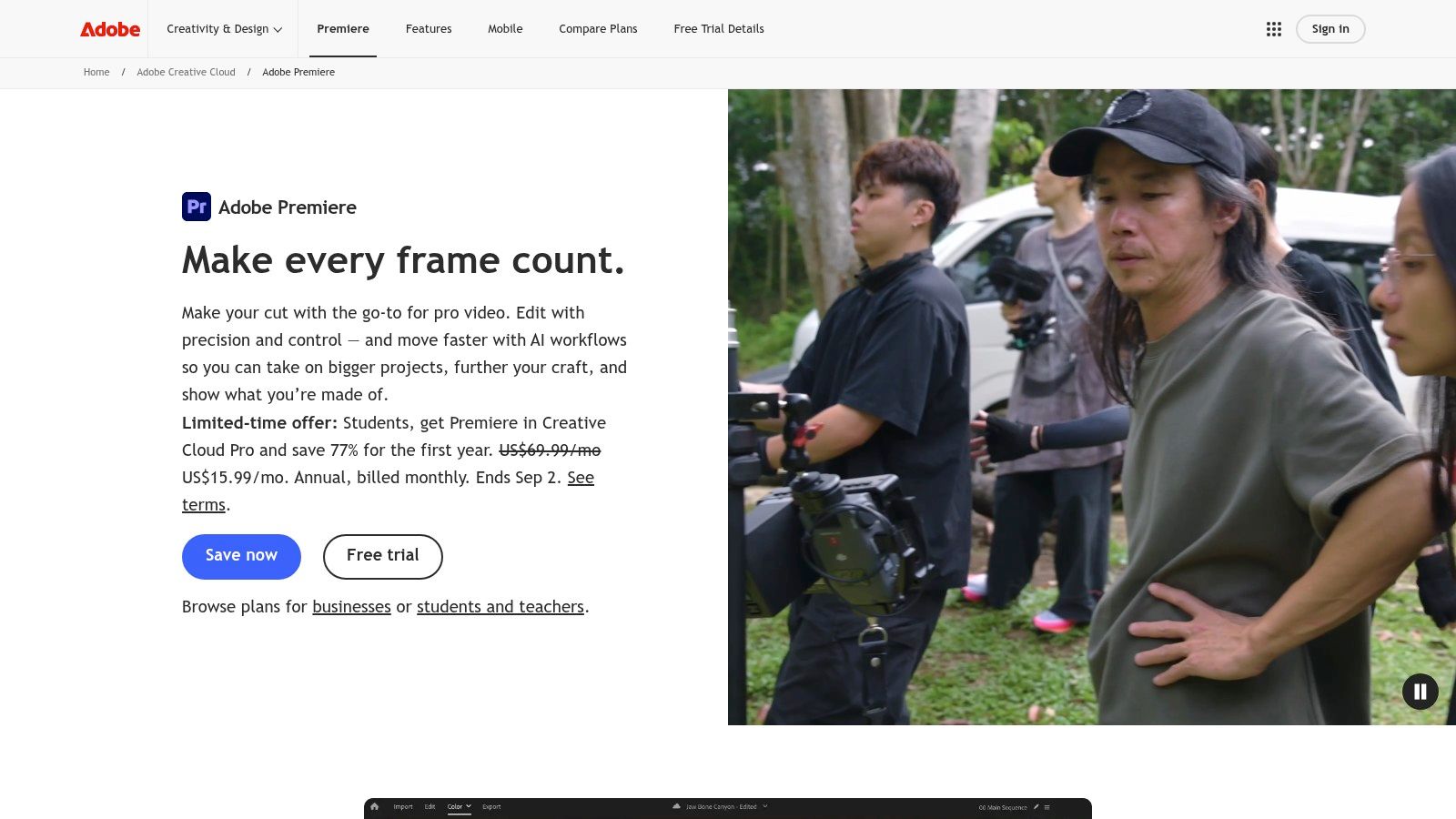
A single long-form recording can become a polished video, social clips, audio exports, and supporting graphics in Adobe Premiere Pro, provided an editor makes the right creative decisions. The software targets professional editors, agencies, and teams that need precise control over complex timelines, multiple cameras, layered audio, effects, and finishing.
Premiere Pro fits repurposing workflows that require several deliverables. Auto Reframe supports 1:1, 9:16, and 16:9 outputs for square, vertical, and widescreen publishing. Connections with Photoshop, After Effects, Audition, Frame.io, Adobe Express, and Firefly extend the workflow from graphics and audio cleanup to review and approvals.
Best for agency-grade repurposing
Choose Premiere Pro when several specialists contribute to one content package. An editor can shape the main cut, a designer can finish motion graphics in After Effects, a sound specialist can refine audio in Audition, and stakeholders can review through Frame.io.
- Choose it for control: Detailed finishing, plugins, and hardware options support demanding productions.
- Choose it for handoffs: Connected Adobe applications keep editing, graphics, sound, and approvals in one production chain.
- Avoid it for casual editing: Subscription licensing, demanding hardware requirements, and a substantial learning curve can overwhelm non-editors.
Premiere Pro delivers professional production quality, though it requires editorial judgment to find strong moments, write platform-specific copy, and maintain brand consistency. For busy teams, DIY editing stops making business sense when every deliverable still depends on manual selection, adaptation, review, and export.
2. Apple Final Cut Pro
Apple Final Cut Pro is the clearest recommendation for Mac-based creators who value fast editing and straightforward delivery. Its Magnetic Timeline reduces timeline management, while multicam support suits podcasts, interviews, event recordings, and panel discussions.
The software benefits from Apple silicon performance and handles ProRes workflows efficiently. Proxy media also helps teams manage larger source files without slowing the editing process. Recent versions include AI-assisted search and transcript tools, beat detection, and one-step exports for social and YouTube publishing.
Final Cut Pro's strongest advantage is speed for a capable solo editor. A creator can organize a recording, remove dead space, build a clean long-form cut, create vertical excerpts, and export without navigating the complexity of a larger Adobe stack.
Where Final Cut Pro fits
Final Cut Pro suits a founder or podcaster who edits regularly and works on a Mac. It has a gentler learning curve than many professional non-linear editors, especially for people familiar with iMovie-style editing.
Practical rule: Choose Final Cut Pro when one skilled Mac user owns the edit from ingest through export.
- Strength: One-time licensing avoids recurring subscription payments.
- Strength: Apple-focused optimization supports fast local editing.
- Limitation: It's macOS-only, which complicates mixed-device teams.
- Limitation: Review and approval workflows aren't as native as Adobe with Frame.io.
Final Cut Pro is excellent for producing video assets. It's less complete for generating the surrounding LinkedIn posts, quote graphics, carousels, audiograms, and blog content. Teams still need separate design and writing processes, or outside production support.
3. Blackmagic DaVinci Resolve
Blackmagic DaVinci Resolve is the strongest choice for teams that need professional editing, color correction, visual effects, and audio in one application. Its workspace brings together editing, Fusion effects, Fairlight audio, and advanced color grading.
That range matters when one recording must become more than quick social clips. A keynote may need polished slides and titles. A product interview may require consistent skin tones and cleaned audio. A course may need screen inserts, callouts, and the same visual treatment across every lesson.
Best for finishing quality
Resolve offers a generous free tier and a one-time Studio license for advanced capabilities. Its color tools are a major advantage when footage from different cameras must match.
- For color: Advanced grading supports precise visual consistency.
- For collaboration: Blackmagic Cloud supports multi-user workflows.
- For AI assistance: Magic Mask, text-based editing, and Studio noise reduction reduce repetitive work.
- For finishing: Fusion and Fairlight keep effects, titles, and audio in the same application.
Teams using a repeatable long-form video repurposing workflow can create templates for recurring clips and branded exports. Resolve also supports the quality control needed for polished video, audio, and social deliverables from one recording.
The trade-off is speed and accessibility. Resolve requires more technical skill than beginner-focused editors, some advanced AI functions require Studio, and non-editors can lose time learning the interface. For a marketer who needs publishable clips immediately, that learning curve can make DIY editing a poor business decision. Choose Resolve when finishing quality and control justify the training time, especially for teams with an experienced editor.
4. Descript
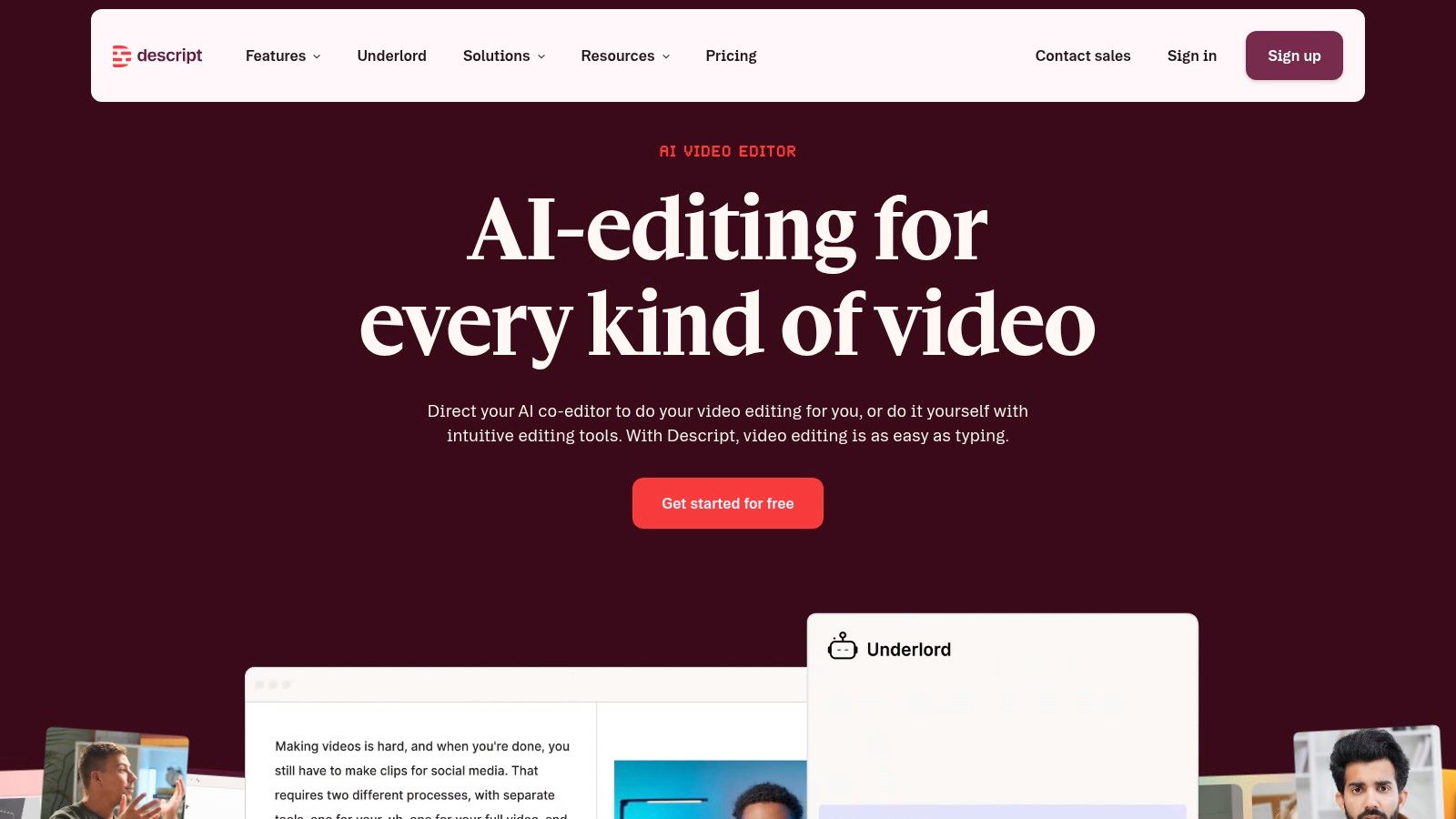
Descript changes editing by letting creators work from a transcript instead of starting with a traditional timeline. That makes it a practical choice for podcasts, interviews, talks, courses, and recorded sales conversations that need to become publishable video and audio clips quickly.
Automatic transcription identifies speakers, while removing words from the text cuts the matching media. Captions, screen recording, stock media, Studio Sound, Eye Contact, green screen tools, and social exports help turn one recording into captioned clips and supporting social assets.
Best for non-editors
Descript lowers the skill requirement. A marketer can search the transcript for a topic, highlight a useful passage, remove filler, and create a short clip without mastering a traditional timeline.
- Fastest path: Transcript editing speeds selection and rough cutting.
- Useful for teams: Shareable approval pages and Brand Studio simplify review.
- Strong for social: Captions and format exports support short-form publishing.
- Watch the limits: Web features and exports consume media minutes and AI credits.
Descript fits teams testing AI video editing tools for marketers, especially with spoken source material. It is designed for transcript-led workflows and spoken content. Complex timeline work, detailed compositing, advanced color finishing, and productions with extensive visual effects require another editor.
For a busy podcaster, Descript is a strong DIY starting point. For a content team, it can speed the first edit, while clip selection, copywriting, visual design, approvals, and publishing remain internal work. Once those tasks consume more team time than the content is worth, outsource the production or use a more specialized workflow.
5. CapCut
CapCut is the best option for high-volume, social-first video production. It's designed around Shorts, Reels, TikTok, vertical video, and square outputs rather than long-form finishing.
Auto-captions, AI reframing, platform presets, stock assets, effects, templates, and desktop and mobile apps make it easy to produce quick social variations. A creator can cut a talking-head moment, add captions, apply a vertical layout, and export without building a complicated project.
Best for fast social volume
CapCut is useful when a team already knows which moments to publish and needs rapid formatting. It's approachable for non-editors and works well for simple clips from podcasts, livestreams, interviews, and courses.
- For speed: Templates and presets reduce setup time.
- For formats: Vertical and square workflows suit common social placements.
- For accessibility: Desktop and mobile access support editing away from a workstation.
- For limitations: It lacks the deeper control found in full non-linear editors.
A team converting YouTube videos into Shorts can use CapCut for quick exports. It won't solve the editorial work before the edit. Someone still needs to watch the recording, identify useful ideas, write captions that fit the brand, verify accuracy, and create companion posts.
CapCut also isn't the strongest choice for sensitive sales calls or internal recordings where access, approvals, and file governance require careful handling. Pricing and team availability can vary by platform and region, so teams should verify current terms before standardizing on it.
6. Adobe Photoshop and Lightroom
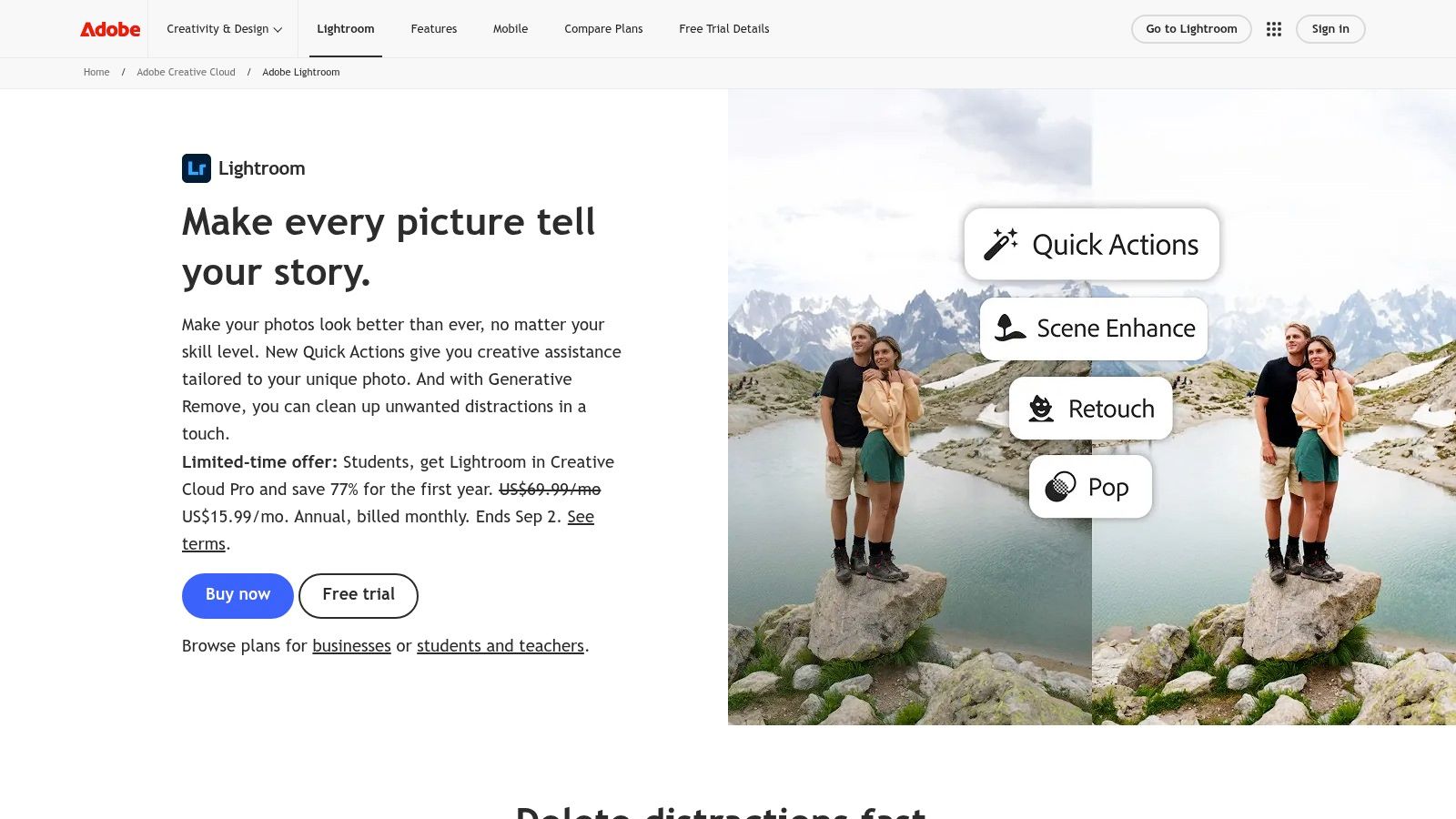
Adobe Photoshop and Lightroom are the strongest photo editing combination for teams producing thumbnails, cover art, quote graphics, social images, and branded visual variants. Lightroom handles cataloging, culling, batch edits, and organization. Photoshop handles composites, retouching, typography, and detailed graphic work.
This pairing supports content repurposing after the video edit. A team can pull a speaker frame for a thumbnail, correct the image in Lightroom, build a quote graphic in Photoshop, and export several dimensions for different channels. Cloud sync also helps users move between desktop, web, and mobile workflows.
Best for brand-controlled image production
Photoshop's non-destructive editing allows changes without overwriting original pixel data, so users can revise work without permanently damaging the source. Adobe explains that layer and vector masks also preserve the hidden pixels for later edits.
- For batch work: Lightroom applies consistent edits across image groups.
- For precision: Photoshop supports advanced retouching, composites, and branded layouts.
- For flexibility: Export presets and actions reduce repetitive delivery work.
- For drawbacks: Subscription licensing and broad capability may exceed simple design needs.
Teams handling image quotes for social media will find Photoshop powerful but labor-intensive. The software can create nearly any asset, but it doesn't decide which quote matters, write the supporting post, or manage stakeholder approval.
For teams producing large image libraries, batch product photo editing with AI can complement a broader Photoshop and Lightroom workflow. These applications remain best for skilled users who need control, not marketers seeking a complete recording-to-content pipeline.
7. Capture One Pro
Capture One Pro is the best photo editor for studio teams, photographers, and production environments that need reliable tethered capture and precise color control. It's built for professional RAW workflows rather than casual social design.
Sessions and catalogs support different organizational approaches. A studio can manage a single shoot as a focused session, while a larger library can use catalogs. Capture One Live supports collaborative review and sharing, which helps clients and stakeholders comment on images during production.
Where it earns its place
Capture One stands out when brand consistency depends on skin tones, product color, and controlled lighting. Advanced masking, layered editing, styles, and profile controls help teams create a repeatable visual standard.
- For studio work: Tethered capture keeps the photographer connected to the production workflow.
- For color: Precise controls support consistent brand presentation.
- For review: Capture One Live supports sharing and feedback.
- For learning: The interface demands more training than Lightroom.
Capture One can support visual assets extracted from a keynote, interview, or product recording, but it isn't a video editor. It won't create clips, captions, audiograms, or written posts. It makes sense when photography is a core production function, especially for teams producing original product or campaign imagery.
For a podcast team that only needs a thumbnail and quote graphics, Capture One is unnecessary. Lightroom or Canva will usually produce the required assets with less setup.
8. Skylum Luminar Neo
Skylum Luminar Neo is the best fit for non-expert users who need striking images quickly. Its AI-forward tools target common creative jobs, including sky replacement, background changes, relighting, portrait enhancement, and fast preset-based looks.
That makes Luminar Neo useful for thumbnails, speaker portraits, social graphics, and promotional images created from long-form recordings. A marketer can improve a frame grab or portrait without learning the full Photoshop workflow.
Best for fast visual polish
Luminar Neo keeps the interface approachable while offering more creative control than basic template tools. AI background and sky replacement, relighting, portrait tools, presets, and LUTs help users produce visually distinctive images without extensive manual masking.
- For speed: One-click transformations handle common visual changes quickly.
- For accessibility: The interface suits users without advanced retouching skills.
- For creative assets: Thumbnails and social images can gain stronger visual impact.
- For planning: Features and extensions may depend on the selected plan.
Luminar Neo is not a replacement for a complete photo catalog or video production system. It's a focused photo editor that improves individual images. Teams should also verify current pricing and packaging because plans can change.
The software works best as one step in a content pipeline. It can make a speaker portrait stand out, but a human still needs to select the right moment, pair the image with a useful quote, and prepare the accompanying copy.
9. Pixelmator Pro
Pixelmator Pro is the best lightweight choice for Mac users who want capable image editing without a recurring subscription. It combines RAW support, machine-learning enhancements, vector tools, text, templates, and optimized Apple silicon performance.
For a founder or small marketing team, Pixelmator Pro can cover common tasks around recorded content. It can create a podcast thumbnail, format a quote graphic, adjust a speaker portrait, or prepare a simple social mockup.
Best for practical Mac design
Pixelmator Pro balances simplicity and control. Machine-learning tools support denoise, super-resolution, and automatic adjustments, while vector and text features make it useful for social layouts.
- For cost control: One-time purchase licensing avoids subscription commitment.
- For performance: Mac-native optimization keeps the application lightweight.
- For flexibility: RAW, vector, text, and template workflows cover common marketing needs.
- For limitations: It's macOS-only and has fewer high-end retouching tools than Photoshop.
Pixelmator Pro suits users who don't need Adobe's extensive plugin and compatibility ecosystem. It won't replace a full video editor or a content production team. It also won't create written posts, carousels, captions, or publishing plans from a recording.
Teams comparing apps for editing photos on the go should treat Pixelmator Pro as a focused Mac solution. It's a strong image editor, not an all-format repurposing system.
10. Canva
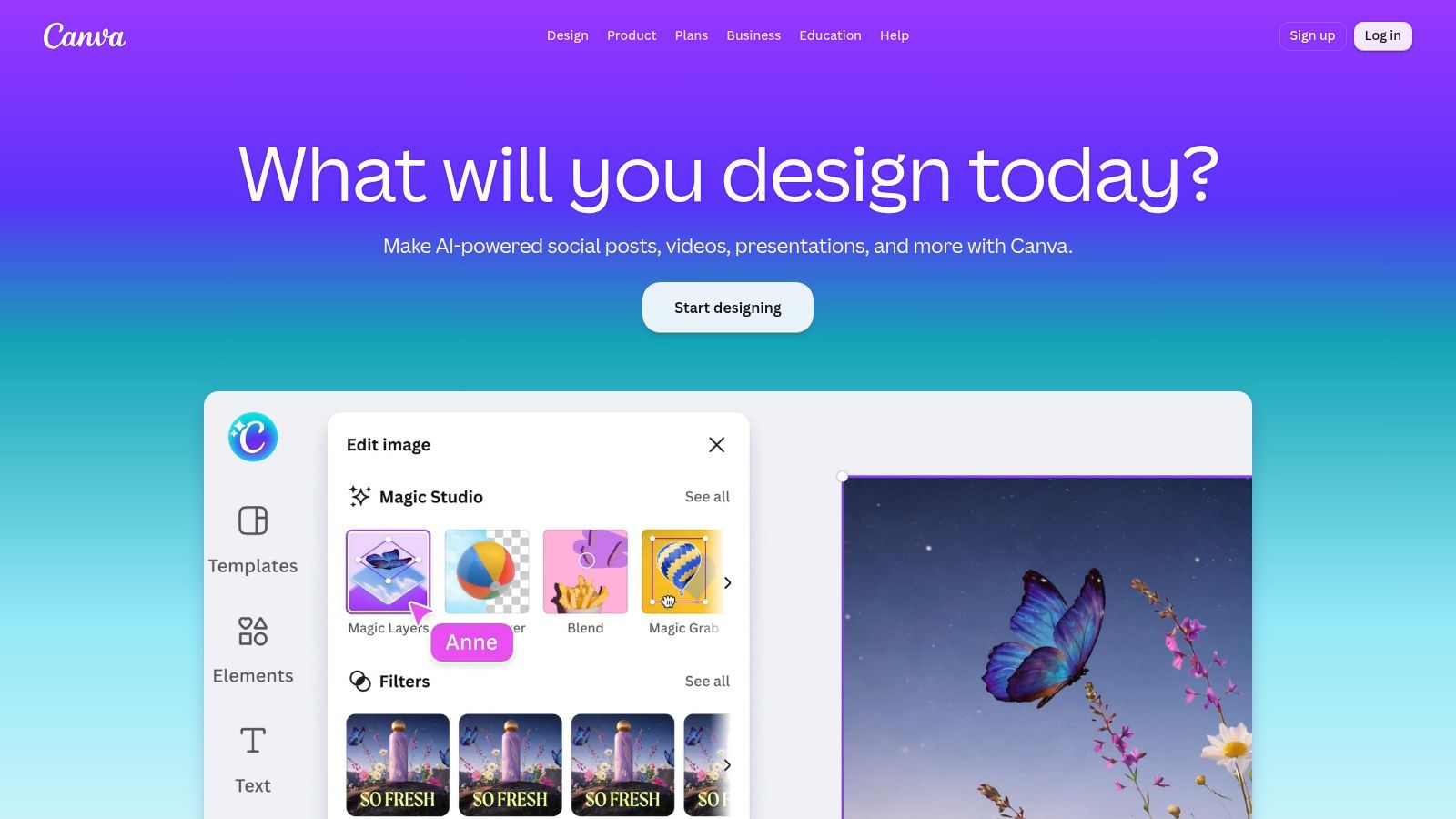
Canva is the clearest recommendation for branded graphics and accessible multi-format production. Its browser-based workflow suits marketers, founders, and teams that need quote graphics, carousels, thumbnails, simple videos, and social variations without specialist design skills.
Brand Kits keep logos, colors, and fonts available across projects. Templates, stock photo, video, and audio libraries reduce setup time. One-click resizing and platform presets help a team adapt a design for different channels, while collaborative links simplify review.
Best for non-designers and batch graphics
Canva works best after someone has already selected the source material. A team can turn a strong statement from an interview into a quote graphic, convert key points into a carousel, and resize the same visual for social channels.
- For brand consistency: Brand Kits reduce formatting errors.
- For collaboration: Shareable links make review accessible.
- For production volume: Templates support repeatable asset creation.
- For limitations: Canva offers less granular control than Photoshop or a professional non-linear editor.
Teams that need polished image carousels will find Canva efficient. The limitation is editorial rather than technical. Canva can format an idea quickly, but it doesn't reliably discover the best ideas inside a long recording or produce a complete content strategy.
It's the best design layer for many marketing teams. It's not the best standalone answer for turning one recording into video, audio, photo, written, and social assets.
Top 10 Photo & Video Editors, Feature Comparison
| Tool | Core focus & key features | Best for (target audience) | Ease & speed | Unique selling points | Pricing / licensing |
|---|---|---|---|---|---|
| Adobe Premiere Pro | Professional NLE; Auto Reframe, Frame.io, Firefly AI | Agencies, pro editors, cross‑app finishing | Powerful but steeper learning; moderate turnaround | Tight After Effects/Photoshop handoff; plugin ecosystem; review workflows | Subscription (Adobe CC); team plans |
| Apple Final Cut Pro | Mac‑optimized NLE; Magnetic Timeline, ProRes, multicam | Mac creators, event/podcast video, fast editors | Very fast on Apple silicon; quick exports | High performance; one‑step social exports; one‑time license | One‑time purchase (macOS only) |
| Blackmagic DaVinci Resolve | End‑to‑end edit/color/VFX/audio; Fusion & Fairlight | Colorists, finishing houses, teams needing pro tools | Powerful but steeper learning curve | Industry‑leading color; strong free tier; Studio upgrades | Free tier; Studio one‑time license for advanced features |
| Descript | Text‑based audio/video editor; auto transcript & speaker detect | Podcasters, non‑editors, rapid repurposing workflows | Very fast from raw to captioned clips | Edit-by-text workflow; Studio Sound & easy review links | Subscription; media minutes and AI credits may apply |
| CapCut | Social‑first editor; templates, auto-captions, presets | Shorts/Reels/TikTok creators, high‑volume social teams | Extremely fast with templates; mobile + desktop | Trend templates, platform presets, generous free tier | Free tier; Pro/Teams plans vary by region |
| Adobe Photoshop + Lightroom | Photo toolkit for thumbnails, cover art, retouching | Designers, content teams needing high‑quality imagery | Moderate; feature‑rich with cloud sync | Deep retouching, batch Lightroom workflows, Firefly generative | Subscription (Photography Plan) |
| Capture One Pro | RAW editor with tethering, color control, sessions | Studio photographers, brands needing color consistency | Moderate to steep; optimized studio workflows | Best tethered capture and color accuracy; session workflows | Subscription or perpetual options; typically higher cost |
| Skylum Luminar Neo | AI‑first photo editor; sky replace, relighting, presets | Non‑expert creators needing fast “wow” thumbnails | Very fast; one‑click transforms | AI background/sky tools and quick creative looks | Paid plans; extensions and features vary by plan |
| Pixelmator Pro | Mac‑native image editor; ML tools, templates, RAW support | Mac users wanting affordable, capable image editor | Fast and lightweight on Apple hardware | ML enhancements, one‑time purchase, good Apple integration | One‑time purchase via Mac App Store (macOS only) |
| Canva | Template‑driven design & light video editor; Brand Kit | Non-designers, teams producing carousels, quotes, short clips | Extremely fast and collaborative | Brand Kit, thousands of templates, easy multi-format exports | Free tier; Pro/Team subscriptions for brand features |
When Software Is Not the Bottleneck
Software stops being the main solution when the team knows how to edit but lacks time for the complete workflow. A finished clip requires more than a cut. Someone must watch the source, find useful moments, remove weak sections, create captions, reframe the video, clean the audio, write platform-specific copy, design supporting visuals, collect approvals, revise the files, and publish them.
Collaborative video production includes setup and asset organization, ingest, rough cut, fine cut, finishing, approvals and revisions, then export and delivery. LucidLink's workflow treats approvals and revisions as a distinct production stage. That stage often creates the delay, especially when a founder, subject-matter expert, designer, editor, and marketing lead all need to review the same content.
A practical DIY workflow looks like this:
- Find the source moments: A team watches one long recording and marks useful ideas for clips, posts, quotes, and graphics.
- Edit the video: The editor creates long-form and short-form cuts, then reframes each version for relevant channels.
- Build the supporting assets: A writer drafts LinkedIn posts and a blog article. A designer creates quote graphics and carousels. An audio editor prepares audiograms.
- Review everything: Stakeholders check accuracy, brand voice, captions, names, claims, visuals, and links.
- Export and publish: The team prepares final files, descriptions, posting notes, and channel-specific versions.
That workflow can consume a week, even when each individual task seems manageable. The problem isn't that Premiere Pro, Descript, Canva, or another editor lacks features. The problem is that one person still has to perform every role.
The done-for-you alternative
RepurposeYourContent provides a simpler production path for podcasters, founders, personal brands, keynote speakers, demand generation teams, agencies, and B2B marketing departments.
- Send one recording: The source can be a podcast, interview, keynote, sales call, livestream, course, meeting, or other long-form recording.
- Spend about 15 minutes sharing context: The team receives brand requirements, preferred topics, audience details, and publishing priorities.
- Receive 20 to 30 ready-to-publish assets in 72 hours: Deliverables include video clips, LinkedIn posts, quote graphics, carousels, audiograms, and a blog post.
- Approve or request revisions: Clients can request unlimited revisions before approving the delivery.
The service includes a 72-hour turnaround guarantee, or the client doesn't pay. Pricing starts from $14 per finished asset, and one 45-minute recording becomes 30 assets. The content is written in the client's brand voice and prepared for practical publishing across channels.
The result is a complete repurposing workflow without asking a founder or marketer to become an editor, designer, copywriter, and project manager. Clients send the recording, then receive finished content back.
Book a call or request a sample from RepurposeYourContent to see what one recording can produce. Teams can also explore our photo tools when they need additional image support.
Tags:




