Turn Podcast Into YouTube Videos: A 3-Format Workflow
Learn how to turn podcast into YouTube videos that get discovered. Our guide covers a 3-format workflow for full episodes, clips, and Shorts that drives growth.

Turning a podcast into YouTube videos works best as a portfolio, not a single upload. One episode should produce three assets: Shorts that reach new viewers, mid-form cuts that rank around a specific question, and a full episode that serves existing listeners.
That structure matters because YouTube rewards packaging and format, not passive reposting. Uploading audio with cover art is fast, but it usually gives founders the worst trade-off in the whole system: minimal production effort up front, weak discovery after publish, and very little surface area for search, suggested video traffic, or channel growth.
I have seen the same pattern repeatedly. Teams spend an hour exporting the full episode, then skip the harder work of cutting strong moments, writing searchable titles, and building thumbnails people would click. The result is a channel full of long videos with almost no entry points.
A better approach is to treat every recording as a reusable content asset inside a podcast content repurposing strategy built for distribution. Shorts get attention. Mid-form clips give YouTube clear topics to index. Full episodes build trust with the audience that wants the complete conversation.
DIY can do this, but the time cost climbs fast. One founder can cut a few clips manually. Producing all three formats consistently, every week, is where most in-house efforts stall.
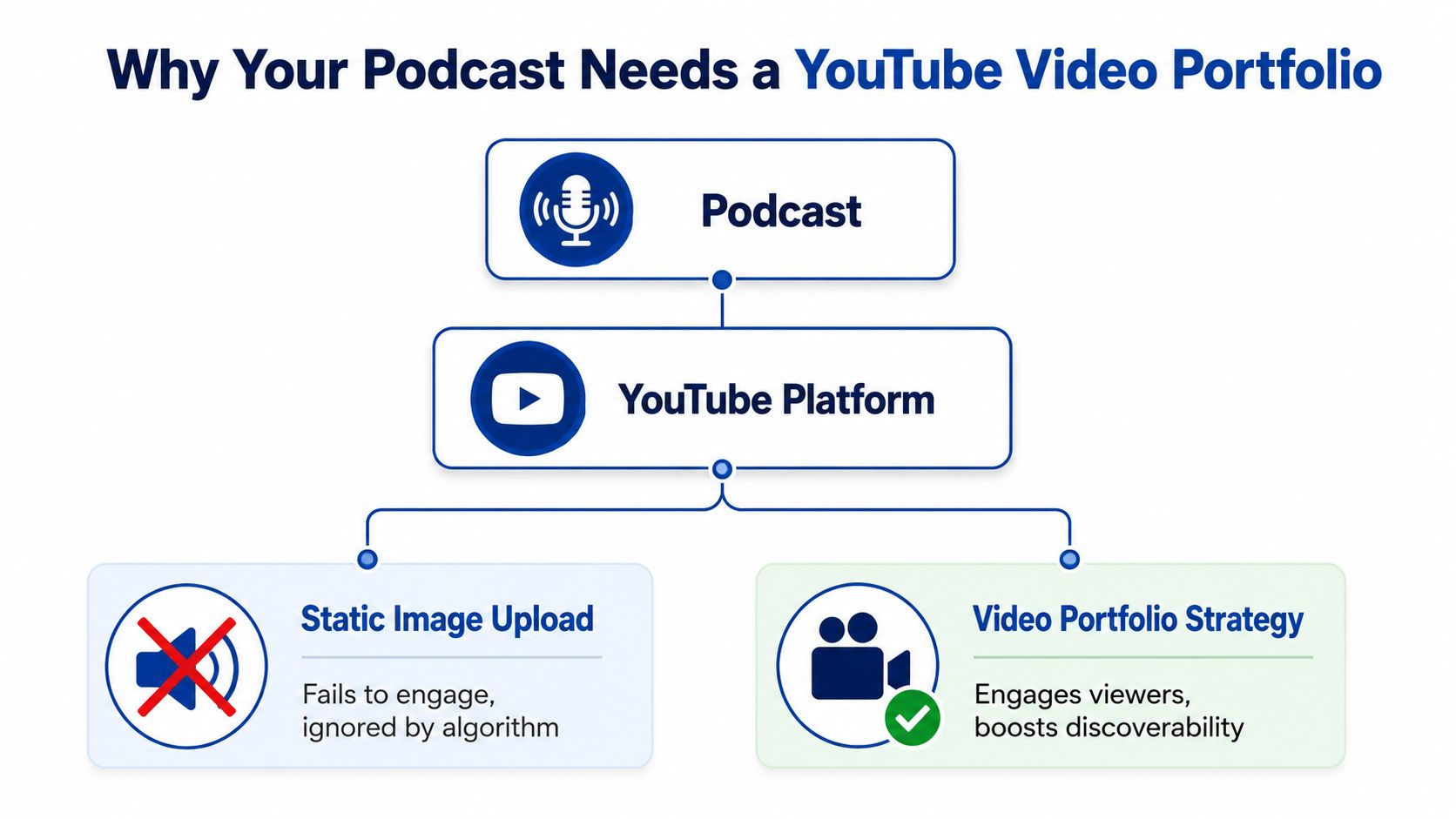
Why Your Podcast Needs a YouTube Video Portfolio
YouTube now supports podcast publishing inside YouTube Studio. Creators can create a new podcast, turn an existing playlist into a podcast, or submit an RSS feed, which shows podcast publishing on YouTube has moved into a built-in workflow instead of a workaround (YouTube podcast publishing guidance).
That product change matters because it changes the expectation. A podcast on YouTube is no longer just an audio file with cover art. It needs format, structure, and packaging that fit how people browse and search on YouTube.
One episode should do three jobs
A strong podcast channel doesn't rely on one upload per episode. It publishes a video portfolio.
That portfolio has three parts:
- Shorts for reach. These put strong moments in front of strangers. They work best as sharp, self-contained ideas, not random excerpts.
- Mid-form topic cuts for discovery. These are the discovery engine. A focused segment around one clear question gives YouTube something searchable and clickable.
- Full episodes for loyalty. These serve people already bought into the host, guest, or show. They're important, but they rarely carry channel growth by themselves.
Practical rule: One recording should produce multiple entry points, not one giant upload and a hope.
Most podcasters get this backward. They publish the full episode first, then clip from it if there's time. That turns clipping into an afterthought. On YouTube, the clips and topic cuts often do the recruiting.
Static uploads don't build a channel
A still-image audio upload asks viewers to stare at almost nothing. That's a hard sell in a sidebar full of faces, movement, and promises.
A real YouTube strategy treats the episode as raw material. It asks which moments deserve a Short, which question deserves its own mid-form video, and whether the full episode is strong enough to keep existing fans watching.
For teams planning broader reuse beyond YouTube, this same logic supports a wider podcast content repurposing strategy.
The portfolio that works
The most useful way to think about YouTube podcasting is this:
| Format | Main job | Best audience |
|---|---|---|
| Shorts | Get attention fast | New viewers |
| Mid-form topic cuts | Win search and recommendations | Interested strangers |
| Full episodes | Deepen trust | Existing audience |
That mix is what turns podcasting into a channel, not a content graveyard.
A Practical Workflow to Convert Audio into Video
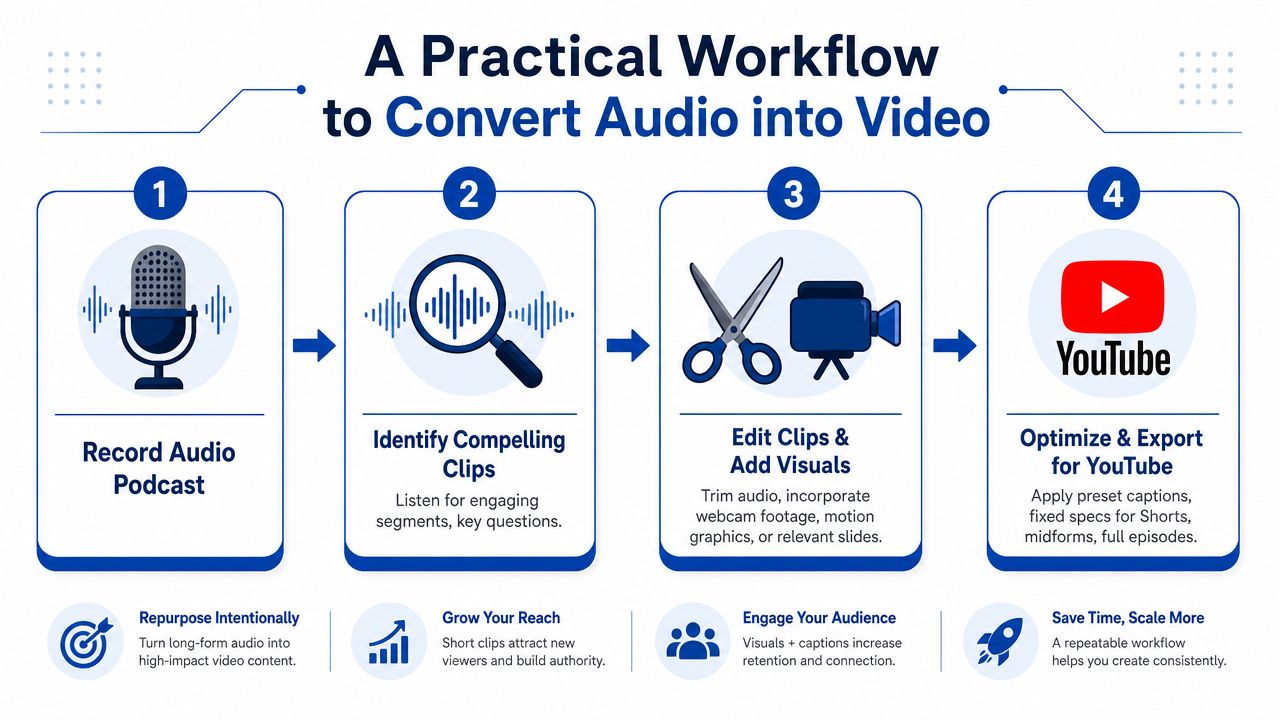
One podcast recording can easily turn into three separate production jobs. Shorts need speed and punch. Mid-form cuts need structure and a clear search angle. Full episodes need organization, chapters, and enough visual polish to hold attention for loyal viewers.
That is why teams stall here. The strategy sounds simple. The labor is not.
A workable process starts by deciding what the episode is becoming before anyone opens the editor. For YouTube, that means planning the three-tier portfolio first, then producing each asset for its actual job. YouTube's own support documentation reinforces that video format, editing, captions, export settings, and playlist setup all belong inside the workflow, not at the end as cleanup work (YouTube Studio workflow guidance).
What the manual workflow actually includes
A realistic manual process looks like this:
- Review the episode and mark usable moments. Someone has to listen for hooks, clean standalone answers, strong stories, and moments that can survive outside the full conversation. That usually takes longer than founders expect.
- Assign each moment to a format. A strong Short is not automatically a strong 10-minute topic cut. Mid-form needs a beginning, middle, and payoff. Full episodes need segment logic.
- Build the first edits. That means trimming filler, tightening answers, removing setup that only works in audio, and reshaping pacing for video.
- Add visual structure. Captions, speaker labels, layouts, brand styling, and visual hierarchy make the clip understandable even when viewers are half-watching or muted.
- Package the long-form version. Full episodes need a stronger opening, chapter breaks, timestamps, and basic quality control before upload.
- Export and check each version separately. Shorts, mid-form, and full episodes need different framing, runtimes, and final reviews.
- Upload and optimize. Titles, thumbnails, descriptions, playlists, and chapter labels still need to be written.
DIY's margin erosion occurs not because any one task is hard, but because the stack of tasks keeps expanding across three formats.
I see the same pattern repeatedly. A founder records for 60 minutes, assumes clipping will take another hour, and then burns half a day getting two decent assets out the door. That is usually the moment YouTube repurposing starts slipping down the priority list.
The shortcut that saves the most time
Transcript-based editing cuts a big chunk of that labor. Reading a conversation is faster than scrubbing through a timeline for every usable sentence. It also improves judgment. Good clips become easier to spot when the weak setup, repetition, and side tangents are visible in text.
Templates save the next block of time. Fixed caption styles, repeatable layouts, standard cold opens, and prebuilt export presets remove dozens of tiny production decisions that slow a team down.
For a closer look at that process, this guide on how AI content repurposing works explains the production logic well.
A visual example helps here:
A simple production example
A single episode can be processed in this order:
- Step 1. Pull one sharp promise from the first minute for the cold open.
- Step 2. Identify one self-contained question that can stand alone as a mid-form video.
- Step 3. Extract several short moments that make sense without extra setup.
- Step 4. Add captions and visual hierarchy so the point is clear even with the sound off.
- Step 5. Add chapter markers to the full episode and write searchable section labels.
The opening does disproportionate work on YouTube. As noted earlier, weak retention in the first 30 seconds can suppress distribution fast. Podcast habits like long intros, host banter, and housekeeping often hurt more on YouTube than podcasters expect.
Chapter structure helps for a different reason. It gives viewers a faster path to the part they care about and makes full episodes easier to browse. This guide on time-stamping YouTube videos covers the mechanics.
Done manually, that entire workflow can consume hours for one episode before thumbnail work even starts. A done-for-you service changes the math because the team is no longer trading founder time for editing labor. The result is not just more clips. It is a repeatable three-tier video portfolio published on schedule.
Design Thumbnails and Titles That Get Clicks
Podcast channels often lose the click before the content even gets judged. The episode may be good. The packaging tells strangers it isn't for them.
That happens when the thumbnail looks like internal labeling. Episode numbers, tiny guest names, logos, and polite headshots work for existing fans. They don't work for a sidebar full of competing videos.
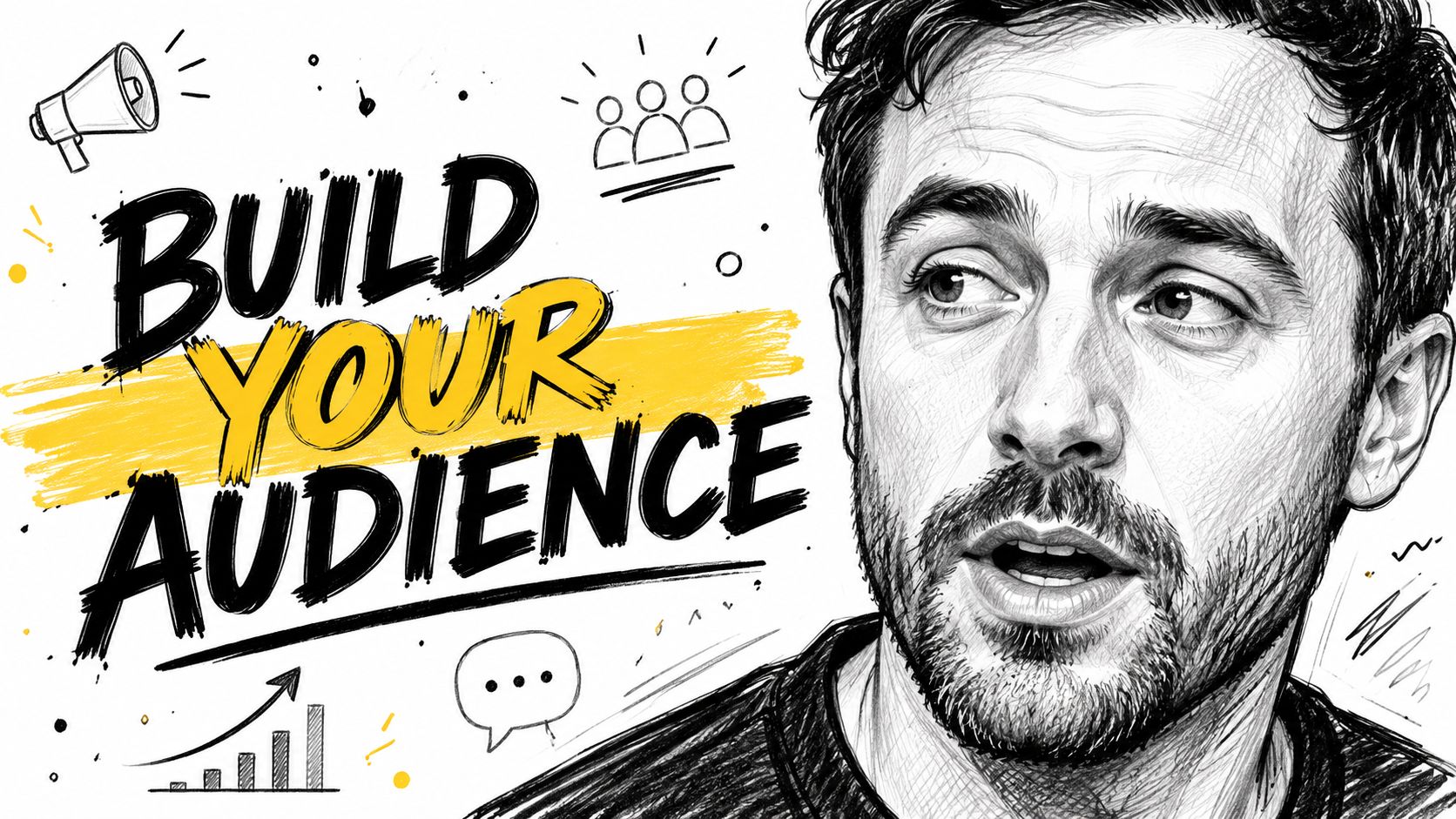
Use the face and claim pattern
The most reliable thumbnail template for conversation content is simple:
- Large face on one side. Crop tight. Use a frame with visible expression, not a formal portrait.
- Short claim on the other. Keep it to three to five words.
- Consistent brand element across the channel. A repeated color bar, background treatment, or caption style helps the page look like one show.
The claim should express tension, not topic. "Why platform strategies fail" gives a viewer a reason to care. "Episode 51 with Jane Doe" doesn't.
If the thumbnail only makes sense to someone who already knows the show, it isn't a discovery thumbnail.
Titles should be searchable, not archival
A podcast title and a YouTube title are not the same thing.
Podcast titles often function like catalog entries. YouTube titles need to help a stranger decide fast. That means searchable wording, clear stakes, and plain English.
A strong title usually does one of these:
- Answers a known question. Useful when the guest explains a problem buyers already search for.
- Makes a strong statement. Useful when the segment contains a contrarian point.
- Names the outcome clearly. Useful when the clip gives tactical advice.
Weak YouTube titles tend to include the show name first, the episode number, or a vague phrase like "great conversation."
For broader title and metadata guidance, this breakdown of video SEO best practices is worth reading.
Basic YouTube SEO for podcast episodes
When teams turn podcast into YouTube videos, the discoverability basics are usually enough to separate a useful channel from a dead one:
| Element | What to do |
|---|---|
| Title | Lead with the searchable idea, not the episode number |
| Thumbnail | Show tension fast with face plus claim |
| Description | Summarize the main topic in plain language |
| Chapters | Label sections by topic, not vague time markers |
| Playlist | Group episodes into a proper podcast structure |
This isn't complicated. It just requires editing and packaging for strangers instead of publishing for loyal listeners only.
The Hard Truth About Audio-Only Content on YouTube
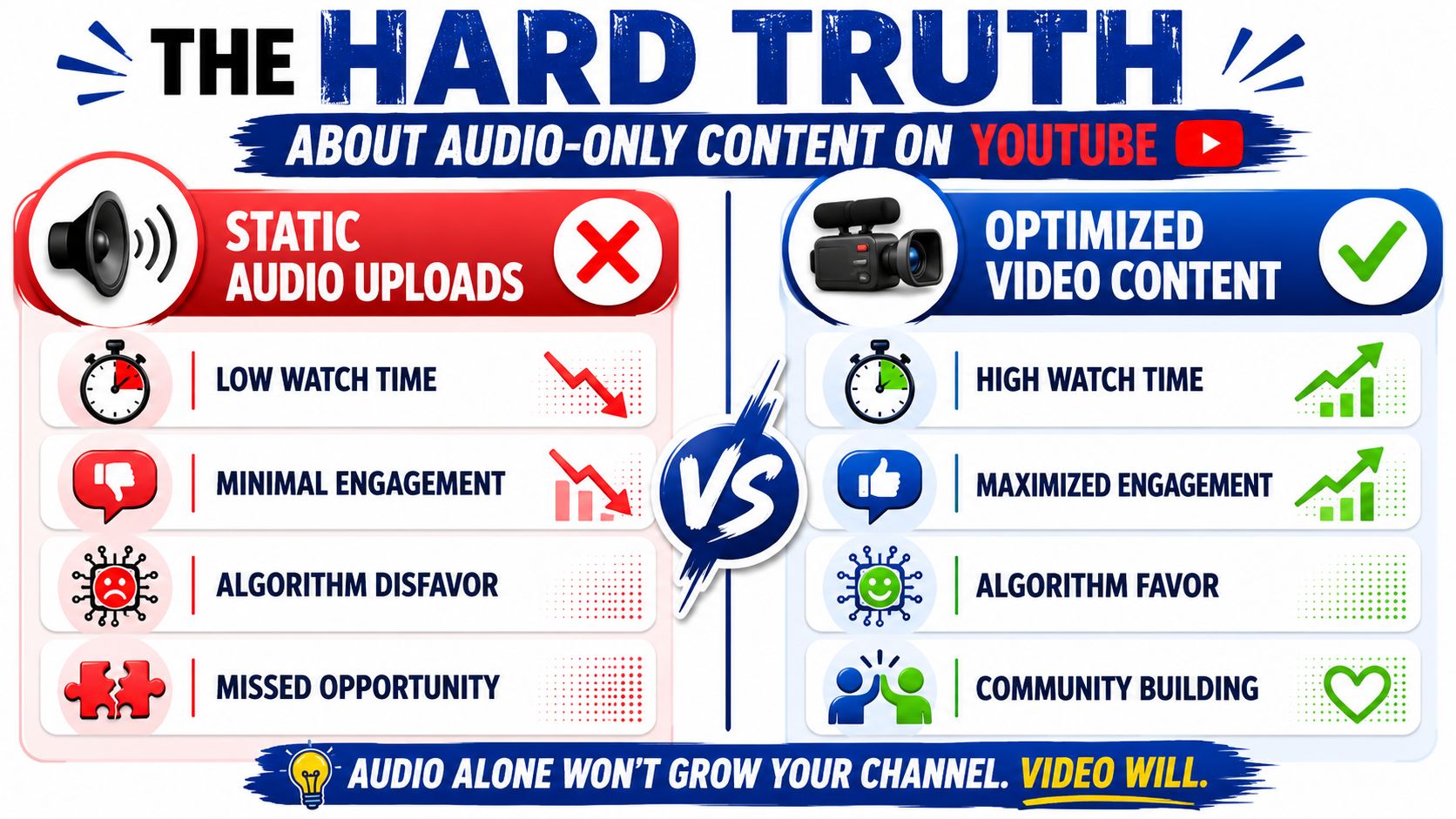
YouTube rewards viewing behavior, not podcast loyalty. A still image with full-length audio gives the platform very little to work with, and it gives new viewers very little reason to stay.
One publisher that documented its own adaptation process said plain audio uploads with a static image had “no success” over several years, while results improved once the show used stronger intros and visuals built for YouTube (podcast-to-YouTube adaptation guidance).
What to do with an audio archive
Treat your archive like a three-tier video portfolio, not a pile of episodes that all need the same edit.
That means:
- Shorts for reach
- Mid-form cuts for topic-based discovery
- Full episodes for depth, trust, and session time
The mistake is trying to force audio-only material into the full-episode tier every time. That is usually the highest-effort format with the weakest return.
A better approach is to match production time to likely payoff.
- For Shorts. Use audiograms with animated captions, fast pacing, speaker labels, and clear visual branding. This is the cheapest way to test whether an idea can earn attention on YouTube.
- For mid-form cuts. Use the same caption-led style for segments that answer one clear question or deliver one strong point. These often outperform full uploads because the commitment is lower and the topic is narrower.
- For full episodes. Only invest when the episode has enough value to justify added motion, chapter cards, slides, pull quotes, B-roll, or reference visuals.
That last tier is where DIY time gets expensive fast. Pulling one clean short from an audio file is manageable. Building a full YouTube episode from audio alone means editing dead space, creating visual variation, adding chapters, designing on-screen elements, checking pacing, and exporting something that does not feel flat. Founders rarely have time for that every week.
Audio can work on YouTube, but only in the right format
Short-form audio can perform well because the viewer only needs to stay for one idea. If the first line is strong and the captions do most of the communication, an audiogram can carry the clip.
Long-form still-image uploads ask for a much bigger commitment. There is no face, no scene change, no visual cue that the conversation is progressing. Retention usually suffers, and weak retention limits distribution.
Record video from now on, even if it is a simple camera angle. That one production decision increases the value of every future episode.
For the backlog, be selective. Some episodes should become Shorts only. Some deserve a few mid-form cuts. A smaller number deserve full-episode treatment. That is the practical way to turn podcast into YouTube videos without wasting hours polishing formats the audience does not want.
If the team does not have the time to build all three tiers consistently, a done-for-you podcast video clipping service is usually cheaper than having a founder or marketer spend half a day inside Premiere or Descript for one episode.
For teams already publishing on YouTube, this guide on repurposing YouTube videos for social media shows how to extend the value after the YouTube edit is done.
The Done-for-You Alternative
Doing this well takes hours every episode. Reviewing the conversation, cutting formats, styling captions, creating thumbnails, writing titles, organizing chapters, and exporting assets isn't one task. It's a production chain.
The alternative is simpler. A client sends one recording. That can be a podcast, webinar, keynote, interview, or meeting recording. Within 72 hours, the client gets 20 to 30 ready-to-publish assets, including video clips, LinkedIn posts, quote graphics, carousels, audiograms, and a blog post. The work is delivered in the client's brand voice, with unlimited revisions. Client time is about 15 minutes.
The economics are hard to ignore. One 45-minute recording can become 30 assets, with pricing starting from $14 per finished asset. There is also a 72-hour turnaround guarantee or the client doesn't pay.
For teams that want the video layer handled for them, the done-for-you video clips service is built for exactly this workflow.
Stop Making Clips and Start Building a System
A YouTube podcast strategy works when each format has a job.
Shorts bring in new viewers. Mid-form cuts give YouTube something discoverable. Full episodes serve the people already invested in the show. That three-tier portfolio is the difference between posting content and building a channel.
Many teams can do this themselves. They just won't do it consistently because the workflow is heavier than it looks. Every episode becomes a pile of editing, packaging, and publishing decisions.
That's why a repeatable system matters more than any single clip. A founder or marketing lead needs a production process that keeps moving even when the calendar is full. This framework for a content repurposing workflow for small teams is a good place to tighten the operation.
If the goal is to turn podcast into YouTube videos without burning internal hours, book a call or request a sample from RepurposeYourContent. Send one recording. Get back a month of finished content.
Tags:




