10 Ways to Repurpose Podcast Episodes for Social Media
Learn how to repurpose podcast episodes for social media. This guide covers 10 formats like video clips, carousels, and posts to grow your B2B audience.

Most podcast promotion dies fast. The fix is simple. Repurpose podcast episodes for social media by turning one recording into native assets for each platform, not one generic post copied everywhere.
That means one episode becomes clips, text posts, carousels, quote graphics, audiograms, email content, and a blog post. Goldcast notes that a single episode can become 1 to 2 blog posts, 5+ social clips, multiple audiograms or infographics, and 1 to 2 email campaigns through a podcast repurposing workflow for B2B marketers. The problem is labor. Doing that manually eats a week.
For a busy B2B founder or marketer, that's the main bottleneck. Recording the episode is usually the easy part. Pulling out the best moments, rewriting them for LinkedIn, formatting them for Instagram, and packaging them for search takes far longer.
A smarter approach treats the episode as raw material. One strong exchange becomes a LinkedIn post, a Reel, and an X thread, each adapted to the platform. That's how a single recording keeps working after publish day.
A useful reference point sits in these TimeSkip strategies for video reach. The core idea is the same. Long-form content performs better when it gets broken into native, repeatable assets.
1. Captioned Vertical Clips
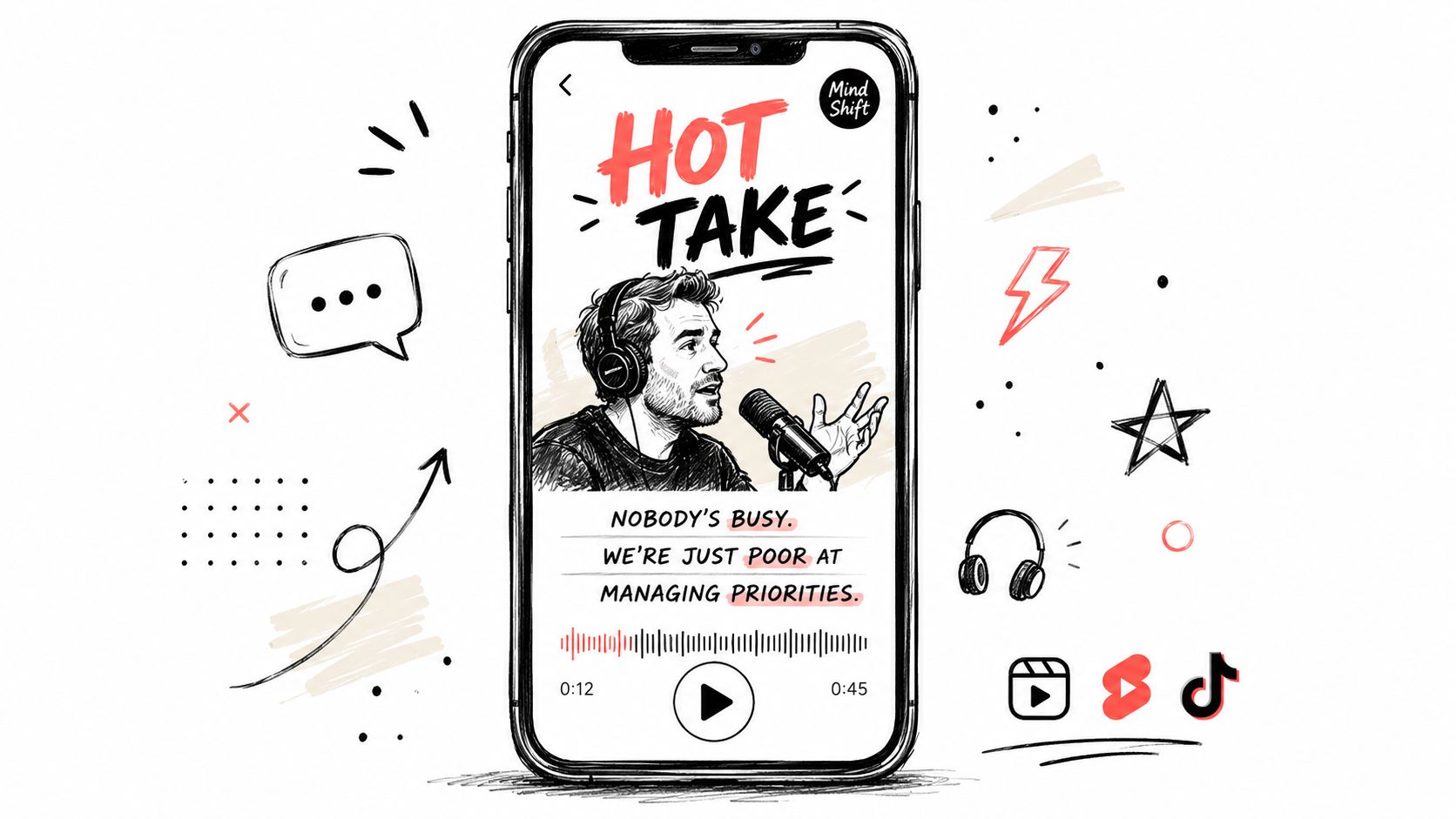
Short vertical clips are the reach engine. They travel farther than almost anything else because every major platform pushes short video into feeds.
For B2B podcasts, LinkedIn often beats expectations. The same pricing clip that gets casual views elsewhere can attract profile visits and buyer attention on LinkedIn because that's where the audience already thinks about work.
What one episode should yield
A solid 45-minute episode should usually produce 8 to 12 vertical clips. Keep most clips in the 30 to 60 second range. Rev specifically recommends 20 to 30 second snippets for reels and short-form social in its guide to repurposing podcasts and videos.
The mistake is starting with the setup. Start with the strongest line.
Practical rule: The first line matters more than the rest of the clip. If the best sentence lands 45 seconds into the original recording, cut that line first.
DIY time cost
Finding moments, trimming them, reframing them vertically, adding captions, and branding them usually takes 6 to 8 hours for one episode.
That's before writing post copy for each platform. It also assumes someone on the team knows how to judge pace, framing, and subtitle timing. This particular aspect is frequently underestimated.
For platform-specific editing guidance, this LinkedIn vertical video best practices guide is the right standard.
2. Native Text Posts
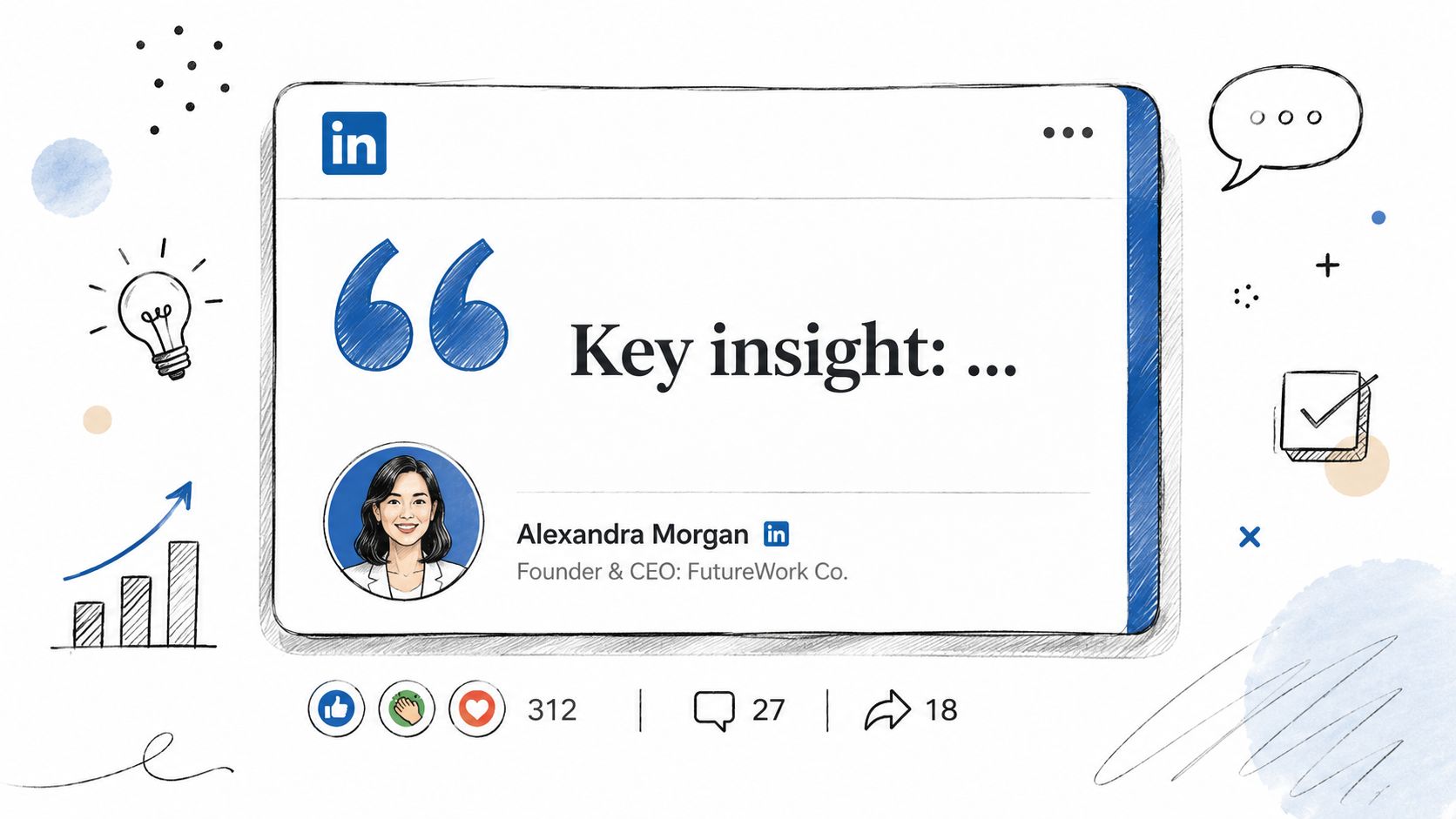
Text posts create discussion. They're often the simplest asset to produce and the easiest way to turn episode insight into comments, replies, and direct messages.
This works best on LinkedIn and X. The post should stand alone. It shouldn't feel like an ad for the episode.
How to write one
Take one strong claim from the recording. Rewrite it in the host's voice. Cut the scene-setting. Put the sharpest line first.
A founder interview about pricing, for example, might become a LinkedIn post that starts with a direct point like this. Most B2B teams don't have a pricing problem. They have a packaging problem.
Then follow with a short explanation and one practical takeaway. No link in the post. No “new episode is live.” The value is the post itself.
Bare episode-link posts consistently underperform. Native posts earn the conversation.
DIY time cost
Drafting, editing, and formatting 4 to 5 text posts from one episode usually takes 1 to 2 hours. That's if the transcript is already clean.
The comparison that matters is native versus generic. This native content vs repurposed content comparison shows why the rewrite step matters.
3. Carousels
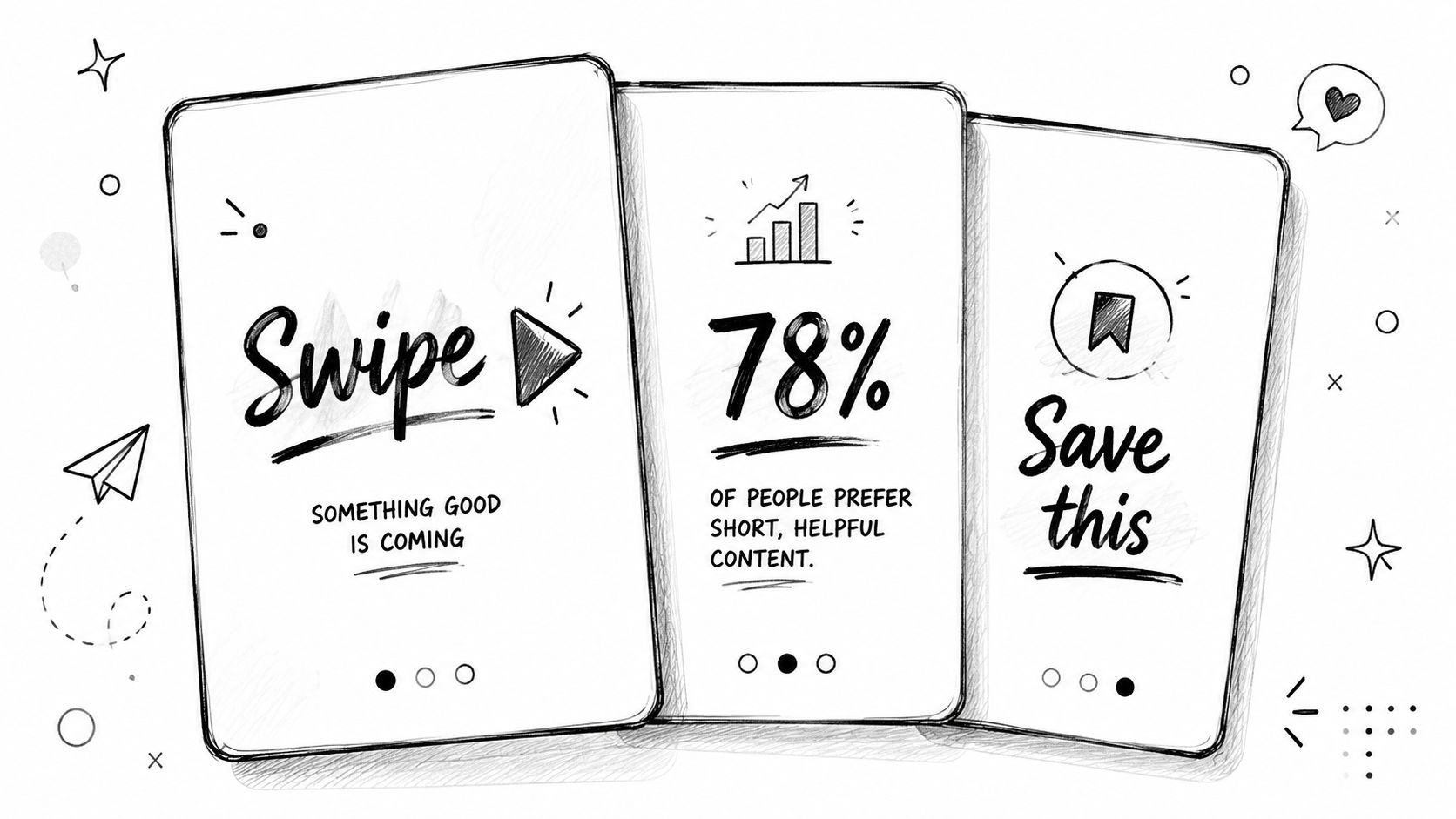
Carousels turn spoken frameworks into teachable content. They work especially well when a guest shares steps, mistakes, or a process that can be broken into slides.
Many audio-first teams miss an opportunity. The spoken idea is good, but the feed needs a visual-text version of that idea.
Where they fit best
LinkedIn carousels work for B2B education. Instagram carousels work for swipeable summaries. A strong episode can easily produce 1 to 3 carousels if the conversation contains a framework, list, or sequence.
One episode on outbound strategy, for example, might produce a 6-slide carousel:
- Slide 1 hook: Why most outbound fails before the first call
- Slide 2: Weak targeting
- Slide 3: Generic messaging
- Slide 4: No follow-up system
- Slide 5: No offer clarity
- Slide 6 CTA: Want the full breakdown? Listen to the full conversation
The visual translation gap is real. A projected 2025 industry report angle says many B2B marketers struggle to convert audio-only content into visual-text assets, even though executives often prefer readable formats during work hours.
DIY time cost
Expect 2 to 3 hours per carousel. That includes copywriting, layout, design cleanup, and proofreading.
For teams building these regularly, this LinkedIn carousel creation guide helps standardize the workflow. Teams that want design help can also review these AI-powered carousel ideas for creators, though the strategy still matters more than the design software.
4. Quote Graphics
Quote graphics aren't the star asset. They're the consistency asset. They fill the calendar between bigger posts and keep the brand visible without a full editing session.
They're especially useful when the guest says something compact, opinionated, or surprising. A sharp quote plus the guest's face gives the post context and credibility fast.
Best use cases
Use quote graphics on LinkedIn and Instagram. They work best when the quote is short, readable, and clearly attributed.
A good format is simple:
- Quote: One sentence, not a paragraph
- Speaker name: Clear and visible
- Brand treatment: Consistent background, fonts, and logo
- Optional caption: Add one sentence explaining why the quote matters
Guest quote graphics also increase the chance of resharing. The guest has something polished to post without extra work.
DIY time cost
If the team already has a template, producing 4 to 6 quote graphics still takes about 1.5 hours. Without a template, it takes longer because every design choice becomes a decision.
This image quote workflow for social media is a useful production baseline.
5. Audiograms
Audiograms matter more for audio-only shows than video podcasts. They turn a pure audio moment into a file social platforms can display natively.
That makes them useful when there's no camera footage, or when the available video looks weak. A strong audio clip with captions and a waveform can still carry the message.
When to use them
Use audiograms for guest soundbites, provocative claims, or short teaching moments. They fit LinkedIn, X, and Instagram well when the production stays clean.
A founder-led show with remote audio interviews, for example, can turn a 25-second answer about hiring mistakes into:
- an audiogram for LinkedIn
- a quote graphic for Instagram
- a text thread on X
That's one moment, adapted three ways.
DIY time cost
Creating 3 to 4 audiograms with a branded template and readable captions usually takes about 2 hours.
This audiogram creation guide for social media covers the format decisions that keep them from looking dated.
6. The Industrial Clipping Mindset
One viral clip won't save a podcast. Consistent testing will.
The best public example is The Diary of a CEO. Steven Bartlett has openly described clips as a core growth engine, and the broader lesson is clear. The team treats each episode as raw material, tests many variations, and keeps what performs.
What B2B teams should copy
The takeaway isn't celebrity scale. It's process.
A B2B team can apply the same model on a smaller level:
- Pull multiple moments: Don't stop at one “best” clip
- Test different openings: The hook line changes results
- Change framing by platform: LinkedIn clip, Instagram Reel, X thread
- Review performance weekly: Keep the winning patterns
Virality is usually a selection process, not a lucky break.
DIY time cost
Running this properly is close to a part-time or full-time role. Clipping, rewriting, posting, and reviewing performance can easily consume a team member's week.
That's why most shows never build a repeatable clip engine. They produce one or two posts, then move on.
7. Blog Posts and Show Notes
Search traffic does not come from audio files. It comes from text.
If you want an episode to keep working after the first week, turn it into a blog post and useful show notes. A raw transcript is the starting point, not the finished asset. You still need to cut repetition, tighten the argument, add headers, and format the page so a reader can scan it fast.
A simple workflow works best. Start with a clean transcript. Pull out the main argument, three to five subpoints, and any quote worth keeping. Then split the output into two assets. One blog post built around a clear topic. One show notes page built for listening, with timestamps, links, and a short summary. Our podcast transcription guide covers the input layer that makes this possible.
DIY time cost
At this point, DIY gets expensive.
Turning one episode into a publishable article and solid show notes usually takes 4 to 6 hours of focused work. That includes transcript cleanup, outlining, writing, editing, formatting, SEO basics, CMS upload, and final review. If the speaker rambles, the time goes up. If nobody owns editorial quality, the result reads like a transcript with headings, which does not help search or conversions.
Done for you, the tradeoff is simple. You pay money to get those hours back and keep publishing on schedule. For a broader workflow, this internal guide on how to repurpose podcast episodes shows how text assets fit into the overall system.
8. Email Newsletter Content
Email is where podcast content reaches people without fighting an algorithm. But most podcast emails waste the opportunity by sending a bare link and a weak subject line.
A better email gives the insight upfront. The reader should get value without clicking.
A simple structure that works
Use the episode to build one short newsletter:
- Opening note: Why the topic matters now
- Three takeaways: Pulled from the episode and written plainly
- One direct quote: Optional, if it's strong enough
- Closing CTA: Listen to the full episode or reply with a question
For example, an episode on sales hiring can become an email that starts with one line about why first hires fail, followed by three hiring mistakes the guest explained. That's useful even if the reader never plays the audio.
Support for transcription as the input layer is clear in any strong podcast transcription workflow. Once the text exists, email becomes fast.
DIY time cost
Writing one good newsletter from an episode usually takes about 1 hour. It takes longer if nobody has already highlighted the best sections.
9. Platform-Native Adaptation
One podcast moment can produce four usable posts. Adapting that moment for each platform is where the time cost shows up.
Every network expects different packaging. LinkedIn wants a clear point of view. Instagram needs visual payoff. TikTok and YouTube Shorts need speed. X needs a punchy sequence people can scan fast.
Use one strong exchange from the episode and reshape it for the channel:
- LinkedIn: Turn the clip into a native text post with a sharp takeaway and a direct opinion
- Instagram: Publish a Reel with captions or turn the same idea into a swipe carousel
- TikTok and YouTube Shorts: Cut a vertical clip with a fast hook, visible captions, and tighter pacing
- X: Rewrite the point as a short thread with one idea per line
The idea stays consistent. The wrapper changes.
This work is slow if you do it manually. A marketer has to review the source, choose the angle, rewrite the hook, trim the format, and match the post to the platform. That usually adds 1 to 2 hours per episode before design or scheduling starts. A done-for-you service removes that decision load and gives you ready-to-publish assets instead of another content task sitting in backlog.
A stronger operating model appears in this social media content batching workflow.
10. Performance Tracking
Repurposing without review turns into busywork. Every format needs a job.
Clips should bring reach and new attention. Text posts should create discussion. Carousels should earn saves and longer dwell. Quote graphics should keep the posting rhythm alive.
What to track
Keep the scorecard simple:
- Vertical clips: Reach, profile visits, follower growth
- Text posts: Comments, reposts, quality of discussion
- Carousels: Saves and completion behavior
- Audiograms and quote graphics: Consistency and assisted engagement
- Blog posts and emails: Traffic, replies, subscriber movement
The wrong benchmark is “did it get views.” The useful benchmark is “did it lead to a conversation, subscriber, visit, or buyer signal.”
A clip that reaches strangers and a text post that starts buyer conversations are doing different jobs. Judge them differently.
DIY time cost
Pulling platform data into one weekly view usually takes around 1 hour. More if the team posts across LinkedIn, Instagram, TikTok, YouTube Shorts, and X.
A related workflow for broader video output appears in this guide to repurposing video content for social media.
10-Point Podcast Repurposing Comparison
| Format | Implementation complexity | Resource requirements | Expected outcomes | Ideal use cases | Key advantages |
|---|---|---|---|---|---|
| 1. Captioned Vertical Clips: The Reach Engine | Moderate, editing, captioning, branding steps | Video editor, caption tool, ~6–8 hrs to produce 8 clips per 45‑min episode (DIY) | High reach and discovery; drives profile visits and new followers | Top‑of‑funnel growth on TikTok, Reels, Shorts and LinkedIn (B2B) | Algorithm‑friendly format with strong discoverability |
| 2. Native Text Posts: The Conversation Starter | Low, writing and formatting | Minimal (writer/editor), ~1–2 hrs to create multiple posts | High engagement (comments, shares) and community conversations | Building authority and converting viewers on LinkedIn and X | Low production cost with strong conversational ROI |
| 3. Carousels: The Teaching Tool | Moderate, copy + slide design | Designer/copywriter, ~2–3 hrs per carousel | Increased saves and dwell time; positions you as a teacher | Explaining frameworks or step‑by‑step content on Instagram/LinkedIn | Structured learning that encourages saves and repeat views |
| 4. Quote Graphics: The Consistency Layer | Low, template‑based graphic design | Simple template, guest assets, ~1.5 hrs to produce several | Steady posting cadence and shareable touchpoints | Filling content calendar and leveraging guest networks | Fast to produce and encourages guest amplification |
| 5. Audiograms: The Audio‑to‑Video Bridge | Low–Moderate, audio clipping + waveform visuals | Audio editor, template assets, ~2 hrs for 3–4 audiograms | Native playable clips that present audio on visual platforms | Audio‑only podcasts needing social native formats | Converts audio into shareable, native social video |
| 6. Industrial Clipping Process: A Viral Case Study | High, large‑scale production and testing | Dedicated team/member (40+ hrs/week), analytics support | Greater likelihood of finding viral clips; scalable growth | Ambitious podcasters focused on volume and tested iteration | Data‑driven selection increases repeatable wins |
| 7. Blog Post & Show Notes: The SEO Asset | Moderate, writing + SEO structuring | Writer/SEO, transcription cleanup, ~4–6 hrs per post | Long‑term organic traffic and discoverability via search | Building topical authority and passive discoverability | Generates persistent, high‑intent search visitors |
| 8. Email Newsletter Content: The Owned Audience | Low, selective curation and copy | Email tool, writer, ~1 hr per newsletter | Deeper listener engagement and repeat listens | Nurturing subscribers and promoting new episodes | Owned channel unaffected by social algorithms |
| 9. Platform‑Native Adaptation: The Core Principle | Moderate, strategic planning per episode | Strategy time + minor extra production (1–2 hrs planning) | Better performance per platform and higher overall engagement | Teams optimizing cross‑platform effectiveness | Tailors assets to platform norms for higher impact |
| 10. Performance Metrics to Track: What Actually Matters | Low, weekly analysis and reporting | Analytics tools, ~1 hr/week to compile and review | Improved ROI through informed optimization | Data‑driven teams proving value and prioritizing formats | Focuses efforts on metrics that drive business results |
From Recording to Content Engine in 72 Hours
A podcast episode shouldn't produce one post and disappear. It should produce a month of content. That's the practical answer for any team that wants to repurpose podcast episodes for social media without posting inconsistently.
The problem is workload. Manual repurposing stacks up fast. Clipping alone can absorb most of a day. Add copywriting, carousel design, quote graphics, blog formatting, and posting prep, and one episode can consume 10 to 16 hours of skilled work. With such a time investment required, spare capacity is often lacking, so the episode gets published once and then ignored.
A realistic workflow looks like this.
A real workflow example
Step 1 is transcription and review. Someone cleans the transcript and highlights the strongest moments.
Step 2 is asset extraction. Those moments get split into clips, quote pullouts, frameworks, and email takeaways.
Step 3 is native formatting. The best moment becomes a LinkedIn text post, a captioned Reel, a YouTube Short, and an X thread. The framework becomes a carousel. A clean quote becomes a graphic. The fuller idea becomes a blog post.
Step 4 is scheduling and review. The team checks which formats drove reach, replies, profile visits, and saves.
That system works. It just takes time.
The done-for-you alternative
RepurposeYourContent offers the simpler path. A client sends one recording. It can be a podcast, webinar, keynote, interview, meeting, or sales call. Within 72 hours, the client gets 20 to 30 ready-to-publish assets, guaranteed, or they don't pay.
That includes video clips, LinkedIn posts, quote graphics, carousels, audiograms, and a blog post. Everything is delivered in the client's brand voice with unlimited revisions. Pricing starts from $14 per finished asset. Client time is about 15 minutes.
This is the trade-off. A team can spend hours clipping, writing, designing, and formatting. Or it can send one recording and receive the finished content package.
RepurposeYourContent is part of that same service evolution. The company started with webinars and expanded because clients kept sending podcasts, interviews, keynotes, and other recordings that needed the same treatment.
Busy B2B teams don't need more raw footage sitting in folders. They need finished assets they can publish this week.
Book a call or request a sample.
Tags:




